Behavior-Based Detection: How Security Tools Spot Malware Actions
Behavior-based detection identifies threats by watching what software does, not by checking its name, allowing systems to catch new malware that signatures miss.

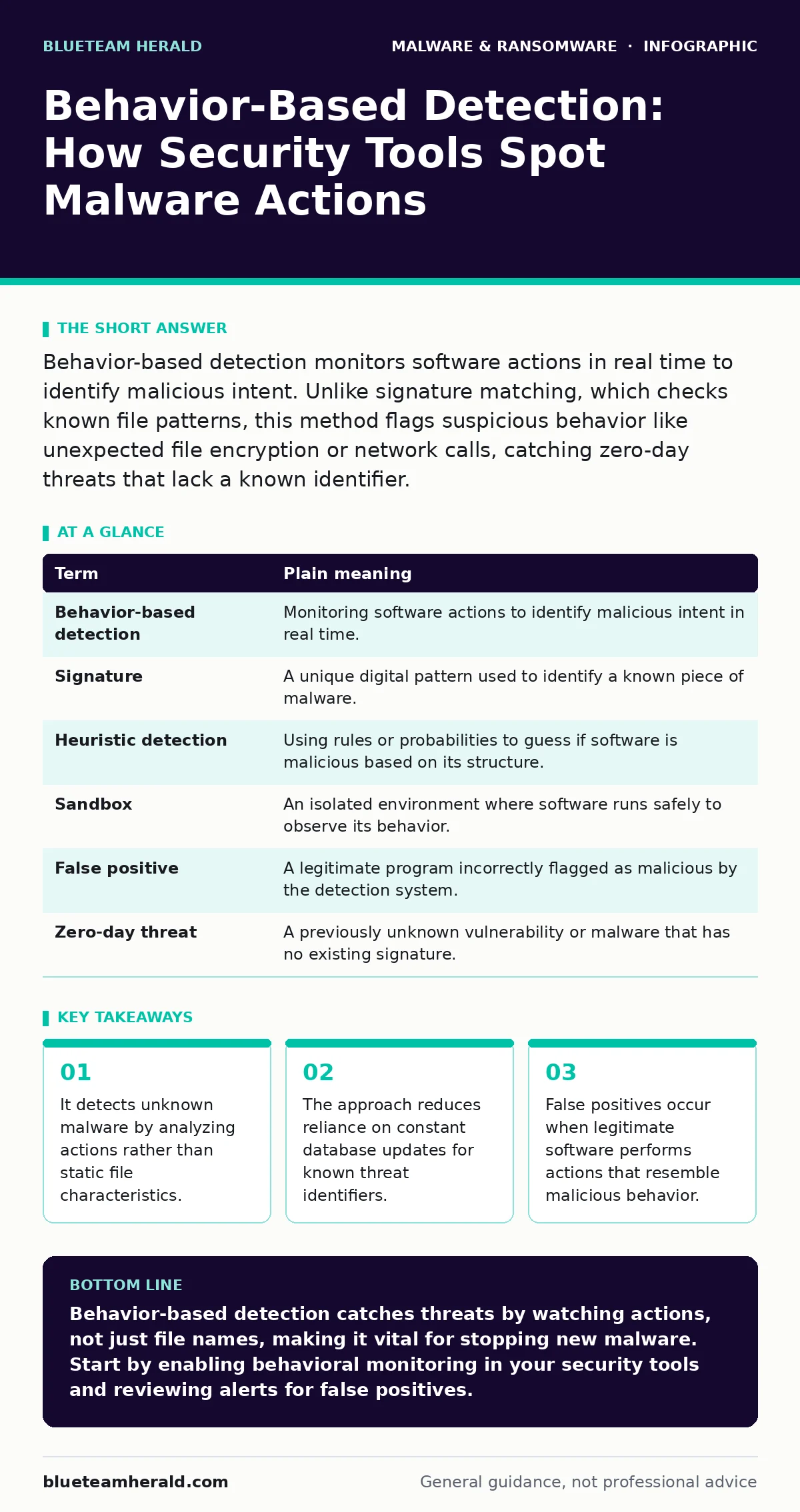
Behavior-based detection monitors software actions in real time to identify malicious intent. Unlike signature matching, which checks known file patterns, this method flags suspicious behavior like unexpected file encryption or network calls, catching zero-day threats that lack a known identifier.
The Security Guard Analogy
Imagine a building with a strict security guard at the entrance. The guard has a photo album of known criminals. If someone matches a photo, they are denied entry. This is how traditional malware signatures work. The system compares a file against a database of known bad files. If the file matches, it is blocked. If it is new, the guard lets it in because it is not in the album.
Now imagine the guard watches what people do inside the building. A visitor might look innocent, but if they start copying blueprints, locking doors, and demanding payment to open them, the guard acts. This is behavior-based detection. It does not care if the person is known. It cares about the actions. The guard watches for patterns that indicate a threat, regardless of who performs them.
This analogy carries through the technical reality. Security tools that use behavior analysis watch processes, files, and network connections. They look for sequences of actions that are abnormal for the specific application. A web browser should not be trying to encrypt your hard drive. A calculator should not be sending data to an external server.
Key Terms in Plain Language
| Term | Plain meaning |
|---|---|
| Behavior-based detection | Monitoring software actions to identify malicious intent in real time. |
| Signature | A unique digital pattern used to identify a known piece of malware. |
| Heuristic detection | Using rules or probabilities to guess if software is malicious based on its structure. |
| Sandbox | An isolated environment where software runs safely to observe its behavior. |
| False positive | A legitimate program incorrectly flagged as malicious by the detection system. |
| Zero-day threat | A previously unknown vulnerability or malware that has no existing signature. |
Why Signatures Fall Short
Signatures are fast and accurate for known threats. They consume little processing power because they simply compare hashes or byte sequences. However, they are blind to anything new. Attackers modify malware slightly to change its signature. This is called polymorphism. The code looks different, but it does the same harmful thing.
Heuristic detection tries to bridge this gap. It looks for suspicious code structures, like obfuscation or unusual packing. It is better than pure signatures but still analyzes the file before it runs. It can miss threats that look like normal code until they execute.
Behavior analysis changes the question from "What is this file?" to "What is this file doing?" This shift allows detection of spyware or infostealers that may have clean signatures but exhibit data-exfiltration behavior. It also helps identify web shells that upload malicious scripts to a server, as the script’s behavior will differ from standard web content.
The Mechanics of Observation
To detect behavior, the system must observe the software in action. This often happens in a sandbox. The sandbox is a virtual machine or container that mimics a real user environment. The software runs inside this isolated space. The system records every action: file creation, registry changes, network requests, and process spawning.
If the software tries to access sensitive areas or communicate with known command-and-control servers, the system flags it. The analysis can be static, looking at the code’s intent, or dynamic, watching the execution. Dynamic analysis is more effective because it reveals what the code actually does, not just what it claims to do.
This process requires resources. Running every file in a sandbox slows down the system. Therefore, most systems use a hybrid approach. They use signatures for known threats and behavior analysis for suspicious or new files. This balance keeps performance acceptable while maintaining security.
The Hidden Cost of Accuracy
The main drawback of behavior-based detection is the false positive rate. Legitimate software often performs actions that look malicious. An installer might modify system files deeply. A security tool might scan the registry aggressively. A backup program might encrypt files.
If the detection engine is too sensitive, it blocks useful software. This frustrates users and disrupts workflows. If it is too lenient, it misses threats. Tuning the system requires understanding normal behavior for each application. This is difficult in diverse environments where software changes frequently.
Another hidden cost is evasion. Attackers know about behavior monitoring. They use techniques like slow-and-low attacks, spreading malicious actions over time to avoid detection thresholds. They might mimic legitimate user interactions to blend in. This arms race means behavior rules must be updated constantly, just like signatures.
Practical Steps for Detection
- Enable behavioral monitoring: Ensure your endpoint protection platform has behavior analysis turned on. Do not rely solely on signature updates. Check the settings for "advanced protection" or "behavioral blocking."
- Review alerts carefully: When a false positive occurs, do not simply whitelist the file. Investigate why it was flagged. Sometimes the alert reveals unexpected behavior in a legitimate tool that could be risky.
- Use extended detection and response (XDR): XDR platforms correlate behavior across endpoints, networks, and clouds. This provides a broader view of threats that might look benign on a single device but are part of a larger attack pattern.
Integrating with Recovery Plans
Detection is only one part of security. If malware slips through, you need a plan to recover. Ransomware recovery plans should assume that detection might fail. Behavior-based detection can stop the encryption process if it recognizes the rapid file modification pattern. However, it may not recover the files already encrypted.
Understanding how malware behaves helps in building these plans. If you know that certain malware targets specific file types or network shares, you can prioritize backups for those areas. It also helps in isolating affected systems quickly. By recognizing the behavior, you can cut off the network access that the malware needs to spread.
The Future of Observation
As software becomes more complex, behavior analysis becomes more critical. Machine learning models are now used to predict malicious behavior based on vast amounts of data. These models can identify subtle patterns that human analysts might miss. They adapt to new tactics faster than static rules.
However, the core principle remains the same. You must watch what the software does. The analogy of the security guard still holds. The guard now has better cameras and AI assistants to help, but the job is still to watch for bad actions. The technology changes, but the need for observation does not.
Key takeaways
- It detects unknown malware by analyzing actions rather than static file characteristics.
- The approach reduces reliance on constant database updates for known threat identifiers.
- False positives occur when legitimate software performs actions that resemble malicious behavior.
Behavior-based detection catches threats by watching actions, not just file names, making it vital for stopping new malware. Start by enabling behavioral monitoring in your security tools and reviewing alerts for false positives.
Frequently asked questions
How does behavior detection differ from signature detection?
Signature detection matches files against a database of known threats, while behavior detection watches what the software does in real time to identify malicious actions.
Can behavior detection stop all malware?
No, it can miss threats that mimic legitimate behavior or operate slowly to avoid detection thresholds, and it may generate false positives for normal software.
What is a sandbox in malware analysis?
A sandbox is an isolated environment where software runs safely, allowing analysts to observe its behavior without risking the main system.
Why do false positives happen in behavior analysis?
Legitimate software often performs actions like file encryption or registry changes that resemble malicious behavior, leading to incorrect alerts.
How this guide was produced: written by the BlueTeam Herald editorial team with AI assistance, checked against the public references listed below, and reviewed when the facts change. See our editorial policy or report an error.