Web Shell Prevention Checklist: Stop Persistent Backdoors
Web shells hide in legitimate directories and bypass perimeter defenses by operating only after an attacker has already gained initial access to your server.

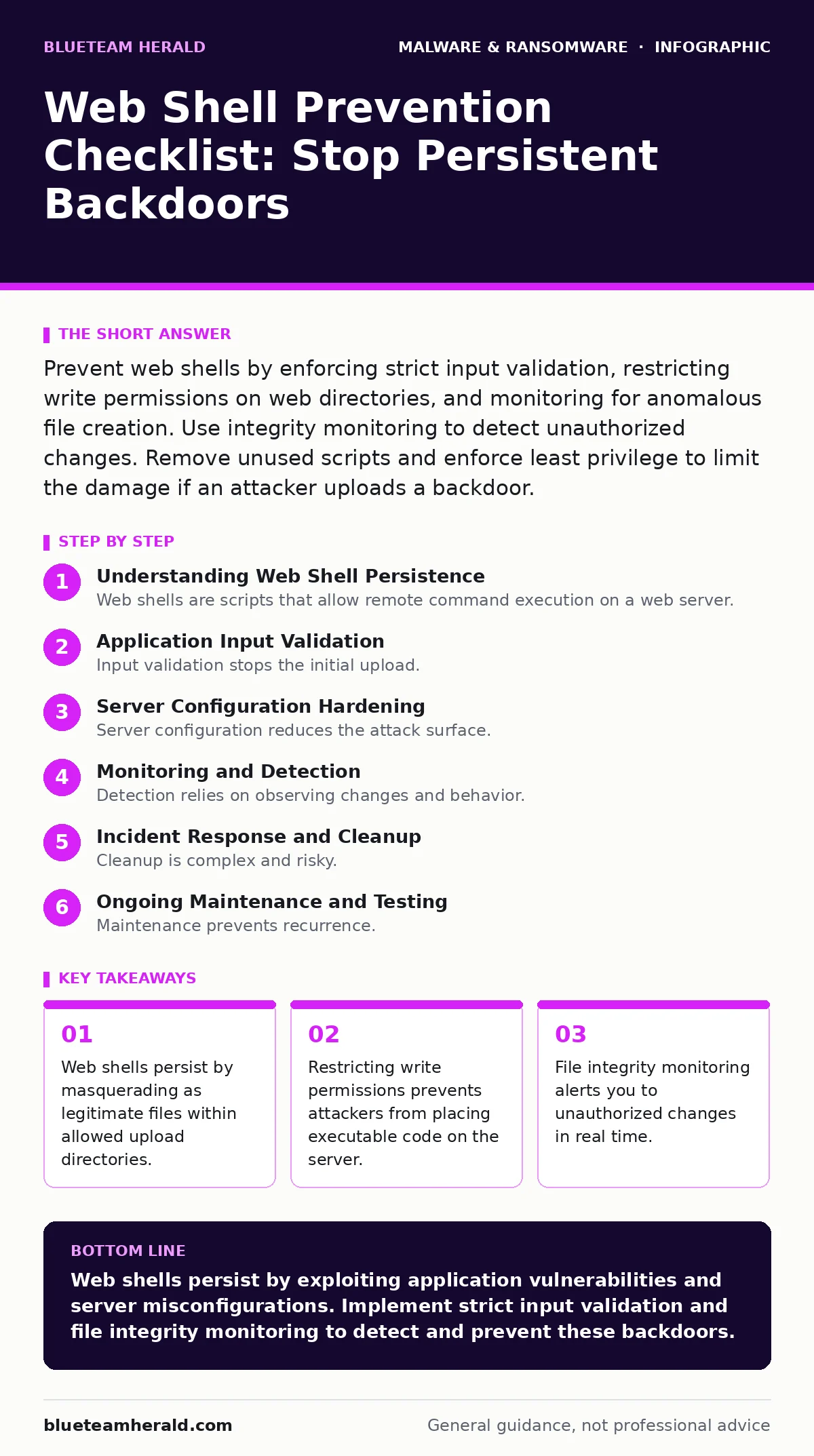
Prevent web shells by enforcing strict input validation, restricting write permissions on web directories, and monitoring for anomalous file creation. Use integrity monitoring to detect unauthorized changes. Remove unused scripts and enforce least privilege to limit the damage if an attacker uploads a backdoor.
Understanding Web Shell Persistence
Web shells are scripts that allow remote command execution on a web server. Unlike viruses that spread automatically, web shells require an attacker to upload them first. This usually happens through a vulnerability in a web application. Once uploaded, the shell acts as a backdoor. The attacker accesses it via a browser or HTTP requests. The script runs with the privileges of the web server process.
This grants the attacker control over the system. The danger lies in persistence. The attacker can return weeks later using the same script. Standard antivirus tools often miss these files because they look like normal text files. The script only becomes malicious when executed by the web server. This behavior bypasses many network-based defenses. You must treat every web-accessible directory as a potential attack surface.
Application Input Validation
- Sanitize all user inputs: Prevent injection attacks that allow code execution.
- Validate file uploads strictly: Reject files with executable extensions or headers.
- Use allowlists for file types: Only permit safe formats like images or PDFs.
- Rename uploaded files automatically: Remove original names to prevent execution.
- Store uploads outside the web root: Prevent direct browser access to files.
Input validation stops the initial upload. Many applications accept user files for avatars or documents. Attackers rename their web shell to look like an image. If the server executes this file, the shell activates. You must verify the file content, not just the extension. An attacker can bypass extension checks by using double extensions or null bytes.
Storing files outside the web root ensures the server cannot execute them directly. This separates data from code. It breaks the chain of execution. This method requires careful configuration of your application logic. You must ensure the application can still serve these files to users if needed. This often involves a separate handler script that reads and outputs the file.
Server Configuration Hardening
- Disable unnecessary scripting languages: Remove PHP, Python, or Perl if unused.
- Restrict write permissions: Only allow specific accounts to write to directories.
- Remove default pages and samples: Delete test scripts provided by frameworks.
- Configure error handling securely: Prevent error messages from revealing paths.
- Isolate web applications: Use containers or virtual hosts for separation.
Server configuration reduces the attack surface. If you do not use PHP, disable the PHP module. This prevents PHP web shells from running. Write permissions should be limited to the application account. The web server process should never have write access to the entire disk. Default pages often contain known vulnerabilities. Attackers scan for these files to find easy entry points.
Removing them eliminates these low-hanging fruits. Error messages can reveal directory structures. This helps attackers locate their uploaded shells. Configure your server to return generic error pages. This hides internal details from external observers. Isolation limits the blast radius. If one application is compromised, the others remain safe.
Monitoring and Detection
- Deploy file integrity monitoring: Alert on changes to critical files.
- Monitor for unusual HTTP requests: Look for commands in query parameters.
- Review access logs regularly: Identify suspicious user agents or IPs.
- Use heuristic detection: Identify behavior patterns rather than specific signatures.
- Implement extended detection and response (XDR): Correlate data across endpoints.
Detection relies on observing changes and behavior. File integrity monitoring tools compare current files against a known good state. Any unauthorized change triggers an alert. This catches web shells even if they are new. Heuristic detection looks for suspicious patterns. It flags scripts that execute system commands. This method catches variants that signature-based tools miss.
Access logs reveal how attackers interact with the shell. Look for long query strings or unusual parameters. These often contain commands sent to the web shell. Extended detection and response (XDR) platforms correlate this data. They connect web server logs with endpoint activity. This provides a complete view of the attack.
Incident Response and Cleanup
- Isolate the affected server immediately: Cut off network access to stop control.
- Identify all uploaded files: Search for recent file creation or modification.
- Analyze the shell code: Understand the commands executed by the attacker.
- Check for lateral movement: Look for signs of compromise on other systems.
- Reimage infected computers: Restore systems from clean backups after verification.
Cleanup is complex and risky. Simply deleting the web shell is often insufficient. The attacker may have created additional backdoors. They may have installed other malware or infostealers. You must assume the system is fully compromised. Reimaging infected computers is the safest option. It removes all traces of the attacker. Before restoring from backups, verify the backup is clean. Restoring an infected backup repeats the compromise. Analyze the web shell to understand the attack scope. This helps you identify other vulnerabilities. Use this information to strengthen your defenses. Document the incident for future reference. This improves your response capabilities.
See also: Host Header Injection: 7 Mistakes That Expose Your Web App · How Cross-Site Scripting Works Step by Step
Ongoing Maintenance and Testing
- Update web applications regularly: Patch known vulnerabilities promptly.
- Conduct regular vulnerability scans: Identify misconfigurations and weaknesses.
- Perform penetration testing: Simulate attacks to test defenses.
- Review user permissions periodically: Ensure least privilege is maintained.
- Train developers on secure coding: Prevent vulnerabilities in new code.
Maintenance prevents recurrence. Vulnerabilities are discovered daily. Updates patch these holes. Regular scans identify misconfigurations before attackers do. Penetration testing simulates real attacks. It tests your detection and response capabilities. Secure coding practices prevent vulnerabilities from entering your applications. Developers must understand input validation and output encoding. This reduces the risk of injection flaws. Regular reviews ensure permissions remain tight. Accounts should not accumulate unnecessary privileges over time. This limits the impact of any future compromise.
Key takeaways
- Web shells persist by masquerading as legitimate files within allowed upload directories.
- Restricting write permissions prevents attackers from placing executable code on the server.
- File integrity monitoring alerts you to unauthorized changes in real time.
Web shells persist by exploiting application vulnerabilities and server misconfigurations. Implement strict input validation and file integrity monitoring to detect and prevent these backdoors.
Frequently asked questions
How do I know if I have a web shell?
Look for unexpected file changes, unusual HTTP requests, or files with executable extensions in upload directories.
Can antivirus software detect web shells?
Standard antivirus may miss them. Use specialized tools with heuristic detection and file integrity monitoring for better coverage.
What is the difference between a web shell and a backdoor?
A web shell is a specific type of backdoor accessed via HTTP. Backdoors can use other protocols or methods.
How do attackers upload web shells?
They exploit vulnerabilities like file upload flaws, remote code execution, or SQL injection to place the script on the server.
How this guide was produced: written by the BlueTeam Herald editorial team with AI assistance, checked against the public references listed below, and reviewed when the facts change. See our editorial policy or report an error.