Infostealers Explained: How Silent Data Theft Works
Infostealers operate as silent background processes that harvest credentials and financial data without alerting you until the damage is done.

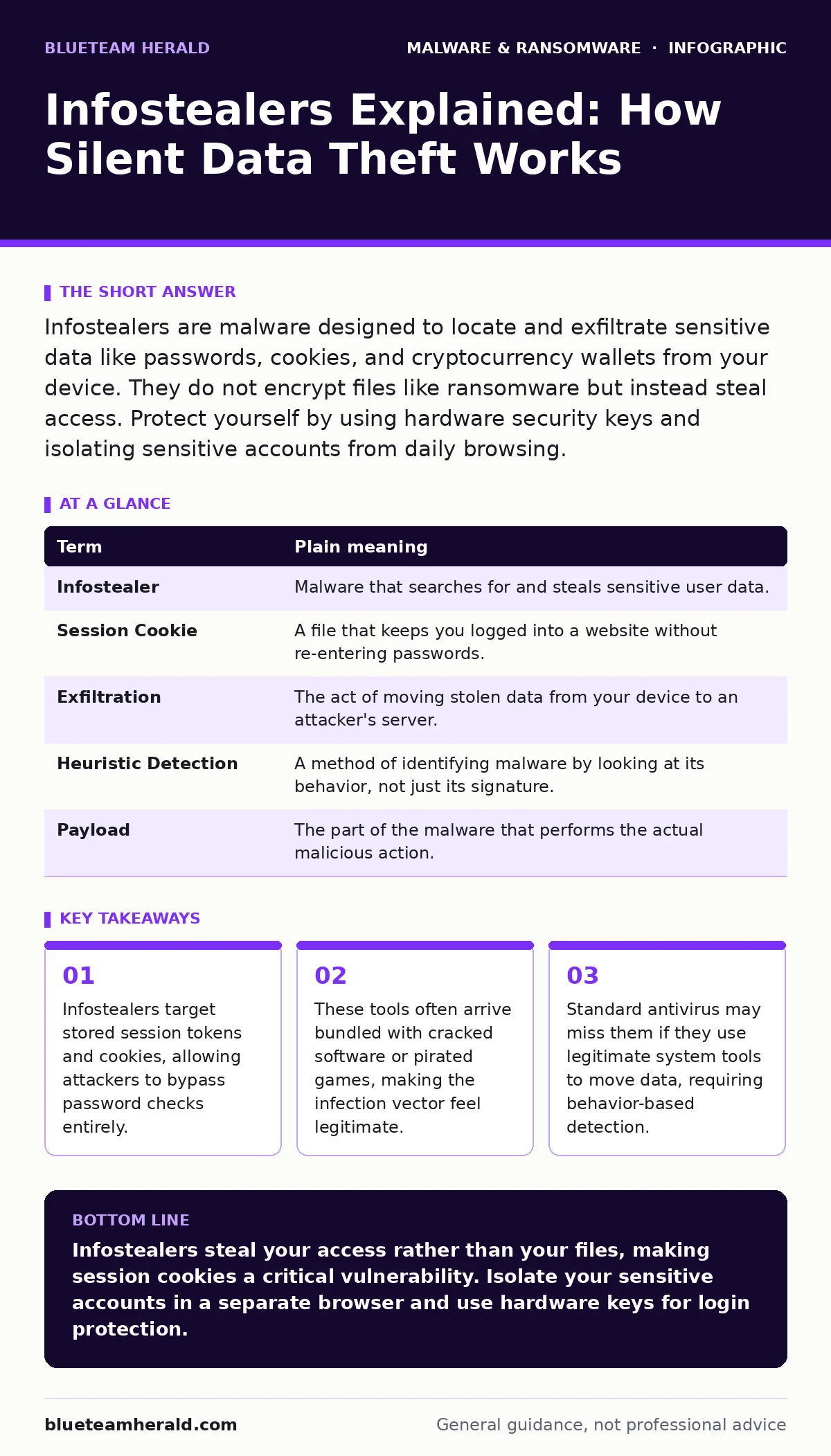
Infostealers are malware designed to locate and exfiltrate sensitive data like passwords, cookies, and cryptocurrency wallets from your device. They do not encrypt files like ransomware but instead steal access. Protect yourself by using hardware security keys and isolating sensitive accounts from daily browsing.
The Uninvited Guest in Your Digital Home
Imagine your computer is a house. Most people lock the front door and set a security alarm. They assume that if someone does not break the door down, nothing inside will be stolen. Infostealers do not break down the door. You invite them in. You might download a "free" movie player or a cracked game installer. This software appears helpful. It installs quietly in the background.
Once inside, the infostealer acts like a polite but intrusive guest who wanders through every room. It does not smash the furniture. It does not lock you out. Instead, it reads your diary, copies your wallet, and photographs the keys on your hook. It leaves no physical trace of its presence. You continue to use your computer normally, unaware that the guest is sending copies of your secrets to a server halfway across the world.
What Exactly Is an Infostealer?
An infostealer is a specific category of malware designed to harvest personal information. Unlike ransomware, which encrypts your files and demands payment to unlock them, infostealers focus on theft. They look for specific file types and memory structures. They target browser passwords, saved credit card details, email accounts, and cryptocurrency wallet files.
The goal is not to disrupt your system. The goal is to copy data and exit. This makes them harder to detect than destructive viruses. Because they do not crash your computer or display pop-ups, you may never know they are there. They rely on your trust in the software you install. This is why understanding the difference between spyware and infostealers matters. Spyware watches your screen and keystrokes. Infostealers directly access storage and memory to grab data that is already saved.
The Hidden Value of Session Cookies
Most users focus on protecting their passwords. They use password managers and create complex strings of characters. This is good advice, but it has a blind spot. Infostealers target session cookies and tokens. A cookie is a small piece of data sent from a website and stored in your browser. It tells the website who you are so you do not have to log in every time you visit.
If an attacker steals your password, they must still guess it or crack it. If they steal your active session cookie, they are already logged in. They bypass the login screen entirely. This means two-factor authentication may not stop them. The cookie proves you are already authenticated. This is a non-obvious consequence of how modern web security works. Your browser remembers you for convenience, and infostealers exploit that convenience.
| Term | Plain meaning |
|---|---|
| Infostealer | Malware that searches for and steals sensitive user data. |
| Session Cookie | A file that keeps you logged into a website without re-entering passwords. |
| Exfiltration | The act of moving stolen data from your device to an attacker's server. |
| Heuristic Detection | A method of identifying malware by looking at its behavior, not just its signature. |
| Payload | The part of the malware that performs the actual malicious action. |
How They Enter Your System
Infostealers rarely arrive by themselves. They are often bundled with other software. Suppose you download a torrent of a popular video game that is supposed to be free. The installer includes the game and a hidden infostealer. You click "Install" because you want the game. The malware installs silently.
They also spread through phishing emails that contain malicious attachments. These attachments might look like invoices or shipping notices. When you open them, the malware executes. Another common vector is compromised websites. If you visit a site that has been infected with a web shell, the site can serve the malware to your browser. This happens even if you are not downloading anything explicitly. The code runs in the background of your browser session.
Why Traditional Antivirus Falls Short
Traditional antivirus software relies on signatures. A signature is a unique fingerprint of a known virus. If the software sees that fingerprint, it blocks the file. Infostealers are often updated daily with new code. Each new version has a different fingerprint. This renders signature-based detection useless against the latest variants.
This is where behavior-based detection becomes necessary. Instead of asking "Have we seen this file before?", the system asks "What is this file doing?" If a program starts reading browser folders and sending data to an unknown server, the system flags it. This approach catches new threats but can produce false positives. It might block a legitimate program that behaves similarly. You must balance security with usability.
Simple Safety Habits for Ordinary Users
You cannot prevent every infection, but you can limit the damage. The first step is to stop using the same password for every site. If one site is breached, attackers try that password everywhere. Use a password manager to generate unique, random passwords for each account.
The second step is to use hardware security keys for critical accounts. A hardware key is a physical USB device that you plug in to log in. Infostealers cannot steal the physical key. They can steal the data on your computer, but they cannot copy the physical object. This adds a layer of security that software alone cannot provide.
The third step is to use separate browsers for different activities. Use one browser for banking and personal email. Use a different browser for general web browsing and downloading files. If the general browser gets infected, the banking browser remains clean. This is called isolation. It limits the scope of the theft.
Try This Now
- Check your browser extensions. Remove any extension you do not remember installing or do not actively use. Extensions have deep access to your browsing data.
- Update your operating system and browser. Patches fix known vulnerabilities that infostealers use to gain access.
- Enable multi-factor authentication on all accounts that support it. Prefer authenticator apps or hardware keys over SMS codes.
Key takeaways
- Infostealers target stored session tokens and cookies, allowing attackers to bypass password checks entirely.
- These tools often arrive bundled with cracked software or pirated games, making the infection vector feel legitimate.
- Standard antivirus may miss them if they use legitimate system tools to move data, requiring behavior-based detection.
Infostealers steal your access rather than your files, making session cookies a critical vulnerability. Isolate your sensitive accounts in a separate browser and use hardware keys for login protection.
Frequently asked questions
Can an infostealer steal my cryptocurrency?
Yes, if you store private keys or wallet files on the infected device. Infostealers scan for common wallet file names and formats.
Does using a VPN stop infostealers?
No, a VPN hides your internet traffic from your network provider, but it does not stop malware on your device from stealing data.
How do I know if I have an infostealer?
Look for unusual network activity, slow performance, or unexpected logouts from your accounts. Use heuristic detection tools to scan for suspicious behavior.
Are infostealers worse than ransomware?
They are different. Ransomware locks your data; infostealers steal it. Infostealers are often harder to detect because they do not disrupt your system.
How this guide was produced: written by the BlueTeam Herald editorial team with AI assistance, checked against the public references listed below, and reviewed when the facts change. See our editorial policy or report an error.