Browser Extension Vulnerabilities: Prevention Checklist for Secure Browsing
Browser extensions operate with deep system privileges that standard websites cannot access, turning a single compromised add-on into a direct bridge to your session cookies and keystrokes.

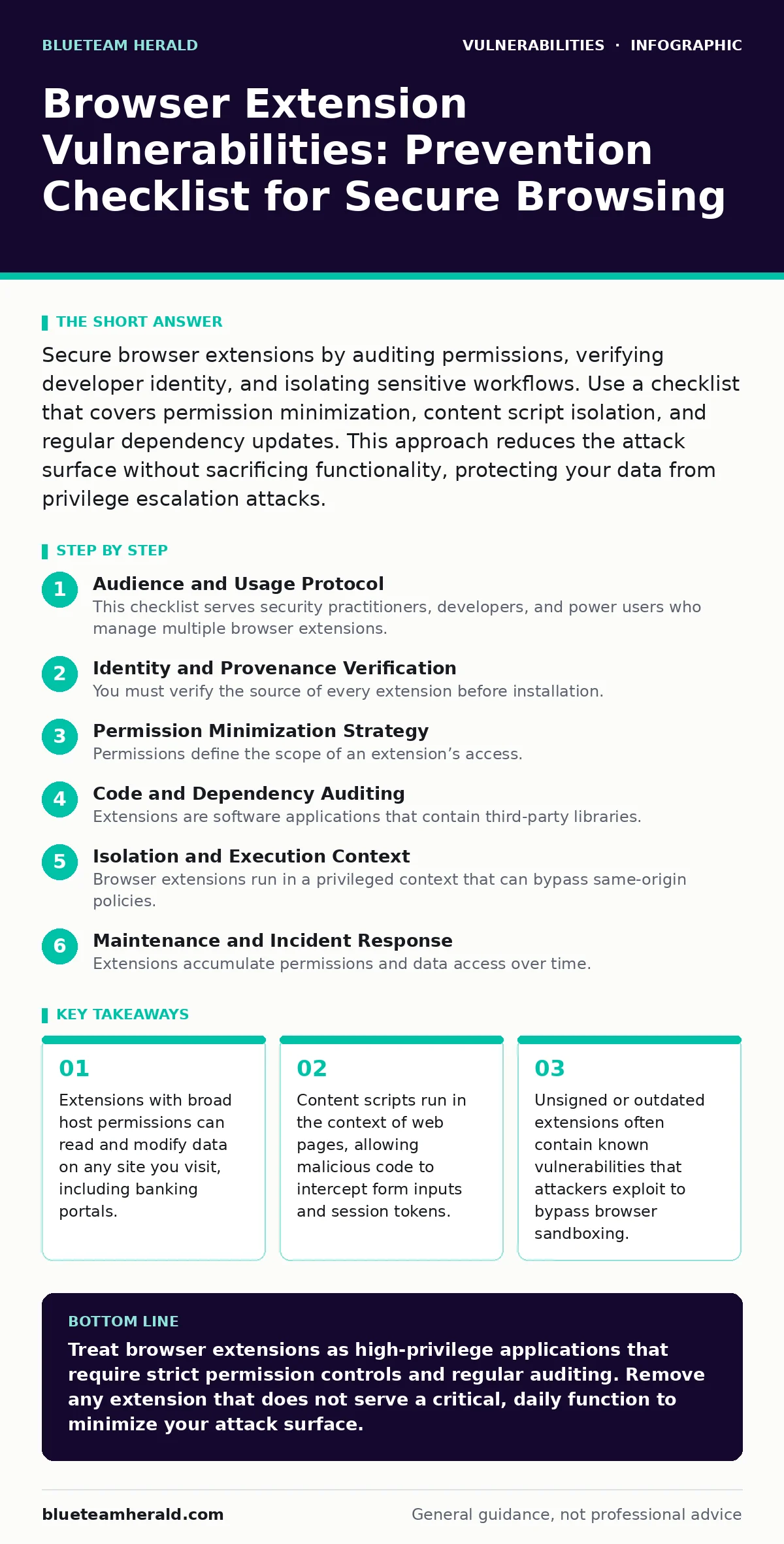
Secure browser extensions by auditing permissions, verifying developer identity, and isolating sensitive workflows. Use a checklist that covers permission minimization, content script isolation, and regular dependency updates. This approach reduces the attack surface without sacrificing functionality, protecting your data from privilege escalation attacks.
Audience and Usage Protocol
This checklist serves security practitioners, developers, and power users who manage multiple browser extensions. You use this list to audit your current extension stack and establish a baseline for future installations. The goal is not to eliminate all extensions, which is often impractical, but to reduce the attack surface to a manageable level. Each item targets a specific vector where privilege escalation or data exfiltration occurs.
Identity and Provenance Verification
You must verify the source of every extension before installation. Social engineering attacks often mimic popular tools with nearly identical names and icons. This step prevents the initial compromise by ensuring you are installing code from the legitimate developer.
- Verify the publisher’s official website: Cross-reference the extension URL with the developer’s known domain to avoid typosquatting.
- Check the installation date and version history: Recent creations with sudden popularity spikes often indicate malicious campaigns.
- Review the privacy policy link: Legitimate developers provide clear data handling practices; broken links suggest abandoned or fraudulent projects.
Permission Minimization Strategy
Permissions define the scope of an extension’s access. Many users accept default requests without understanding the implications. Granting access to "all sites" allows an extension to monitor activity across unrelated domains. This section focuses on restricting that scope to the absolute minimum required for functionality.
- Reject "Read and change all your data on all websites": This permission allows the extension to inject code into any page you visit, including financial sites.
- Limit host permissions to specific domains: If an ad blocker only works on news sites, restrict its access to those domains explicitly.
- Disable access to clipboard and history: Unless the extension’s core function requires it, these permissions enable silent data theft of copied credentials.
- Audit content script injection rights: Content scripts run in the context of web pages, meaning they can read DOM elements and form inputs directly.
Code and Dependency Auditing
Extensions are software applications that contain third-party libraries. These dependencies can introduce vulnerabilities even if the main code is secure. You should assess the complexity of the extension. Complex extensions with large codebases have a higher likelihood of containing unpatched flaws. This aligns with general principles for managing vulnerabilities in AI model serving frameworks, where supply chain integrity is paramount.
- Check for open-source dependencies: Identify if the extension relies on known libraries that may have unpatched security flaws.
- Review the extension’s update frequency: Infrequent updates suggest abandoned maintenance, leaving known zero-day vulnerabilities exposed to exploitation.
- Analyze the codebase size: Smaller, single-purpose extensions are easier to audit and less likely to contain hidden malicious payloads.
Isolation and Execution Context
Browser extensions run in a privileged context that can bypass same-origin policies. This means an extension can communicate with servers that the web page cannot. Attackers exploit this by using extensions to bypass web application firewalls. You must isolate sensitive activities from extensions that do not require them.
- Use a separate browser profile for banking: Keep financial activities isolated from extensions used for productivity or entertainment.
- Disable extensions on sensitive pages: Use browser features that allow you to toggle extensions off for specific high-value domains.
- Monitor network traffic from extensions: Look for unexpected outbound connections to unknown domains that may indicate data exfiltration.
- Understand the service worker lifecycle: Service workers run in the background and can persist even when the extension is not actively used, maintaining a persistent foothold.
Maintenance and Incident Response
Extensions accumulate permissions and data access over time. You must establish a routine for reviewing and revoking access. This prevents privilege creep, where an extension retains more access than it needs. This process mirrors the maintenance required for security misconfigurations in server environments, where default settings often remain too permissive.
- Schedule quarterly permission reviews: Re-evaluate each extension’s necessity and adjust permissions if the use case has changed.
- Remove unused extensions immediately: Every installed extension increases the potential attack surface, regardless of whether it is active.
- Monitor for unusual browser behavior: Sluggish performance or unexpected pop-ups can indicate a compromised extension consuming resources.
- Keep the browser updated: Browser updates often patch security flaws in the extension API itself, closing gaps that attackers exploit.
Common Misconceptions and Edge Cases
Users often believe that browser sandboxes provide complete protection. While sandboxes restrict file system access, they do not restrict network access or DOM manipulation. This misunderstanding leads to a false sense of security. Additionally, extensions can interact with each other, creating complex attack chains. This is similar to how host header injection flaws can be chained with other vulnerabilities to bypass security controls.
- Assume extensions can see all cookies: Extensions with the right permissions can read session cookies, effectively logging you out or hijacking your session.
- Trust the extension store rating: High ratings can be fabricated, and malicious extensions often operate for months before detection.
- Ignore background page resource usage: High CPU or memory usage by an extension can indicate cryptomining or data processing for exfiltration.
- Recognize the risk of content script conflicts: Multiple extensions injecting scripts can cause unpredictable behavior, potentially breaking security controls on the page.
Integration with Broader Security Hygiene
Extension security does not exist in a vacuum. It interacts with other security layers. For example, if you are dealing with vulnerabilities in self-hosted GitLab, you must ensure that your development environment’s browser extensions do not leak repository access tokens. Similarly, understanding attack vectors in CVSS helps you prioritize which extension vulnerabilities pose the greatest risk to your organization. You should integrate extension management into your overall security posture.
- Align extension policies with organizational standards: Ensure that personal devices used for work adhere to the same extension restrictions as corporate devices.
- Educate users on social engineering: Users are the first line of defense against fake extensions that mimic legitimate tools.
- Use enterprise management tools: If available, use centralized policies to enforce extension allowlists and block unauthorized installations.
Key takeaways
- Extensions with broad host permissions can read and modify data on any site you visit, including banking portals.
- Content scripts run in the context of web pages, allowing malicious code to intercept form inputs and session tokens.
- Unsigned or outdated extensions often contain known vulnerabilities that attackers exploit to bypass browser sandboxing.
Treat browser extensions as high-privilege applications that require strict permission controls and regular auditing. Remove any extension that does not serve a critical, daily function to minimize your attack surface.
Frequently asked questions
Can a browser extension steal my passwords?
Yes, if the extension has permission to read and change data on password manager sites, it can capture credentials as you type them or access stored entries.
How do I know if an extension is malicious?
Look for sudden permission requests, unexpected network traffic, or behavior changes in your browser. Cross-reference the publisher with official sources before installing.
Do browser sandboxes protect me from extension attacks?
Sandboxes restrict file system access but do not prevent extensions from reading web content, cookies, or network traffic if granted the necessary permissions.
Should I disable all extensions on banking sites?
Yes, disabling non-essential extensions on financial sites reduces the risk of credential theft and ensures that no third-party code can intercept your data.
How this guide was produced: written by the BlueTeam Herald editorial team with AI assistance, checked against the public references listed below, and reviewed when the facts change. See our editorial policy or report an error.