Self-Hosted GitLab Vulnerability Prevention Checklist
Self-hosted GitLab instances require strict network segmentation and least-privilege database access to prevent lateral movement after an initial breach.

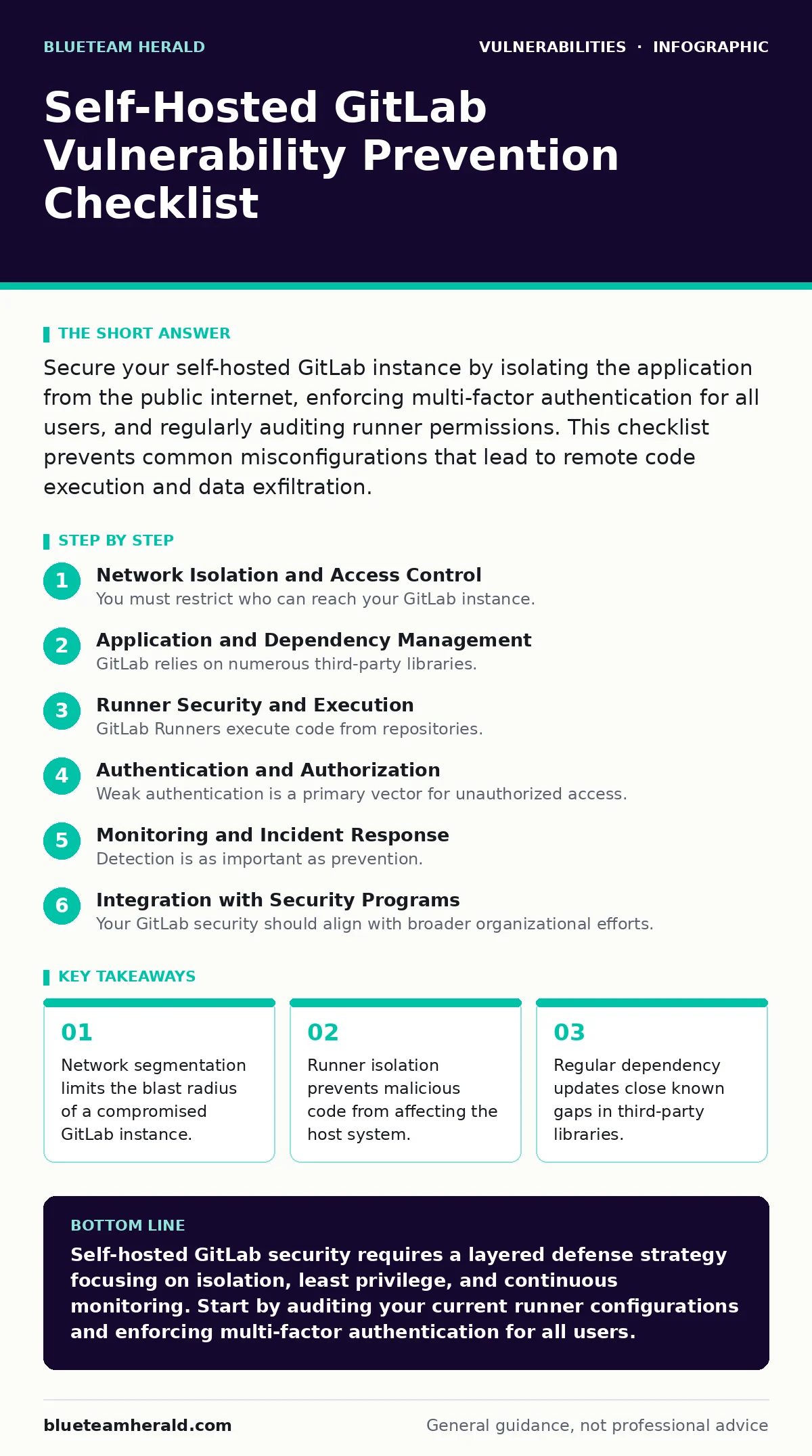
Secure your self-hosted GitLab instance by isolating the application from the public internet, enforcing multi-factor authentication for all users, and regularly auditing runner permissions. This checklist prevents common misconfigurations that lead to remote code execution and data exfiltration.
Network Isolation and Access Control
You must restrict who can reach your GitLab instance. Public exposure increases the attack surface significantly. Implement strict firewall rules to allow only necessary traffic. Use a reverse proxy to handle SSL termination and hide internal infrastructure details. This layer prevents direct probing of the application server.
- Restrict inbound traffic to specific IP ranges: limits exposure to automated internet scanners.
- Deploy a reverse proxy with rate limiting: mitigates brute-force login attempts and denial-of-service attacks.
- Disable unused services on the host machine: reduces the number of potential entry points for attackers.
- Use HTTPS for all external communications: prevents man-in-the-middle attacks that could steal credentials.
Application and Dependency Management
GitLab relies on numerous third-party libraries. Vulnerabilities in these dependencies are common. You must keep the core application and its dependencies updated. Review release notes for security patches. Understand the trade-off between stability and security when planning updates. Delaying patches leaves known gaps open for exploitation.
- Enable automatic security updates for the OS: ensures critical system patches are applied promptly.
- Monitor dependency advisories for Ruby and Node.js: addresses vulnerabilities in the underlying runtime environments.
- Test updates in a staging environment first: prevents breaking changes from disrupting production workflows.
- Review configuration files for default values: removes hardcoded credentials or overly permissive settings.
Runner Security and Execution
GitLab Runners execute code from repositories. A compromised runner can compromise the host. You must isolate runners from the core GitLab instance. Use separate networks for runners. Assign minimal permissions to runner service accounts. This containment strategy prevents an attacker from moving laterally after gaining control of a runner.
- Use dedicated runners for sensitive projects: limits the impact of a compromised build pipeline.
- Run runners in containers or VMs: provides isolation between the build environment and the host OS.
- Restrict runner network access to only required resources: prevents exfiltration of data to external servers.
- Audit runner logs for unusual activity: detects potential command injection attempts early.
Authentication and Authorization
Weak authentication is a primary vector for unauthorized access. You must enforce strong identity verification. Require multi-factor authentication for all users. Regularly review user permissions and remove inactive accounts. Implement role-based access control to ensure users have only the permissions they need. This reduces the risk of privilege escalation.
- Enforce multi-factor authentication for all users: adds a layer of defense against stolen passwords.
- Review and revoke unnecessary admin privileges: limits the damage if an admin account is compromised.
- Set session timeout policies: reduces the window of opportunity for session hijacking.
- Audit API tokens regularly: prevents long-lived tokens from being used maliciously.
Monitoring and Incident Response
Detection is as important as prevention. You must monitor logs for suspicious activity. Set up alerts for failed login attempts and unusual repository access. Maintain an incident response plan specific to GitLab. Practice your response procedures regularly. This preparation ensures you can contain a breach quickly and minimize damage.
- Enable audit logging for all administrative actions: provides a trail for forensic analysis after an incident.
- Monitor for unusual outbound network traffic: detects potential data exfiltration or command-and-control communication.
- Backup configurations and data regularly: ensures you can restore services after a ransomware attack or corruption.
- Review access logs for after-hours activity: identifies potential unauthorized access from compromised accounts.
Integration with Security Programs
Your GitLab security should align with broader organizational efforts. Integrate with your vulnerability management programs to track issues. Use the CISA Known Exploited Vulnerabilities catalog to prioritize patches. Understand how attack vectors in CVSS scoring relate to your specific configuration. This holistic approach ensures no security gap is overlooked.
- Integrate static analysis tools into the CI/CD pipeline: catches code vulnerabilities before deployment.
- Align patch cycles with Patch Tuesday schedules: ensures timely application of critical security updates.
- Document security configurations for compliance: provides evidence of due diligence during audits.
- Train developers on secure coding practices: reduces the introduction of new vulnerabilities in code.
Key takeaways
- Network segmentation limits the blast radius of a compromised GitLab instance.
- Runner isolation prevents malicious code from affecting the host system.
- Regular dependency updates close known gaps in third-party libraries.
Self-hosted GitLab security requires a layered defense strategy focusing on isolation, least privilege, and continuous monitoring. Start by auditing your current runner configurations and enforcing multi-factor authentication for all users.
Frequently asked questions
How often should I update my self-hosted GitLab instance?
Update immediately when critical security patches are released. Schedule regular updates for non-critical fixes to balance stability with security.
What is the biggest risk with GitLab Runners?
The biggest risk is a runner executing malicious code that escapes the container and compromises the host system. Isolation and least-privilege access mitigate this risk.
Do I need a separate database for GitLab?
Using a separate, isolated database server enhances security by limiting database access to only the GitLab application. This prevents direct database attacks from the application layer.
How do I detect a compromised GitLab account?
Monitor login logs for unusual locations or times. Look for unexpected repository changes or new API token creations. Implement multi-factor authentication to add an extra layer of detection.
How this guide was produced: written by the BlueTeam Herald editorial team with AI assistance, checked against the public references listed below, and reviewed when the facts change. See our editorial policy or report an error.