Multi-Factor Authentication Fatigue: Why Users Click Yes Too Fast
Repeated approval prompts train users to accept requests without checking the device, turning security into a blind habit that attackers exploit.
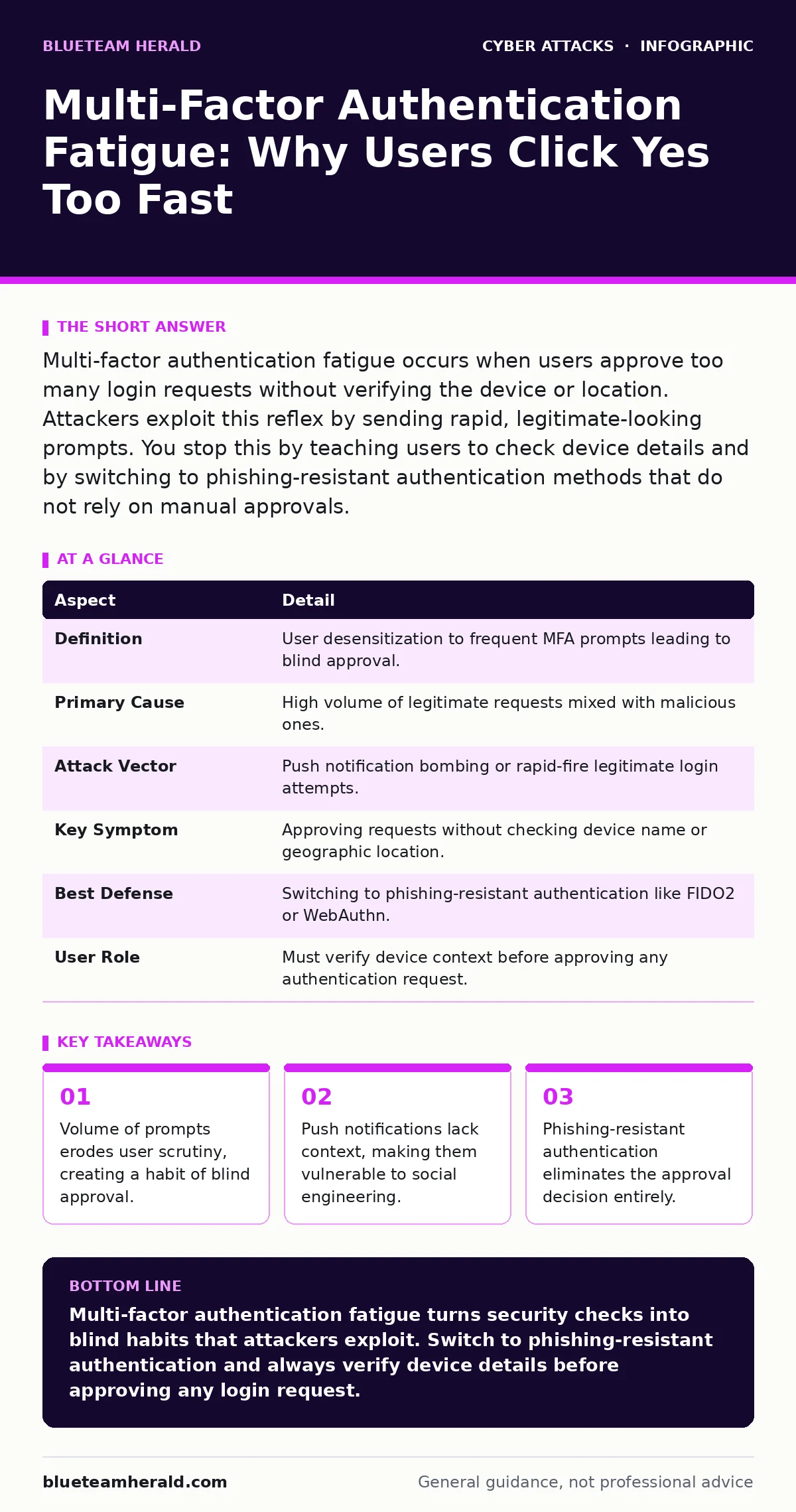
Multi-factor authentication fatigue occurs when users approve too many login requests without verifying the device or location. Attackers exploit this reflex by sending rapid, legitimate-looking prompts. You stop this by teaching users to check device details and by switching to phishing-resistant authentication methods that do not rely on manual approvals.
The Security Rubber Band
Security controls often feel like stretching a rubber band. The more you stretch it, the more tension builds. Eventually, the band snaps back. Multi-factor authentication fatigue is that snap back. You add layers of security to protect accounts. Users encounter more prompts. The friction increases. Over time, the user stops treating each prompt as a unique security event. They treat it as noise. The goal shifts from verifying identity to clearing the notification.
This dynamic changes how people interact with their devices. A single prompt demands attention. Ten prompts a day demand speed. The brain adapts to the volume by automating the response. You click yes to keep working. You do not look at the screen. You do not check the location. The security mechanism becomes a background process rather than a gatekeeper.
At a glance
| Aspect | Detail |
|---|---|
| Definition | User desensitization to frequent MFA prompts leading to blind approval. |
| Primary Cause | High volume of legitimate requests mixed with malicious ones. |
| Attack Vector | Push notification bombing or rapid-fire legitimate login attempts. |
| Key Symptom | Approving requests without checking device name or geographic location. |
| Best Defense | Switching to phishing-resistant authentication like FIDO2 or WebAuthn. |
| User Role | Must verify device context before approving any authentication request. |
How Multi-Factor Authentication Fatigue Works
Multi-factor authentication requires two pieces of evidence to prove identity. Usually, this is something you know, like a password, and something you have, like a phone. The standard implementation uses a push notification. Your phone buzzes. A message asks if you are trying to sign in. You tap yes. This works when you initiated the login. It fails when you did not.
Attackers exploit the gap between the prompt and the user's attention. They may send dozens of notifications in a short period. This is often called notification bombing. The goal is not to guess your password. The goal is to make you tap yes out of frustration or habit. You see a stream of alerts. You assume one is legitimate. You approve the first one you see. You just approved the attacker's session. The system sees a valid device and a valid approval. It grants access.
This technique works because the approval interface is often simplified. Many apps show a generic "Approve Login" button. They do not show the IP address. They do not show the city. They do not show the device model. Without this context, you cannot distinguish a login from your office computer from a login from a server in another country. The lack of information forces a blind trust.
Who It Affects
This problem affects anyone who uses push-based multi-factor authentication. It is not limited to high-profile targets. It impacts students, remote workers, and administrators equally. The more accounts you manage, the higher the risk. If you check email, banking, and work portals from the same phone, the alerts blend together.
Organizations suffer the most because they rely on user behavior for security. If the user clicks yes, the organization grants access. Attackers often target service accounts or administrative roles. These accounts have high privileges. A single blind approval can lead to a full account takeover. The attacker does not need to steal your password. They only need you to ignore the details on your screen.
The fatigue is psychological. It is the result of cognitive load. You are busy. You are multitasking. The prompt interrupts your flow. Your brain prioritizes returning to work over performing a security check. This is a natural human response to interruption. Security systems that ignore this psychology create vulnerabilities.
What People Usually Get Wrong
Most users believe that multi-factor authentication is a binary state. It is either on or off. They think that if they have it enabled, they are safe. This is incorrect. The type of multi-factor authentication matters. A text message code is less secure than a hardware key. A push notification is less secure than a signed transaction.
Another common error is assuming that the device itself provides security. You trust your phone because it is in your pocket. But the phone only proves possession, not intent. If you approve a login you did not initiate, you have proven intent to the attacker. The device is just a tool. The user is the decision maker. If the decision is rushed, the security fails.
Users also mistake frequency for safety. They think more prompts mean more security. In reality, more prompts mean more fatigue. More fatigue means more errors. The system becomes noisy. The signal is lost in the noise. You stop listening. You stop looking. You start clicking.
See also: Account Takeover Protection: Mechanisms, Trade-offs, and Defense
The Hidden Cost of Convenience
Convenience drives the adoption of push notifications. They are easy to use. They require no typing. They integrate with mobile operating systems. But this convenience has a hidden cost. It removes the friction that forces verification. When you type a code, you must look at the screen. You must see the code. You must enter it. This creates a moment of awareness.
With a push notification, that moment is gone. The action is a single tap. It takes less than a second. There is no time to think. There is no time to check. The design prioritizes speed over scrutiny. This trade-off is explicit in the user interface. You choose speed. The attacker chooses your choice.
This dynamic encourages bad habits. You start approving logsins while driving, cooking, or sleeping. You never verify the context. You become a rubber stamp. The security control exists, but it is ineffective. It is a theater of security. It looks like protection. It does not function as a barrier.
Fixing The Fatigue
You can reduce multi-factor authentication fatigue by changing how you approve requests. The first step is to check the details. Look at the device name. Look at the location. If the location is wrong, deny the request. If the device is unknown, deny the request. This adds friction, but it restores security.
The second step is to change the method. Move away from push notifications. Use phishing-resistant authentication. This includes hardware security keys or digital certificates. These methods require physical interaction or cryptographic signing. They cannot be approved with a blind tap. They cannot be bombed. They require presence.
Organizations should support this shift. They should offer FIDO2 or WebAuthn standards. They should disable SMS codes. They should configure push apps to show detailed context. If the app does not show the IP address or device model, it is not providing enough information for a safe decision.
Beyond The Prompt
Multi-factor authentication is part of a larger security posture. It does not replace other controls. It works best when combined with strict access policies. Limit who can access critical systems. Monitor for unusual login patterns. If a user logs in from two countries in an hour, block the session.
This approach reduces the value of a single approval. Even if an attacker gets you to click yes, they hit a wall of policy. They cannot move laterally. They cannot escalate privileges. The damage is contained. This is why incident response plans matter. They define how you react when a control fails.
You must also be aware of other social engineering attacks. Angler phishing targets support staff. Romance scams target emotional vulnerability. CEO fraud targets financial approval chains. These attacks do not use technical exploits. They use human psychology. They rely on urgency, fear, or trust. Multi-factor authentication fatigue is just another form of this psychological manipulation.
Building Resilience
Resilience means recovering from failure. Assume that users will make mistakes. Assume that attackers will find ways to bypass controls. Design your system to limit the damage. Use conditional access policies. Require multi-factor authentication only for risky logins. Allow passwordless access for trusted devices.
This reduces the number of prompts. It reduces fatigue. It keeps security high where it matters. It lowers friction where it does not. You balance security and usability. You do not sacrifice one for the other. You find the middle ground.
Education is also key. Teach users why they must check the details. Explain the concept of phishing-resistant authentication. Show them how to spot a mismatched location. Make them active participants in their own security. Do not treat them as liabilities. Treat them as the last line of defense.
Summary of Actions
You can protect yourself from multi-factor authentication fatigue by following these steps. First, review your authentication methods. Switch to phishing-resistant authentication if possible. Second, change your habits. Always check the device and location before approving. Third, report suspicious activity. If you see a prompt you did not initiate, deny it and report it.
Organizations must support these efforts. Provide clear documentation. Offer secure authentication options. Monitor for abuse. Create a culture where security is a shared responsibility. Do not blame users for making mistakes. Fix the system that allows the mistakes to cause harm.
The goal is not perfect security. Perfect security does not exist. The goal is manageable risk. Reduce the surface area. Reduce the fatigue. Increase the verification. Build a system that works with human nature, not against it.
Key takeaways
- Volume of prompts erodes user scrutiny, creating a habit of blind approval.
- Push notifications lack context, making them vulnerable to social engineering.
- Phishing-resistant authentication eliminates the approval decision entirely.
Multi-factor authentication fatigue turns security checks into blind habits that attackers exploit. Switch to phishing-resistant authentication and always verify device details before approving any login request.
Frequently asked questions
Is SMS two-factor authentication secure?
SMS is vulnerable to SIM swapping and interception. It does not provide phishing resistance. Use app-based or hardware-based methods instead.
What is phishing-resistant authentication?
It is a method like FIDO2 that uses cryptographic keys. It cannot be phished because the signature is tied to the specific website and device.
How do I know if my MFA is compromised?
Check your account activity logs. Look for logins from unknown devices or locations. If you see unauthorized access, change your credentials immediately.
Can I disable push notifications to avoid fatigue?
Disabling them is not secure. Instead, configure them to require a code or biometric confirmation. This adds a step that prevents blind approval.
How this guide was produced: written by the BlueTeam Herald editorial team with AI assistance, checked against the public references listed below, and reviewed when the facts change. See our editorial policy or report an error.