2FA vs MFA: Which Authentication Layer Fits Your Security Model?
Multi-factor authentication provides structural depth that two-factor methods lack, reducing the attack surface by forcing attackers to compromise distinct identity categories rather than just adding a second step.
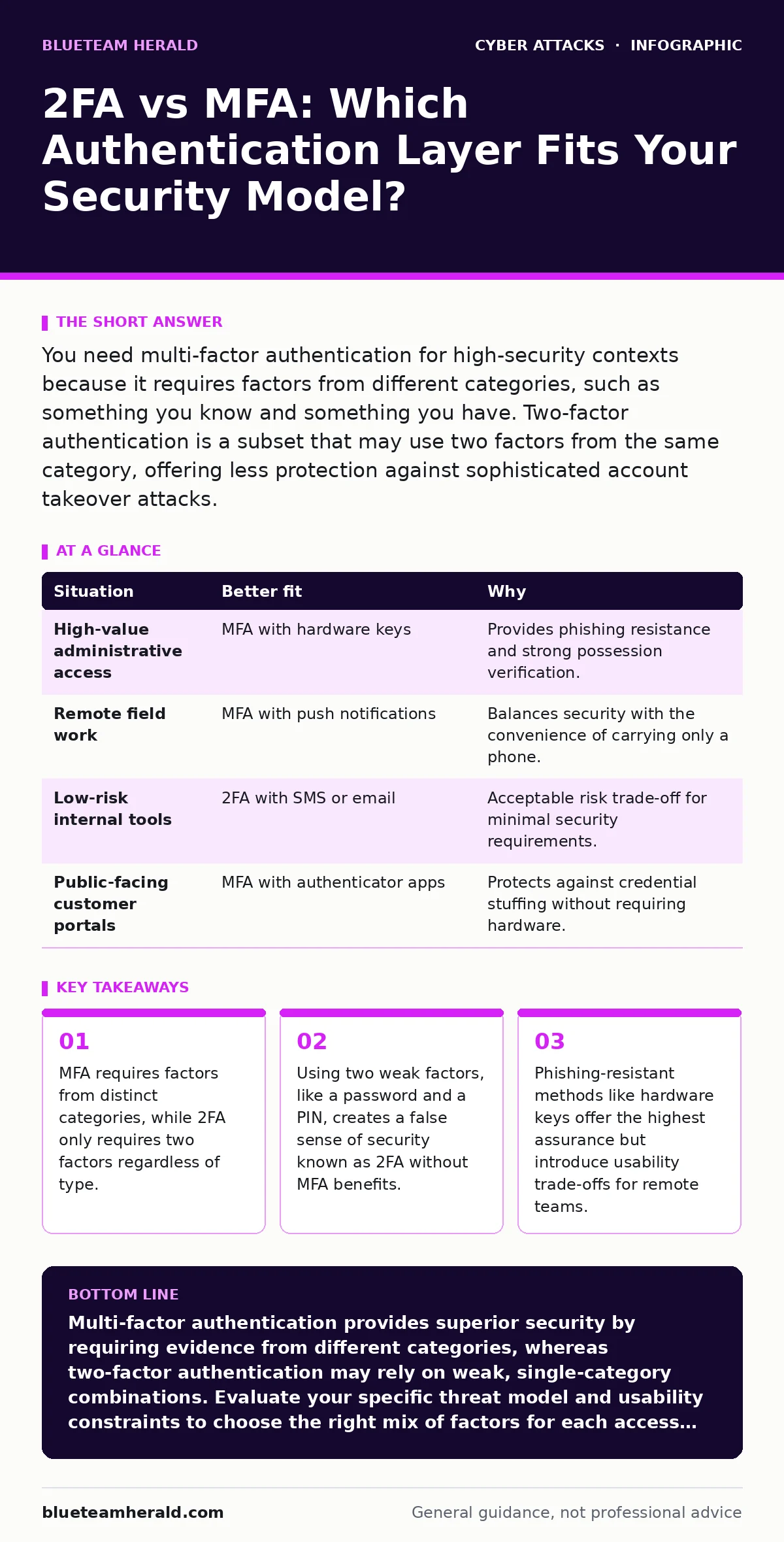
You need multi-factor authentication for high-security contexts because it requires factors from different categories, such as something you know and something you have. Two-factor authentication is a subset that may use two factors from the same category, offering less protection against sophisticated account takeover attacks.
Does Your Defense Require Distinct Categories?
The fundamental difference lies in the definition of "factor." A factor is a category of evidence used to verify identity. The three standard categories are knowledge (something you know, like a password), possession (something you have, like a phone or token), and inherence (something you are, like a fingerprint). Two-factor authentication simply requires two pieces of evidence. It does not mandate that they come from different categories.
Suppose you use a password and a four-digit PIN to access a server. You have used two factors, but both are knowledge-based. If an attacker guesses your password, they can likely guess your PIN. Multi-factor authentication mandates that the factors come from different categories. This structural requirement prevents a single point of failure within one category from compromising the entire login process.
How Likely Is Credential Stuffing or Phishing?
If your primary threat model involves stolen passwords from data breaches, the type of second factor matters significantly. Many users assume that any second step stops an attacker who has their password. This is incorrect if the second step is vulnerable to interception. SMS-based verification, for instance, relies on the possession factor of a mobile device. However, the cellular network is not encrypted in a way that prevents interception by sophisticated actors. Techniques like SIM swapping allow attackers to redirect your SMS messages to a device they control.
In this scenario, the attacker has both your password (knowledge) and your phone number (possession). A more secure approach uses an authenticator app that generates time-based one-time passwords. These codes are generated locally on your device and never traverse the cellular network, making them immune to SIM swapping. For readers interested in deeper protections, reviewing our guide on phishing-resistant authentication will clarify why hardware keys often surpass app-based codes.
What Is the Cost of Usability Friction?
Security controls often create friction. Every additional step a user must take to log in increases the cognitive load and the time required to access systems. High friction leads to workarounds. Users may write down codes, share accounts, or disable security features if the process is too cumbersome. Multi-factor authentication can be more friction-heavy than simple two-factor setups, especially if it requires hardware tokens that users must carry and plug in.
Imagine a field technician who needs to access a database from a remote location. Carrying a hardware key is impractical. In this case, a push notification to a smartphone might be the better fit. It balances security with convenience. However, push notifications have their own vulnerabilities. Attackers can spam users with approval requests, hoping they accidentally tap "Yes" during a period of fatigue or distraction. This technique is a form of social engineering that bypasses the technical controls of the authentication system.
| Situation | Better fit | Why |
|---|---|---|
| High-value administrative access | MFA with hardware keys | Provides phishing resistance and strong possession verification. |
| Remote field work | MFA with push notifications | Balances security with the convenience of carrying only a phone. |
| Low-risk internal tools | 2FA with SMS or email | Acceptable risk trade-off for minimal security requirements. |
| Public-facing customer portals | MFA with authenticator apps | Protects against credential stuffing without requiring hardware. |
When Should You Layer Both Approaches?
Using both 2FA and MFA concepts together creates a defense-in-depth strategy. This does not mean using two separate systems. It means applying MFA principles across multiple layers of your infrastructure. For example, you might use MFA for the initial login to your email account. Then, within that email account, you might require a second factor to access sensitive folders or to approve high-value transactions. This is particularly relevant when defending against targeted social engineering.
Attackers often use romance scams or CEO fraud to manipulate employees into bypassing security controls. By requiring a second, distinct factor for critical actions, you add a barrier that social engineering alone cannot easily overcome. Even if the attacker convinces the user to hand over their password, they cannot replicate the possession or inherence factor required for the secondary action.
How Do You Handle Account Recovery?
The weakest point in any authentication system is often the recovery process. If you lose your second factor, you need a way to regain access. Many organizations implement a recovery mechanism that is less secure than the primary authentication method. This creates a backdoor. Suppose you use a hardware key for MFA. If you lose it, you might be asked to answer security questions or verify via email to reset your account.
If those recovery questions are weak, an attacker can bypass the MFA entirely by targeting the recovery flow. You must treat the recovery process with the same security rigor as the primary login. Consider using backup codes that are printed and stored securely, rather than relying on knowledge-based questions. Our guide on angler phishing explains how attackers exploit support channels to trick users into revealing recovery credentials.
See also: Identity Sprawl Mechanics: Step-by-Step Lifecycle and Control Points · Detect Unsecured Cloud Databases: Hidden Signs and Response
Which Threats Remain Unaddressed?
Authentication is only one layer of security. No amount of factor verification protects you if the application itself is vulnerable. Attackers might bypass authentication entirely by exploiting flaws in the software logic. For instance, a Slowloris attack does not care about your passwords or tokens; it aims to exhaust server resources by holding connections open.
Similarly, smishing attacks trick users into installing malware on their devices, which can then capture screen data or keystrokes, effectively stealing the second factor as it is generated. Understanding these broader threats is vital for a complete security posture. You must also consider bot protection to prevent automated attacks from guessing credentials at scale. By combining strong MFA with application-level security and user awareness, you create a resilient system that is difficult to compromise from any single angle.
Key takeaways
- MFA requires factors from distinct categories, while 2FA only requires two factors regardless of type.
- Using two weak factors, like a password and a PIN, creates a false sense of security known as 2FA without MFA benefits.
- Phishing-resistant methods like hardware keys offer the highest assurance but introduce usability trade-offs for remote teams.
Multi-factor authentication provides superior security by requiring evidence from different categories, whereas two-factor authentication may rely on weak, single-category combinations. Evaluate your specific threat model and usability constraints to choose the right mix of factors for each access level.
Frequently asked questions
Is 2FA the same as MFA?
No. 2FA requires two factors, which can be from the same category. MFA requires factors from different categories, providing stronger security.
Can I use SMS for MFA?
Yes, but it is not recommended for high-security accounts due to the risk of SIM swapping and interception.
What is the most secure form of MFA?
Hardware security keys that use public-key cryptography are considered the most secure because they are phishing-resistant.
Does MFA protect against malware?
MFA protects account access, but it does not protect against malware that can capture screen data or keystrokes after login.
How this guide was produced: written by the BlueTeam Herald editorial team with AI assistance, checked against the public references listed below, and reviewed when the facts change. See our editorial policy or report an error.