Detect Unsecured Cloud Databases: Hidden Signs and Response
Public cloud databases often leak data through misconfigured network rules rather than broken authentication, making visibility the primary defense mechanism.

Unsecured cloud databases reveal themselves through unexpected public IP exposure, missing encryption indicators, and overly broad access logs. Verify network boundaries immediately. Check for default credentials. Restrict access to specific application IPs only. Do not assume private subnets are safe without explicit firewall rules.
The Obvious Public Exposure
The first sign of an unsecured database is usually visible from the internet. You can reach the service endpoint without any authentication. This happens when the cloud provider’s default security group allows inbound traffic on the database port. The port remains open to all source addresses, including the entire public internet.
This configuration error is common because it requires zero effort to create. When you launch a database instance, the control panel often defaults to allowing necessary traffic. It assumes you will refine these settings later. You rarely do. The result is a database that anyone can query.
Default Credentials and Weak Auth
Another immediate red flag is the use of default or weak credentials. Administrators often leave the initial username and password unchanged. They might use the service name as the password. Attackers use automated scanners that test every possible IP against a list of common defaults.
If you can log in with "admin" and "admin," the database is compromised. Even if it is not publicly accessible, internal attackers can exploit this. Weak authentication bypasses the need for complex exploits. It turns a secure perimeter into an open door.
The Silent Internal Leak
Signs that are easy to miss involve internal network misconfigurations. The database might not be reachable from the internet, but it is reachable from every other resource in your account. This is a false sense of security. It assumes that because it is not public, it is safe.
In reality, a compromised web server can easily pivot to the database. If the security rules allow all traffic from the virtual private cloud, any infected instance can read the data. You might not see external attacks in your logs. The breach happens entirely within your trusted network.
Overly Permissive Identity Policies
Cloud identity and access management (IAM) policies often grant broader rights than necessary. A developer account might have full read access to all databases. This is not a network issue. It is an identity issue.
When you review access logs, look for service accounts accessing data they do not need. A monitoring tool should not read customer records. If you see broad permissions, you have an unsecured database. The data is protected by obscurity, not by policy. This violates the principle of least privilege.
Missing Encryption Indicators
Unsecured databases often lack encryption at rest or in transit. You can check this by inspecting the connection details. If the connection is not using TLS, data travels in plain text. Anyone who intercepts the traffic can read it.
Encryption at rest is harder to verify from the outside. You must check the storage configuration. If the storage is not encrypted, anyone with physical access to the disk or backup can read the raw data. Cloud providers offer encryption by default, but it is often disabled during manual setup.
See also: Cloud-Native Application Protection Platform Misconceptions · Hybrid Cloud Advantages and Disadvantages: Risks and Controls
Response and Containment
When you identify an unsecured database, act immediately. Do not try to clean the data first. Secure the perimeter. Remove the public route. Disable the default security group rules. Change all credentials.
Then, audit the access logs. Determine what data was accessed. Check for unauthorized exports. If you suspect a breach, isolate the instance. Do not shut it down, as this may destroy evidence. Instead, cut off network access. This preserves the state for forensic analysis.
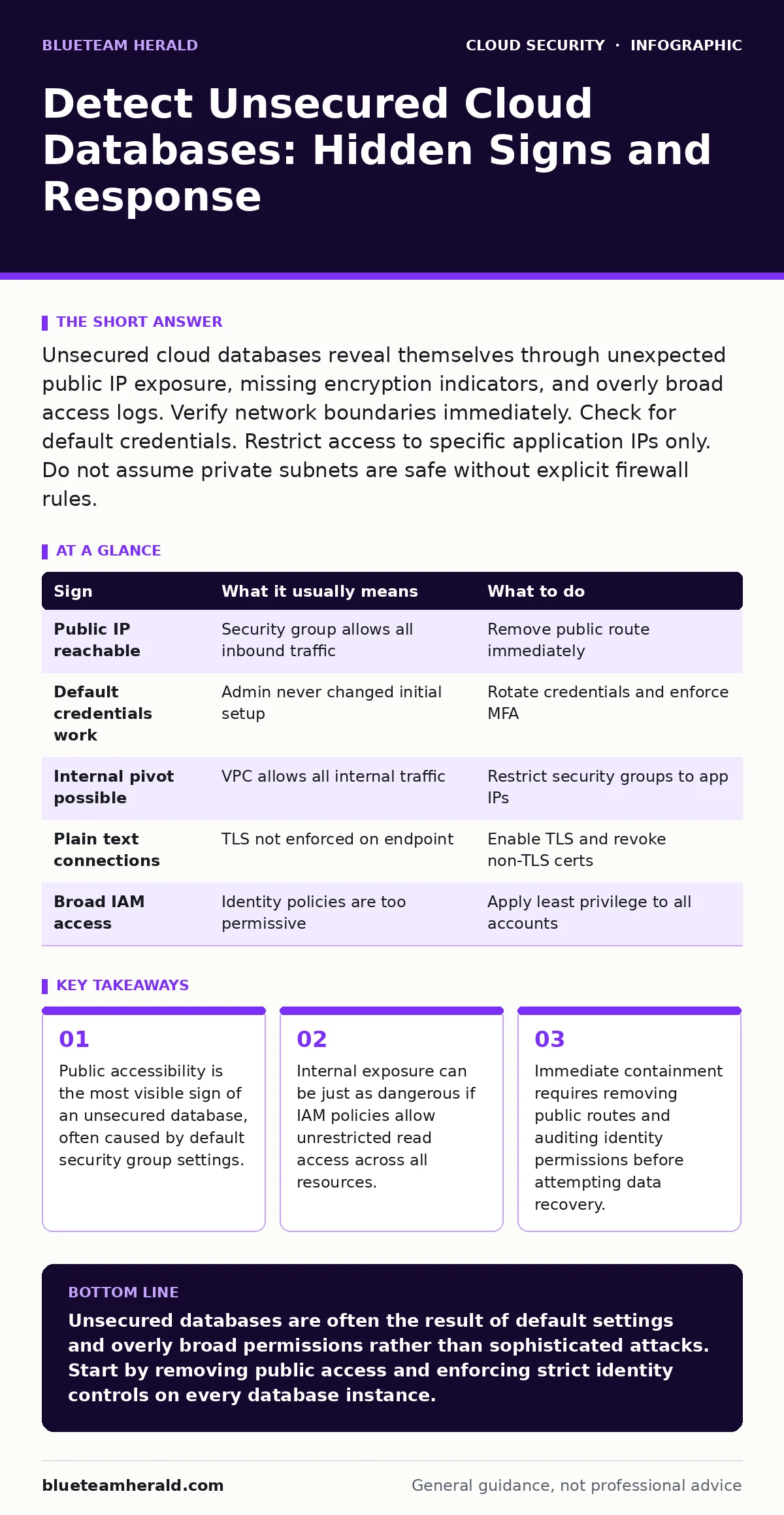
| Sign | What it usually means | What to do |
|---|---|---|
| Public IP reachable | Security group allows all inbound traffic | Remove public route immediately |
| Default credentials work | Admin never changed initial setup | Rotate credentials and enforce MFA |
| Internal pivot possible | VPC allows all internal traffic | Restrict security groups to app IPs |
| Plain text connections | TLS not enforced on endpoint | Enable TLS and revoke non-TLS certs |
| Broad IAM access | Identity policies are too permissive | Apply least privilege to all accounts |
Prevention Through Architecture
Preventing unsecured databases requires a shift in how you build infrastructure. Use infrastructure as code to define security rules. This ensures that every database is created with the same strict settings. It removes human error from the process.
Integrate security checks into your deployment pipeline. If a database is created without encryption, the deployment fails. This is known as shift-left security. It catches errors before they reach production. It is more effective than scanning for issues later.
Continuous Monitoring and Auditing
You cannot secure a database once and forget it. Permissions change. Applications update. New developers join the team. You need continuous monitoring to detect drift.
Set up alerts for any change to security groups or IAM policies. Alert on any connection from an unknown IP. Alert on any access outside business hours. Use cloud detection and response tools to automate this. These tools can isolate a compromised resource in seconds. This reduces the window of exposure.
Reviewing Related Controls
Understanding unsecured databases requires looking at the broader security posture. You should review your cloud IAM policies to ensure they follow least privilege. Check your cloud logging and monitoring setup to ensure you capture all access events. Consider how cloud penetration testing can reveal these gaps before attackers do. Also, examine your insecure cloud APIs to ensure they do not expose database connections. Finally, look at cloud privilege escalation paths to see if a low-level account can access high-value data.
Key takeaways
- Public accessibility is the most visible sign of an unsecured database, often caused by default security group settings.
- Internal exposure can be just as dangerous if IAM policies allow unrestricted read access across all resources.
- Immediate containment requires removing public routes and auditing identity permissions before attempting data recovery.
Unsecured databases are often the result of default settings and overly broad permissions rather than sophisticated attacks. Start by removing public access and enforcing strict identity controls on every database instance.
Frequently asked questions
How do I know if my cloud database is publicly accessible?
Try to connect to the database endpoint from an external network. If you can reach it without a VPN or specific firewall rule, it is publicly accessible. Use online scanning tools to verify this.
What is the difference between encryption at rest and in transit?
Encryption at rest protects data stored on disk. Encryption in transit protects data moving between the client and server. Both are necessary to prevent different types of attacks.
Can internal networks be trusted for database security?
No. Internal networks are often compromised via lateral movement. You must assume that any resource in your virtual private cloud could be attacked. Enforce strict access controls internally.
How often should I audit database permissions?
Audit permissions continuously. Use automated tools to check for drift. Manual audits should happen at least quarterly. Any change in team structure or application logic requires an immediate review.
How this guide was produced: written by the BlueTeam Herald editorial team with AI assistance, checked against the public references listed below, and reviewed when the facts change. See our editorial policy or report an error.