Cloud-Native Application Protection Platform Misconceptions
CNAPP tools aggregate data but cannot enforce security policies without explicit configuration and continuous human oversight of the findings.

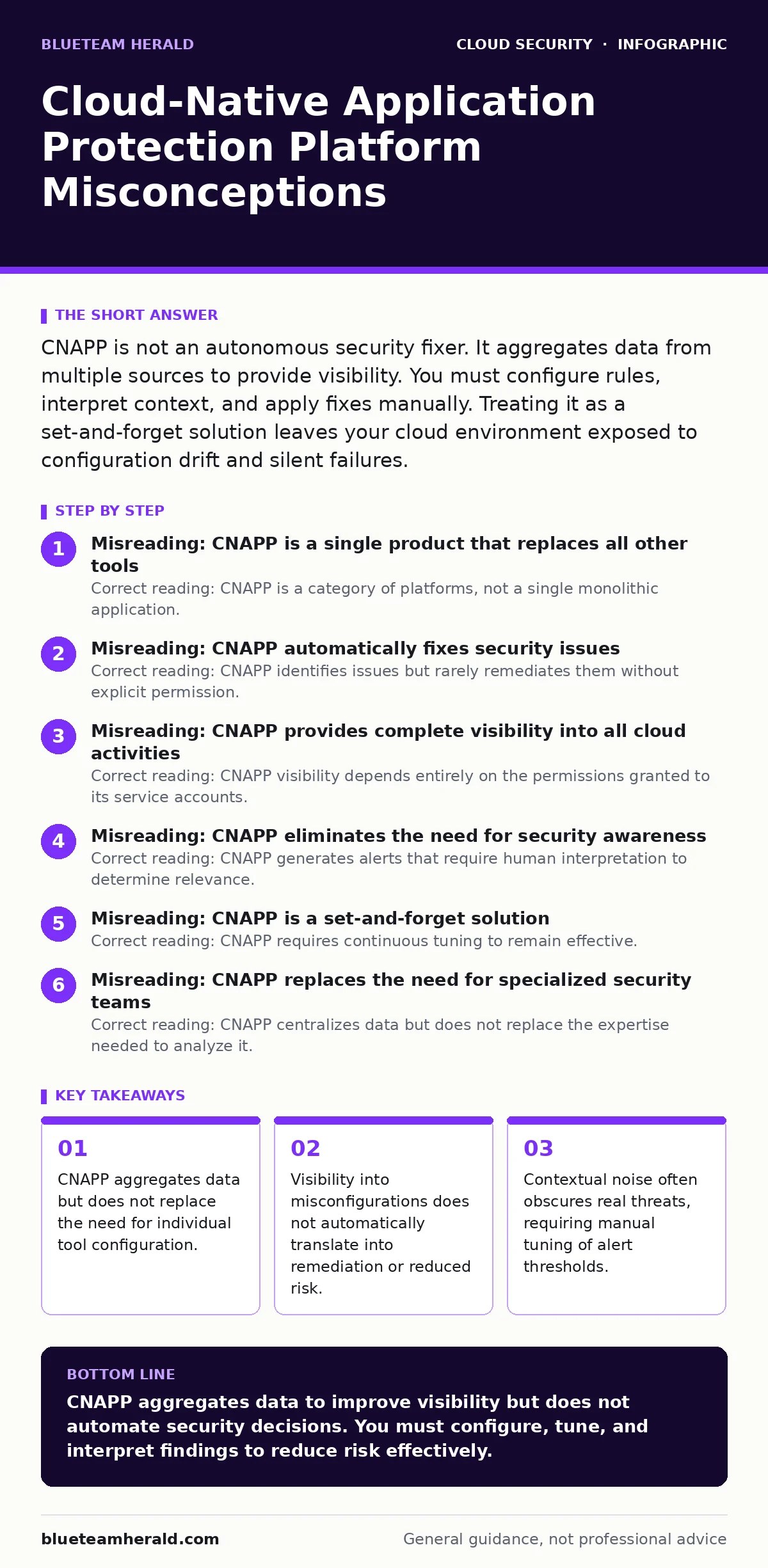
CNAPP is not an autonomous security fixer. It aggregates data from multiple sources to provide visibility. You must configure rules, interpret context, and apply fixes manually. Treating it as a set-and-forget solution leaves your cloud environment exposed to configuration drift and silent failures.
Misreading: CNAPP is a single product that replaces all other tools
Correct reading: CNAPP is a category of platforms, not a single monolithic application. It aggregates data from multiple existing tools to provide a unified view. You still need to maintain the underlying tools it connects to. The platform itself does not generate new security controls. It synthesizes information from cloud security posture management (CSPM) engines, container scanning tools, and runtime protection agents. You must configure each source independently. If your container scanner is misconfigured, the CNAPP dashboard will display incomplete or incorrect data. The value lies in the correlation, not in the replacement of specialized scanners.
Misreading: CNAPP automatically fixes security issues
Correct reading: CNAPP identifies issues but rarely remediates them without explicit permission. Most platforms operate in a read-only or advisory mode by default. Automatic remediation carries significant risk of breaking production services. You must define which issues are safe to auto-remediate.
For example, deleting an open security group is safe in a test environment but catastrophic in production. The platform provides the option to integrate with automation tools like Terraform or Ansible. You must build and test these remediation pipelines yourself. The CNAPP acts as the trigger, not the execution engine. This separation prevents accidental downtime caused by overzealous automated fixes.
Misreading: CNAPP provides complete visibility into all cloud activities
Correct reading: CNAPP visibility depends entirely on the permissions granted to its service accounts. If the CNAPP lacks read access to specific resources, those resources remain invisible. Shadow IT resources created outside standard pipelines often fall outside the scanning scope. You must regularly audit the CNAPP’s own cloud IAM policies to ensure comprehensive coverage. Hidden resources, such as unsecured cloud databases or orphaned storage buckets, may evade detection if they are not tagged or registered. The platform cannot see what it is not allowed to query. Regular permission reviews are necessary to maintain accurate visibility.
Misreading: CNAPP eliminates the need for security awareness
Correct reading: CNAPP generates alerts that require human interpretation to determine relevance. High volumes of low-severity alerts cause alert fatigue. Developers ignore warnings that do not explain the business impact. You must tailor alert thresholds to your specific risk tolerance. A misconfiguration in a development environment is less critical than the same error in production. The platform does not understand business context. You must define which findings require immediate attention and which can be accepted as risk. Without this curation, the tool becomes a noise generator rather than a security asset.
Misreading: CNAPP is a set-and-forget solution
Correct reading: CNAPP requires continuous tuning to remain effective. Cloud environments change rapidly as new services are deployed and configurations drift. Rules that were accurate last month may produce false positives today. You must regularly review and update detection rules to match your current architecture. The platform does not learn from your decisions automatically. You must feed back your triage decisions to improve future alerts. Neglecting this maintenance leads to decreased trust in the tool. Teams will bypass the platform if it consistently flags irrelevant issues. Active management is required to keep the signal-to-noise ratio acceptable.
See also: Hybrid Cloud Advantages and Disadvantages: Risks and Controls
Misreading: CNAPP replaces the need for specialized security teams
Correct reading: CNAPP centralizes data but does not replace the expertise needed to analyze it. Security analysts must understand the underlying technologies to interpret findings correctly. A container vulnerability alert requires knowledge of container orchestration to assess risk. A network policy violation requires understanding of cloud networking.
The platform simplifies the data collection process but not the analysis process. You still need skilled personnel to correlate events and determine root causes. The tool amplifies the capabilities of your team but does not substitute for their knowledge. Expecting the platform to perform analysis without human input leads to missed threats.
Misreading: CNAPP is only for large enterprises
Correct reading: CNAPP benefits organizations of any size that use cloud services extensively. Smaller teams often lack the bandwidth to manage multiple disconnected security tools. CNAPP reduces the operational overhead of switching between consoles. The cost of licensing may be higher than individual tools, but the time saved in correlation is significant. Start with core features like CSPM and container scanning. Add runtime protection as your maturity grows. Do not assume the complexity of CNAPP is prohibitive for small teams. Proper configuration can provide enterprise-grade visibility without enterprise-scale staffing.
Misreading: CNAPP guarantees compliance
Correct reading: CNAPP can help demonstrate compliance by providing evidence of controls. It maps configurations to compliance frameworks like SOC 2 or ISO 27001. However, compliance is a process, not a state. The platform captures a point-in-time snapshot of your environment. It does not monitor continuous adherence. You must implement processes to address findings before auditors arrive. The tool provides the data but does not perform the audit. You remain responsible for interpreting the findings and ensuring they meet regulatory requirements. Relying solely on the platform’s compliance dashboard without manual verification is risky.
Misreading: CNAPP works seamlessly with hybrid cloud security
Correct reading: CNAPP primarily focuses on cloud-native environments. Extending visibility to on-premises or hybrid environments requires additional agents and configuration. Data from on-premises systems may not integrate smoothly with cloud-native metrics. You must ensure that your hybrid cloud security strategy includes consistent data collection methods. The platform may struggle to correlate events across disparate environments. Clear boundaries and consistent tagging are necessary to maintain visibility. Do not assume that connecting a hybrid environment is as simple as adding a new cloud account. Additional effort is required to normalize data sources.
Key takeaways
- CNAPP aggregates data but does not replace the need for individual tool configuration.
- Visibility into misconfigurations does not automatically translate into remediation or reduced risk.
- Contextual noise often obscures real threats, requiring manual tuning of alert thresholds.
- Integration with existing workflows is mandatory for effective CNAPP operation.
CNAPP aggregates data to improve visibility but does not automate security decisions. You must configure, tune, and interpret findings to reduce risk effectively.
Frequently asked questions
Does CNAPP replace CSPM tools?
CNAPP includes CSPM capabilities but aggregates data from multiple sources. You still need to configure the underlying CSPM engine and manage its rules.
How long does it take to implement CNAPP?
Implementation time varies based on your cloud complexity. Basic visibility can be achieved in days, but full integration and tuning take weeks or months.
Can CNAPP detect insider threats?
CNAPP can detect unusual configuration changes or access patterns. However, identifying insider threats requires correlating this data with user behavior analytics.
Is CNAPP suitable for multi-cloud environments?
Yes, CNAPP is designed to provide unified visibility across multiple cloud providers. You must configure connectors for each provider to ensure consistent data collection.
How this guide was produced: written by the BlueTeam Herald editorial team with AI assistance, checked against the public references listed below, and reviewed when the facts change. See our editorial policy or report an error.