Stop Open Security Groups: Practical Cloud Network Hardening
Closing open security groups reduces your attack surface by eliminating the network paths attackers use to reach internal services without authentication.

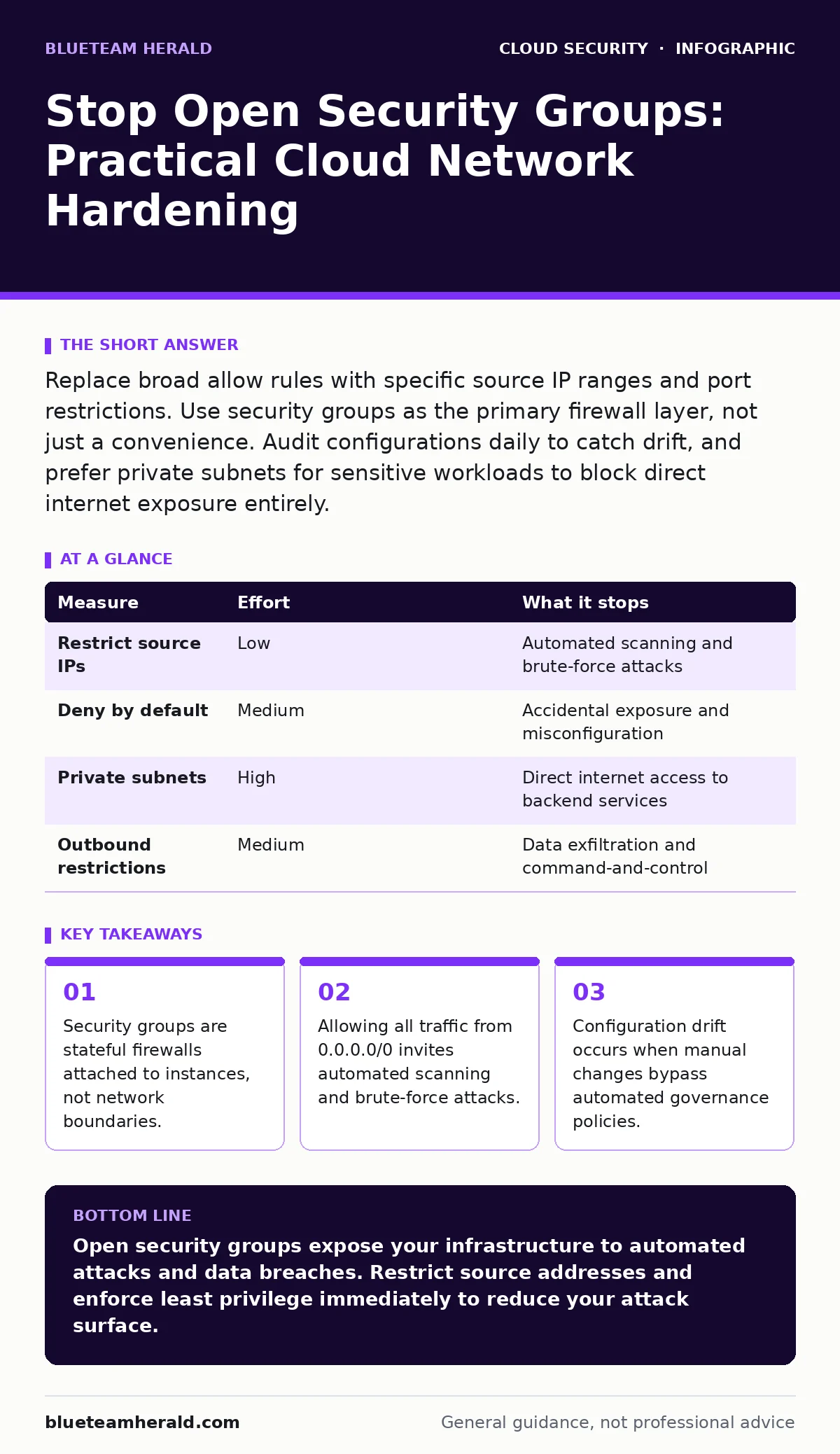
Replace broad allow rules with specific source IP ranges and port restrictions. Use security groups as the primary firewall layer, not just a convenience. Audit configurations daily to catch drift, and prefer private subnets for sensitive workloads to block direct internet exposure entirely.
The Illusion of Open Access
Security groups function as virtual firewalls that control traffic to and from cloud resources. They operate at the instance level, meaning they inspect packets before they reach the operating system. When you configure a security group to allow traffic from anywhere, you are removing the first line of defense. Attackers do not need to guess your IP address if you have told them that any IP can connect. This openness turns your infrastructure into a high-value target for automated bots that scan the entire internet for exposed ports.
Imagine a web server that needs to receive HTTP requests. The instinct is to allow port 80 from all sources. While this works for public websites, it also allows malicious actors to probe for vulnerabilities. A more secure approach restricts access to known load balancer IPs or specific geographic regions. This reduces the volume of malicious traffic before it even reaches your application logic.
Why Permissive Rules Persist
Developers often configure open security groups to avoid blocking legitimate traffic during testing. It is faster to allow everything and then tighten rules later than to troubleshoot connectivity issues upfront. This convenience creates a hidden technical debt. Over time, these permissive rules accumulate, creating a wide attack surface that is difficult to audit. The longer these rules remain open, the higher the probability that an attacker will discover and exploit them.
Another factor is the misunderstanding of stateful filtering. Security groups automatically allow return traffic for established connections. You do not need to explicitly allow outbound traffic for most standard applications. Allowing all outbound traffic, however, can enable data exfiltration if a server is compromised. Restricting outbound connections to only necessary services limits the damage an attacker can cause after gaining initial access.
What Does Not Work
Relying solely on application-level authentication is a common mistake. Many teams believe that strong passwords or multi-factor authentication protect exposed services. This is false because attackers can exploit vulnerabilities that bypass authentication entirely. They may target unpatched software, misconfigured APIs, or default credentials. Network-level controls must exist to prevent these attempts from reaching the application in the first place.
Another ineffective measure is hiding services behind complex port numbers. Changing a default port from 22 to 2222 does not prevent scanning. Automated tools scan all 65,535 ports on any reachable IP address. Obscurity is not security. It only delays detection by a few seconds, which is insufficient against modern attack infrastructure.
Priority One: Restrict Source Addresses
The most effective way to secure a security group is to limit source addresses. Instead of allowing traffic from 0.0.0.0/0, specify the IP ranges that need access. For administrative tasks, this means your office IP or VPN range. For public services, this means the IP ranges of your load balancers or CDN providers. This drastic reduction in allowed sources blocks the majority of automated attacks.
If you must allow public access, restrict it to specific ports. Never open all ports to the internet. A web server only needs ports 80 and 443. A database server should never be publicly accessible. Use private subnets for backend services and route traffic through a bastion host or jump box. This architecture ensures that only authorized administrators can reach sensitive resources, and even then, only through a monitored entry point.
Priority Two: Implement Least Privilege
Least privilege means granting only the permissions necessary for a function to work. Apply this to security groups by denying all traffic by default. Then, add explicit allow rules for each required connection. This approach prevents accidental exposure. If a new service launches, it starts with no access until you explicitly grant it. This forces a deliberate review of network requirements.
Regularly review these rules. Services change, and old rules often remain active long after they are needed. Use automated tools to identify unused rules. If a rule has not allowed traffic in ninety days, it is likely obsolete. Removing these rules reduces complexity and eliminates potential entry points. This process requires discipline but pays off by keeping your attack surface small.
| Measure | Effort | What it stops |
|---|---|---|
| Restrict source IPs | Low | Automated scanning and brute-force attacks |
| Deny by default | Medium | Accidental exposure and misconfiguration |
| Private subnets | High | Direct internet access to backend services |
| Outbound restrictions | Medium | Data exfiltration and command-and-control |
See also: Cloud-Native Application Protection Platform Misconceptions · Hybrid Cloud Advantages and Disadvantages: Risks and Controls
Priority Three: Automate Governance
Manual configuration is prone to error. Humans forget to close ports, or they copy-paste permissive rules to save time. Automate the enforcement of security group policies using infrastructure as code. Define templates that enforce least privilege and reject any configuration that allows open access. This ensures that every new resource starts with a secure baseline.
Integrate these checks into your deployment pipeline. If a developer tries to deploy a service with an open security group, the deployment fails. This shifts security left, catching issues before they reach production. It also creates an audit trail of who changed what and when. This visibility is critical for incident response and compliance.
Handling Legacy Systems
Legacy systems often have complex, undocumented network requirements. Closing their security groups abruptly can break critical business processes. The solution is gradual restriction. Start by logging all traffic to these systems without blocking it. Analyze the logs to identify legitimate sources and ports. Then, implement allow rules for only those sources. Finally, deny all other traffic. This method ensures business continuity while improving security.
For systems that must remain open, add additional layers of defense. Use web application firewalls to filter malicious requests. Implement rate limiting to slow down automated attacks. Monitor for unusual activity and set up alerts for suspicious patterns. These measures do not replace network segmentation but they add depth to your defense strategy.
The Role of Identity
Network controls are only one part of security. You must also secure the identities that access your cloud resources. Weak credentials can bypass even the strictest network rules if an attacker gains access to an administrative account. Implement strong identity governance practices to ensure that only authorized users have access to modify security groups.
Immediate Action Plan
Start by identifying the most critical assets in your environment. These are the systems that contain sensitive data or provide essential services. Review their security groups first. Look for rules that allow traffic from 0.0.0.0/0 or 172.16.0.0/12. Replace these with specific source IPs. This quick win removes the most obvious vulnerabilities.
Next, audit your outbound rules. Many organizations ignore outbound traffic, assuming it is safe. This is a mistake. Restrict outbound connections to only necessary destinations. This prevents compromised servers from communicating with attacker-controlled servers. Finally, set up monitoring for security group changes. Alert your team whenever a rule is added or modified. This ensures you are aware of any changes to your network perimeter.
- Identify all security groups allowing 0.0.0.0/0 inbound
- Restrict source IPs for administrative access
- Enable logging for security group changes
Key takeaways
- Security groups are stateful firewalls attached to instances, not network boundaries.
- Allowing all traffic from 0.0.0.0/0 invites automated scanning and brute-force attacks.
- Configuration drift occurs when manual changes bypass automated governance policies.
Open security groups expose your infrastructure to automated attacks and data breaches. Restrict source addresses and enforce least privilege immediately to reduce your attack surface.
Frequently asked questions
Can I use security groups to protect against DDoS attacks?
Security groups can filter some low-volume attacks based on IP or port, but they are not designed to mitigate large-scale DDoS attacks. Use dedicated DDoS protection services for that purpose.
How do I find unused security group rules?
Use cloud provider tools or third-party CSPM solutions to analyze flow logs. Rules that have not matched any traffic in a significant period are likely unused and can be removed.
Is it safe to allow all outbound traffic?
Allowing all outbound traffic is risky because it enables data exfiltration and command-and-control communication. Restrict outbound traffic to only necessary destinations and ports.
Do security groups protect against insider threats?
Security groups limit network access, but they do not prevent insiders from abusing their credentials. Combine network controls with strong identity governance and monitoring to mitigate insider risks.
How this guide was produced: written by the BlueTeam Herald editorial team with AI assistance, checked against the public references listed below, and reviewed when the facts change. See our editorial policy or report an error.