Unpatched Software Response: Containment, Recovery, and Prevention Steps
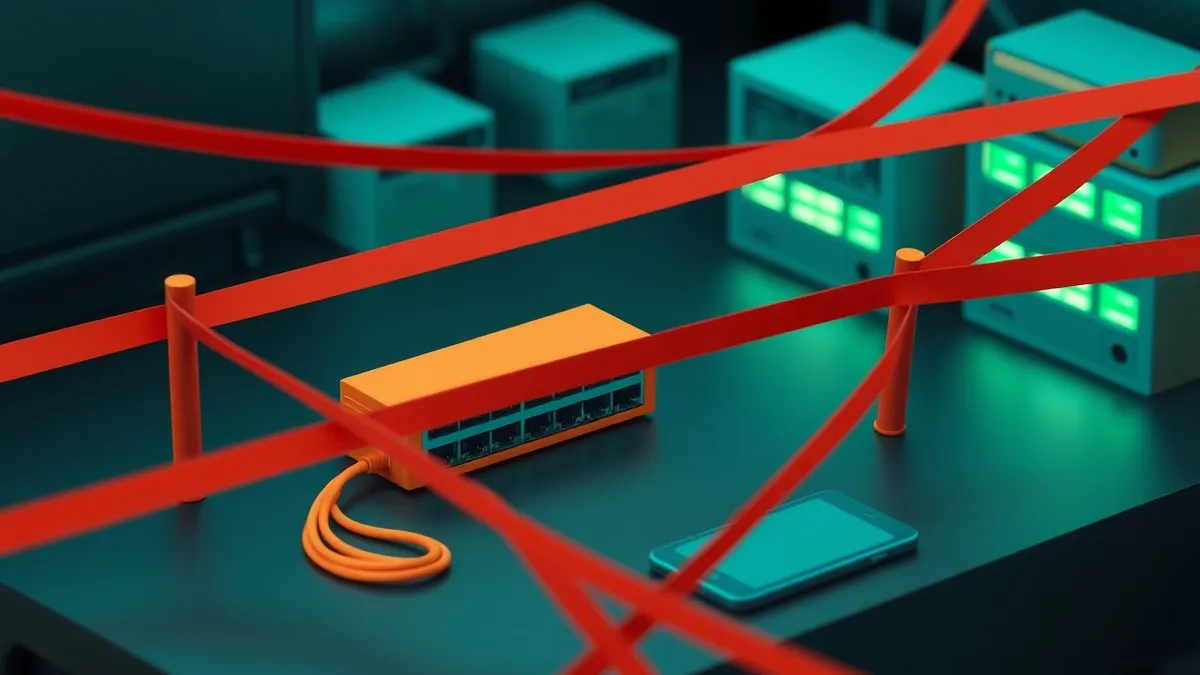
Isolating the network segment containing the vulnerable host prevents lateral movement more effectively than attempting immediate remediation on a compromised system.
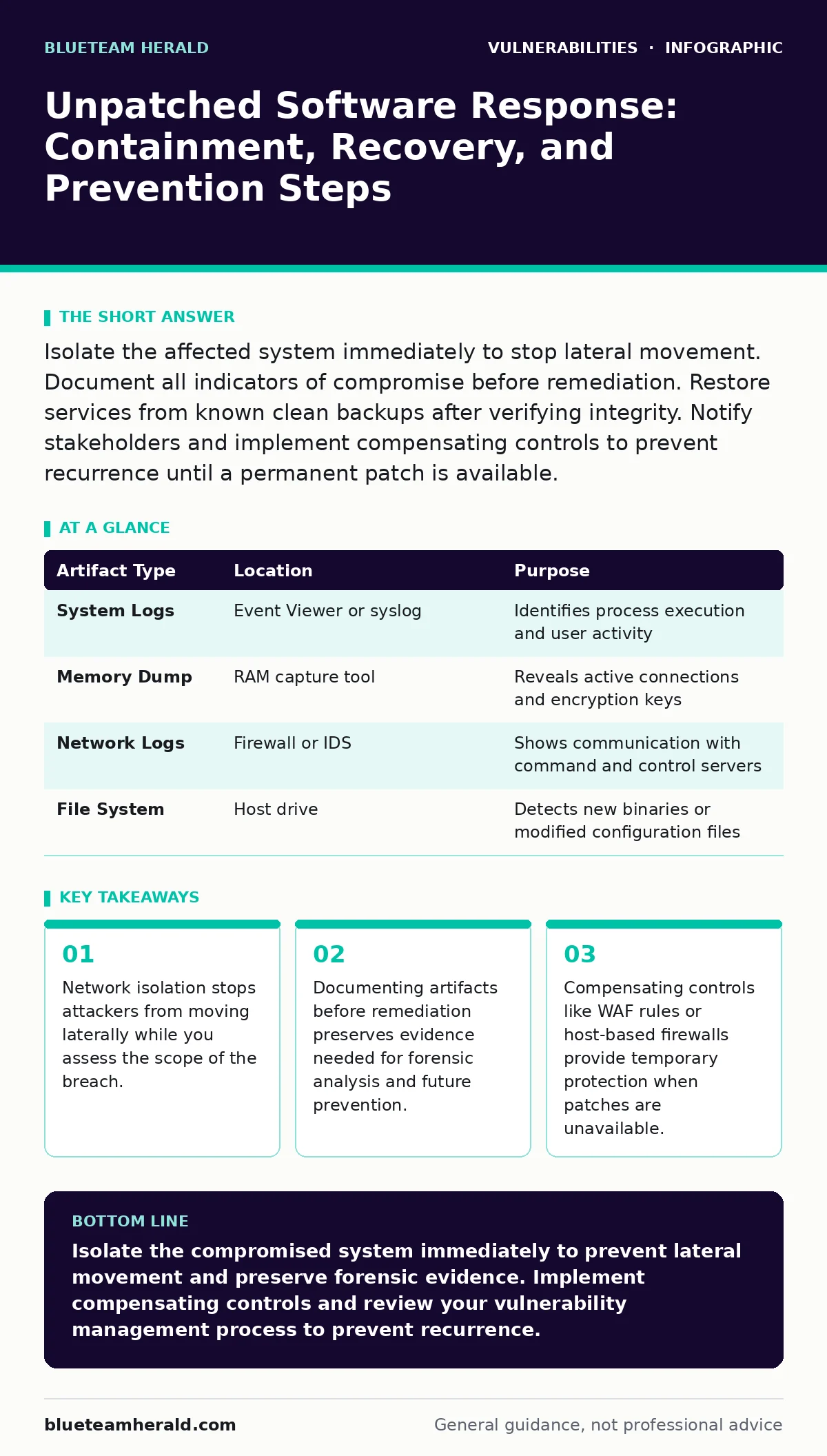
Isolate the affected system immediately to stop lateral movement. Document all indicators of compromise before remediation. Restore services from known clean backups after verifying integrity. Notify stakeholders and implement compensating controls to prevent recurrence until a permanent patch is available.
First hour
Discovery of unpatched software in an active attack requires immediate physical or logical separation. You must stop the bleeding before you attempt to understand the wound. The attacker is likely using the vulnerability to establish persistence or move laterally within your environment.
Immediate Containment Checklist
- Physically disconnect the device from the network by unplugging the Ethernet cable.
- If physical access is impossible, disable the network interface card via remote management tools.
- Block the compromised IP address at the firewall to prevent inbound and outbound traffic.
- Isolate adjacent systems on the same VLAN to prevent lateral movement.
- Capture a memory dump if your organization has live forensic tools installed.
- Record the exact time of discovery and the method of detection.
- Notify the incident response team leader immediately.
The goal of this phase is not to fix the software. It is to freeze the state of the attack. Once the system is isolated, the attacker loses their command and control channel. This buys you time to analyze the situation without further data exfiltration occurring.
First day
Once containment is secure, you must determine the extent of the damage. This involves analyzing logs and artifacts from the isolated system and related infrastructure. You are looking for indicators of compromise that reveal what the attacker accessed and what tools they installed.
Review the system logs for unusual process executions, new user accounts, or changes to system files. Check the firewall logs for connections to known malicious IP addresses or domains. Analyze the traffic logs to see if data was exfiltrated before isolation.
| Artifact Type | Location | Purpose |
|---|---|---|
| System Logs | Event Viewer or syslog | Identifies process execution and user activity |
| Memory Dump | RAM capture tool | Reveals active connections and encryption keys |
| Network Logs | Firewall or IDS | Shows communication with command and control servers |
| File System | Host drive | Detects new binaries or modified configuration files |
You must also identify if the vulnerability was exploited through a specific attack vector. Understanding the entry point helps you determine if other systems are exposed. For example, if the vulnerability was in a web server, you should check all other web servers for similar configurations.
Refer to guides on attack vectors in CVSS to understand the complexity of the exploit. This helps you prioritize which systems need immediate attention if multiple vulnerabilities are present. A high-complexity vector might mean fewer systems are affected, while a low-complexity vector suggests a wider blast radius.
First week
Recovery begins only after you have a clear picture of the compromise. You cannot restore a system to production if you do not know what was changed. The first step is to rebuild the affected system from a known clean backup. Do not attempt to clean the existing installation.
Verify the integrity of the backup before restoration. Ensure the backup was created before the compromise occurred. If you are unsure, assume the backup is infected and use an older version. Restore the system to an isolated network segment for testing.
Run a full antivirus scan and a rootkit detection tool on the restored system. Compare the file system against a known good baseline. Look for any unauthorized changes to configuration files or scheduled tasks. This step ensures that the attacker did not hide backdoors in the backup.
Recovery Validation
- Verify that all services start correctly on the isolated network.
- Confirm that no unauthorized processes are running.
- Test the application functionality to ensure no data corruption occurred.
- Scan the system for any remaining indicators of compromise.
- Move the system to the production network only after sign-off from security.
During this phase, you should also implement compensating controls. If a patch is not available, you must reduce the risk through other means. This might involve restricting access to the vulnerable service or adding additional monitoring.
Notification and Reporting
You must inform the appropriate stakeholders about the incident. This includes internal leadership, legal counsel, and potentially external parties depending on the data involved. Transparency is critical for maintaining trust and complying with regulatory requirements.
Draft a clear and concise report detailing the timeline, impact, and remediation steps. Avoid technical jargon when communicating with non-technical stakeholders. Focus on the business impact and the steps taken to secure the environment.
If personal data was compromised, you may need to notify affected individuals. Follow your organization's data breach notification policy. Ensure that the notification provides clear guidance on what steps individuals should take to protect themselves.
Preventing Recurrence
The final step is to ensure the same vulnerability cannot be exploited again. This involves more than just applying a patch. You must review your vulnerability management programs to identify gaps in your detection and response capabilities.
Implement compensating controls that reduce the attack surface. This might include web application firewalls, host-based intrusion prevention systems, or strict access controls. These controls provide an additional layer of defense even if the software remains unpatched for a period.
Review your security misconfigurations to ensure that vulnerable services are not exposed to the internet. Many exploits require the vulnerable service to be publicly accessible. Restricting access to trusted networks reduces the likelihood of exploitation.
Consider implementing input validation on all user-facing applications. Even if the software is patched, poor input validation can lead to other vulnerabilities. This proactive measure helps prevent future exploits.
See also: DNS Rebinding Response: Containment, Recovery and Prevention Steps · Ivanti VPN Warning Signs: Detecting Silent Exploitation
Long-Term Strategy
Unpatched software is a persistent risk. You must establish a process for managing vulnerabilities that cannot be patched immediately. This involves regular vulnerability scanning to identify new risks and prioritize remediation efforts.
Integrate Patch Tuesday updates into your routine maintenance schedule. Ensure that critical patches are applied within a defined timeframe. Test patches in a non-production environment before deployment to avoid breaking changes.
Regularly update browser updates and other client-side software. These components are often overlooked but can serve as entry points for attackers. Automate updates where possible to ensure consistency.
Finally, review your incident response plan. Incorporate lessons learned from this incident into your procedures. Conduct tabletop exercises to test your team's ability to respond to similar events in the future.
Key takeaways
- Network isolation stops attackers from moving laterally while you assess the scope of the breach.
- Documenting artifacts before remediation preserves evidence needed for forensic analysis and future prevention.
- Compensating controls like WAF rules or host-based firewalls provide temporary protection when patches are unavailable.
Isolate the compromised system immediately to prevent lateral movement and preserve forensic evidence. Implement compensating controls and review your vulnerability management process to prevent recurrence.
Frequently asked questions
How do I know if my system is compromised?
Look for unusual network traffic, unexpected process executions, or changes to system files. Monitor for failed login attempts and unusual administrative activity.
Should I patch the system immediately after discovery?
No. Isolate the system first to preserve evidence. Patching before containment can destroy forensic data and allow the attacker to maintain access.
What if a patch is not available?
Implement compensating controls such as network segmentation, firewalls, and monitoring. Restrict access to the vulnerable service and increase logging.
How often should I scan for vulnerabilities?
Conduct regular vulnerability scanning on a weekly or monthly basis. Perform immediate scans after major changes or new threat discoveries.
How this guide was produced: written by the BlueTeam Herald editorial team with AI assistance, checked against the public references listed below, and reviewed when the facts change. See our editorial policy or report an error.