GraphQL Incident Response: Containment, Recovery, and Prevention Steps
GraphQL lacks inherent rate limits, allowing attackers to exhaust server resources through nested queries that bypass traditional web application firewall rules.

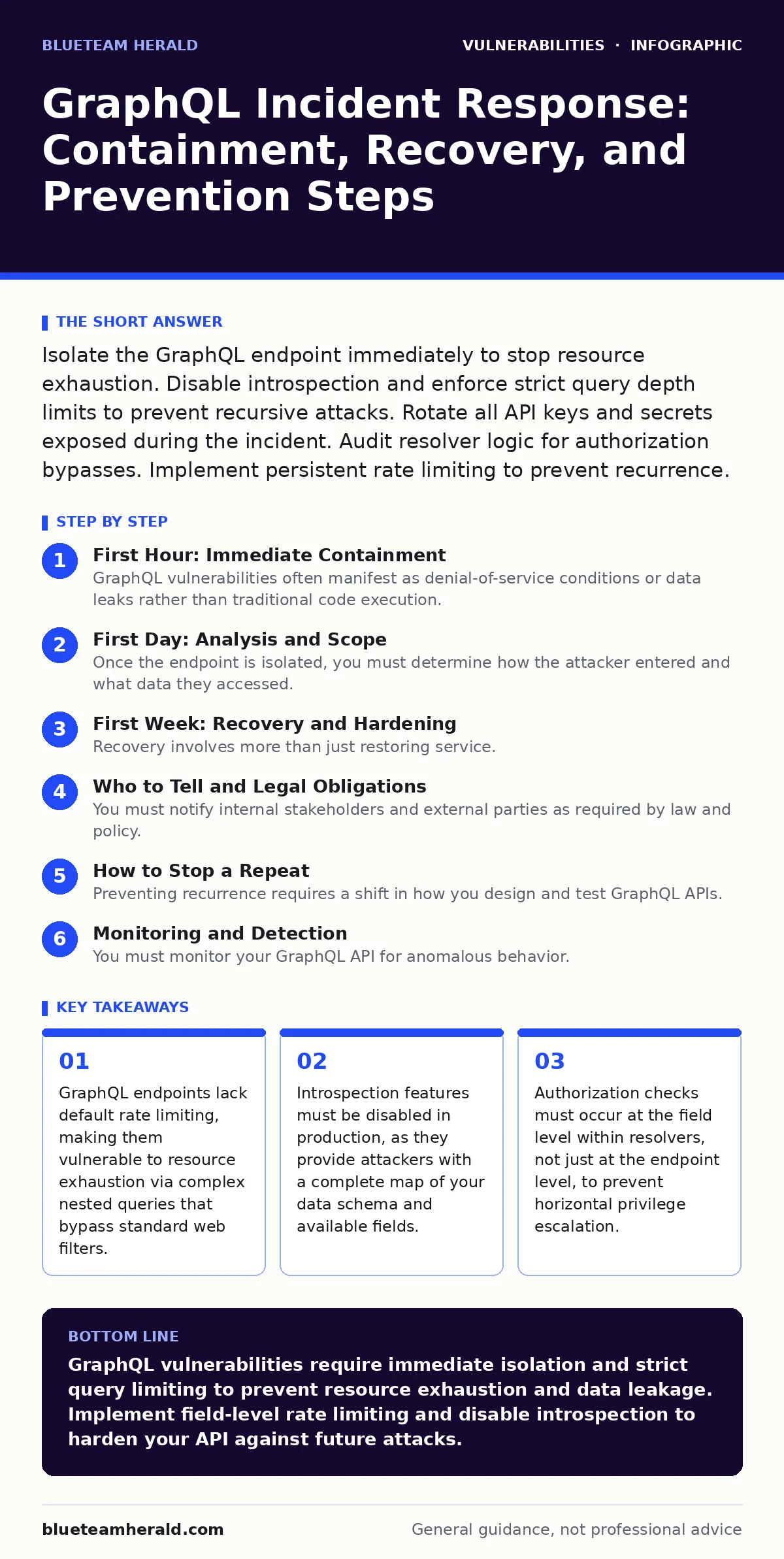
Isolate the GraphQL endpoint immediately to stop resource exhaustion. Disable introspection and enforce strict query depth limits to prevent recursive attacks. Rotate all API keys and secrets exposed during the incident. Audit resolver logic for authorization bypasses. Implement persistent rate limiting to prevent recurrence.
First Hour: Immediate Containment
GraphQL vulnerabilities often manifest as denial-of-service conditions or data leaks rather than traditional code execution. The absence of a fixed URL structure means traditional web application firewalls may fail to detect malicious payloads. You must act quickly to limit the blast radius.
- Isolate the GraphQL endpoint from public internet access using network security groups or firewall rules.
- Disable the introspection query feature if it is currently enabled in the production environment.
- Rotate all API keys, OAuth tokens, and service account credentials that interact with the GraphQL API.
- Enable verbose logging for all incoming requests to capture the full query structure and headers.
- Notify the development team to halt any new deployments that might alter the schema or resolver logic.
Isolating the endpoint stops the immediate attack but disrupts service availability. You must balance security with business continuity. If the GraphQL API powers a critical mobile application, consider maintaining a read-only view for essential services while blocking all mutations. This partial availability prevents total business paralysis while you investigate.
First Day: Analysis and Scope
Once the endpoint is isolated, you must determine how the attacker entered and what data they accessed. GraphQL queries are often nested, meaning a single request can retrieve data from multiple sources. This complexity makes tracing the attack path difficult. You need to reconstruct the query execution tree.
Examine the logs for unusually deep nesting levels. A query that requests users, their posts, comments, and commenters in a single request can trigger thousands of database calls. This is known as the N+1 problem. Attackers exploit this by crafting queries that force the server to perform excessive database lookups.
Check for authorization bypasses. In GraphQL, authorization is often implemented at the resolver level. A resolver is a function that fetches data for a specific field. If a resolver fails to check the user's permissions for a specific field, an attacker can access sensitive data even if they are authenticated as a low-privileged user.
Review the schema for any fields that return excessive data. Attackers may use introspection to identify fields that return large objects or lists. If these fields are not paginated, an attacker can request all records at once. This leads to memory exhaustion on the server.
First Week: Recovery and Hardening
Recovery involves more than just restoring service. You must harden the GraphQL implementation to prevent similar attacks. This requires changes to both the server configuration and the application logic. You cannot rely on a single control to secure the API.
Implement query complexity analysis. This tool assigns a cost to each field in the schema and calculates the total cost of a query. If the cost exceeds a predefined threshold, the server rejects the request. This prevents attackers from crafting queries that exhaust server resources.
Enforce strict depth limits. Depth limiting restricts the number of nested levels in a query. This prevents recursive queries that can cause stack overflow errors or excessive database usage. Most GraphQL servers support middleware that can enforce these limits automatically.
Disable introspection in production. Introspection allows clients to query the schema and discover available types, fields, and arguments. While useful for development, it provides attackers with a blueprint of your data model. Disable it entirely in production environments.
Implement rate limiting at the field level. Traditional rate limiting counts requests per IP address. This is ineffective against GraphQL because a single request can perform multiple operations. Field-level rate limiting counts the number of times specific fields are accessed. This prevents attackers from abusing expensive fields.
Who to Tell and Legal Obligations
You must notify internal stakeholders and external parties as required by law and policy. The scope of the notification depends on the type of data accessed. If personally identifiable information was exposed, you must notify affected users and regulatory bodies.
Inform the legal team immediately. They will determine the specific notification requirements based on jurisdiction. Different regions have different timelines for breach notification. Failure to comply can result in significant fines and legal liability.
Notify the security operations center. They need to monitor for further indicators of compromise. The attacker may have established persistence mechanisms or lateral movement paths. The security operations center can help detect these activities.
Inform the development team. They need to understand the root cause of the vulnerability. This helps them fix the underlying issue and prevent similar vulnerabilities in the future. Documentation of the incident is critical for post-mortem analysis.
How to Stop a Repeat
Preventing recurrence requires a shift in how you design and test GraphQL APIs. You must integrate security into the development lifecycle. This includes automated testing, code review, and continuous monitoring.
Use schema stitching or federation carefully. These techniques allow you to combine multiple GraphQL services into a single schema. However, they can introduce complexity and potential security gaps. Ensure that authorization checks are consistent across all services.
Implement persistent rate limiting. Traditional rate limiting resets after a period of time. Persistent rate limiting tracks usage over longer periods. This prevents attackers from spreading their attacks over time to avoid detection.
Conduct regular penetration testing. Automated scanning tools often miss logical vulnerabilities in GraphQL APIs. Manual testing by security experts is necessary to identify complex attack vectors. See vulnerability scanning for details on automated testing limitations.
Review resolver logic regularly. Authorization checks can be bypassed if the logic is flawed. Regular code reviews help identify these flaws before they reach production. Ensure that all resolvers check permissions for every field they access.
See also: Ivanti VPN Warning Signs: Detecting Silent Exploitation · Threat Actors: Practical Defense Strategies for Small Businesses
Monitoring and Detection
You must monitor your GraphQL API for anomalous behavior. This includes unusual query patterns, high resource usage, and failed authorization attempts. Monitoring helps you detect attacks early and respond quickly.
Set up alerts for high-complexity queries. These queries may indicate an attempt to exhaust server resources. Alerting allows you to investigate and block the attacker before they cause significant damage.
Monitor for introspection queries in production. These queries should never occur in a production environment. If they do, it indicates a misconfiguration or an attack attempt. Blocking these queries at the network level is recommended.
Track authorization failures. A high number of authorization failures may indicate an attacker attempting to bypass permissions. Analyzing these failures can help you identify the specific fields and resolvers that are vulnerable.
Long-Term Security Strategy
Securing GraphQL is an ongoing process. You must stay updated on the latest security trends and vulnerabilities. The GraphQL specification evolves, and new attack vectors emerge regularly.
Participate in the GraphQL community. Engage with other developers and security experts to share knowledge and best practices. This helps you stay informed about new threats and mitigation strategies.
Regularly update your GraphQL libraries and tools. Older versions may contain known vulnerabilities. Keeping your dependencies up to date reduces your attack surface. See unpatched software for more on dependency management.
Conduct regular training for developers. GraphQL has a unique security model that differs from traditional REST APIs. Developers need to understand these differences to build secure applications. Training helps them identify and mitigate potential vulnerabilities.
Key takeaways
- GraphQL endpoints lack default rate limiting, making them vulnerable to resource exhaustion via complex nested queries that bypass standard web filters.
- Introspection features must be disabled in production, as they provide attackers with a complete map of your data schema and available fields.
- Authorization checks must occur at the field level within resolvers, not just at the endpoint level, to prevent horizontal privilege escalation.
GraphQL vulnerabilities require immediate isolation and strict query limiting to prevent resource exhaustion and data leakage. Implement field-level rate limiting and disable introspection to harden your API against future attacks.
Frequently asked questions
How do I detect a GraphQL introspection attack?
Monitor your logs for queries containing the __schema or __type fields. These fields are used to retrieve the schema structure and should not be accessed by end users in production.
Can a web application firewall protect against GraphQL attacks?
Traditional web application firewalls often fail to protect GraphQL endpoints because they rely on fixed URL patterns. GraphQL uses a single endpoint, making pattern-based detection ineffective. You need specialized GraphQL security tools.
What is the difference between GraphQL and REST security? Q: How do I prevent nested query attacks?
Implement depth limiting and query complexity analysis. Depth limiting restricts the number of nested levels, while complexity analysis assigns a cost to each field and rejects queries that exceed a threshold.
Should I disable introspection in development?
No, keep introspection enabled in development to facilitate debugging and schema exploration. However, ensure it is strictly disabled in all production environments to prevent information disclosure.
How this guide was produced: written by the BlueTeam Herald editorial team with AI assistance, checked against the public references listed below, and reviewed when the facts change. See our editorial policy or report an error.