Phishing-Resistant Authentication: Answers to 10 Critical Questions
Move beyond passwords by understanding how cryptographic keys and hardware tokens stop credential theft at the source.

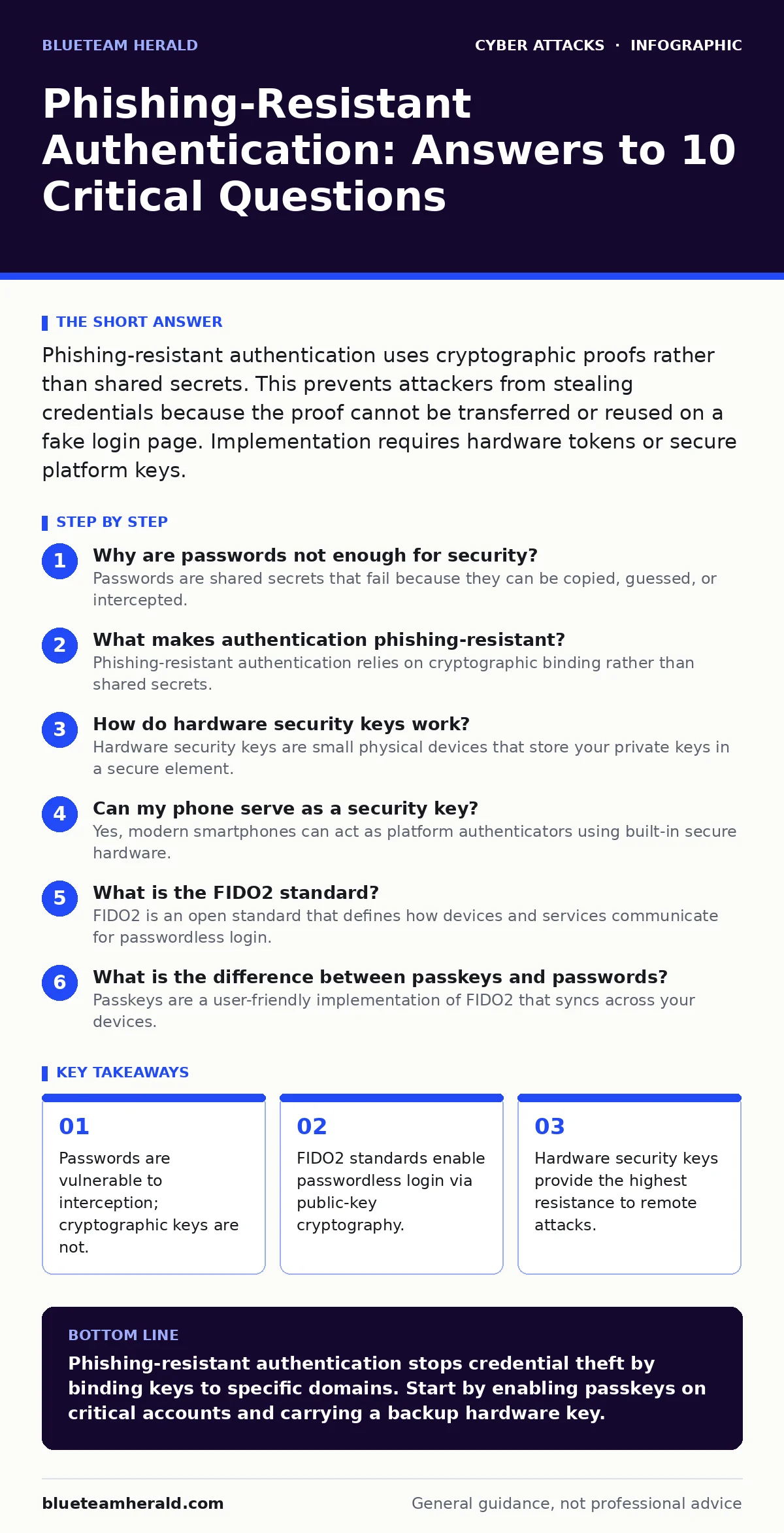
Phishing-resistant authentication uses cryptographic proofs rather than shared secrets. This prevents attackers from stealing credentials because the proof cannot be transferred or reused on a fake login page. Implementation requires hardware tokens or secure platform keys.
Why are passwords not enough for security?
Passwords are shared secrets that fail because they can be copied, guessed, or intercepted. When you type a password, you send the secret itself to the server, which stores a hash of it. If an attacker tricks you into typing that password on a fake site, they obtain the secret. They can then use that secret to access your real account. This mechanism relies on secrecy, which is difficult to maintain in a world of sophisticated social engineering.
What makes authentication phishing-resistant?
Phishing-resistant authentication relies on cryptographic binding rather than shared secrets. Instead of sending a password, your device proves it possesses a private key without revealing the key itself. The private key never leaves your device. The server verifies this proof using a corresponding public key. Because the private key is bound to the specific domain of the service, an attacker cannot trick you into using it on a different site.
How do hardware security keys work?
Hardware security keys are small physical devices that store your private keys in a secure element. You connect the key to your computer via USB, NFC, or Bluetooth to approve a login request. The key performs the cryptographic signing operation internally. It refuses to sign requests from domains that do not match the registered service. This prevents man-in-the-middle attacks where an attacker intercepts traffic between you and the server.
Can my phone serve as a security key?
Yes, modern smartphones can act as platform authenticators using built-in secure hardware. These devices use features like Touch ID or Face ID to authorize the release of the private key. The private key is stored in a trusted execution environment that the operating system cannot access directly. This provides a balance between convenience and security. However, if the phone is lost or compromised, the attacker may gain access if they can bypass the biometric or PIN protection.
What is the FIDO2 standard?
FIDO2 is an open standard that defines how devices and services communicate for passwordless login. It combines two protocols: CTAP for device communication and WebAuthn for browser interaction. This standard ensures that different brands of keys work with different websites. It removes the need for proprietary solutions that lock you into a specific vendor. Adopting FIDO2 allows you to use a single key across multiple services that support the standard.
See also: Account Takeover Protection: Mechanisms, Trade-offs, and Defense · Stolen Session Tokens: Debunking Six Common Security Myths
What is the difference between passkeys and passwords?
Passkeys are a user-friendly implementation of FIDO2 that syncs across your devices. Unlike passwords, passkeys are cloud-synced encrypted keys managed by your operating system. You do not need to remember them or type them out. When you log in, your device uses the stored key to authenticate. If you lose a device, you can restore the passkey from your cloud backup. This eliminates the risk of typing credentials into phishing sites.
Are software tokens phishing-resistant?
Software tokens that generate one-time codes are not truly phishing-resistant. These codes are shared secrets that expire after a short time. An attacker can steal the code in real-time if they have a session with you. They can then use the code immediately before it expires. This is known as a man-in-the-middle attack. To be phishing-resistant, the authentication method must bind the credential to the specific service domain.
What happens if I lose my security key?
Losing a hardware key can lock you out of your accounts if you have no backup. Most services allow you to register multiple keys for redundancy. You should keep at least two keys in different physical locations. If you lose all keys, you must contact the service provider for recovery. This process often requires identity verification, which can be slow and invasive. Planning for key loss is a critical part of deployment.
| Authentication Method | Phishing Resistant | User Convenience | Recovery Difficulty |
|---|---|---|---|
| Password | No | High | Low |
| SMS Code | No | High | Medium |
| Software TOTP | No | Medium | Medium |
| Passkeys | Yes | High | Low |
| Hardware Key | Yes | Low | High |
What are the limitations of passkeys?
Passkeys rely on the security of your device and the cloud sync service. If your device is compromised with malware that can bypass the secure enclave, your keys may be exposed. Additionally, passkeys require the service to support the FIDO2 standard. Many legacy systems do not support this yet. You may still need to use passwords or other methods for older applications. This creates a fragmented experience where you must manage multiple authentication types.
How do I implement this in my organization?
Implementation requires auditing which services support FIDO2 or passkeys. You should start by enabling passkeys for internal tools and critical external services. Train users on how to register and use their device credentials. Ensure that recovery processes are documented and tested. Do not disable password login immediately. Run both methods in parallel until you are confident in the new system. This reduces the risk of widespread lockouts during the transition.
Key takeaways
- Passwords are vulnerable to interception; cryptographic keys are not.
- FIDO2 standards enable passwordless login via public-key cryptography.
- Hardware security keys provide the highest resistance to remote attacks.
Phishing-resistant authentication stops credential theft by binding keys to specific domains. Start by enabling passkeys on critical accounts and carrying a backup hardware key.
Frequently asked questions
Can hackers steal my private key from a hardware device?
No, the private key is generated and stored inside a secure chip that does not allow the key to be exported. The device only signs data; it never reveals the secret itself.
Do I need to charge my hardware security key?
Most USB security keys do not require charging as they draw power from the computer. Bluetooth-enabled keys may require periodic charging, so check the specific device specifications.
Is passkey sync secure from the cloud provider?
Yes, passkeys are encrypted end-to-end. The cloud provider stores the encrypted blob but cannot decrypt it. Only your device, using its local credentials, can unlock and use the passkey.
What if my website does not support FIDO2?
You must continue using passwords or other supported methods for that service. Look for browser extensions or password managers that offer autofill for legacy sites, though these are not phishing-resistant.
How this guide was produced: written by the BlueTeam Herald editorial team with AI assistance, checked against the public references listed below, and reviewed when the facts change. See our editorial policy or report an error.