Detecting Web Shells: Log Analysis, File Integrity and Blind Spots
Web shells hide in plain sight by mimicking legitimate traffic and using encoded payloads that bypass standard signature-based scanning.

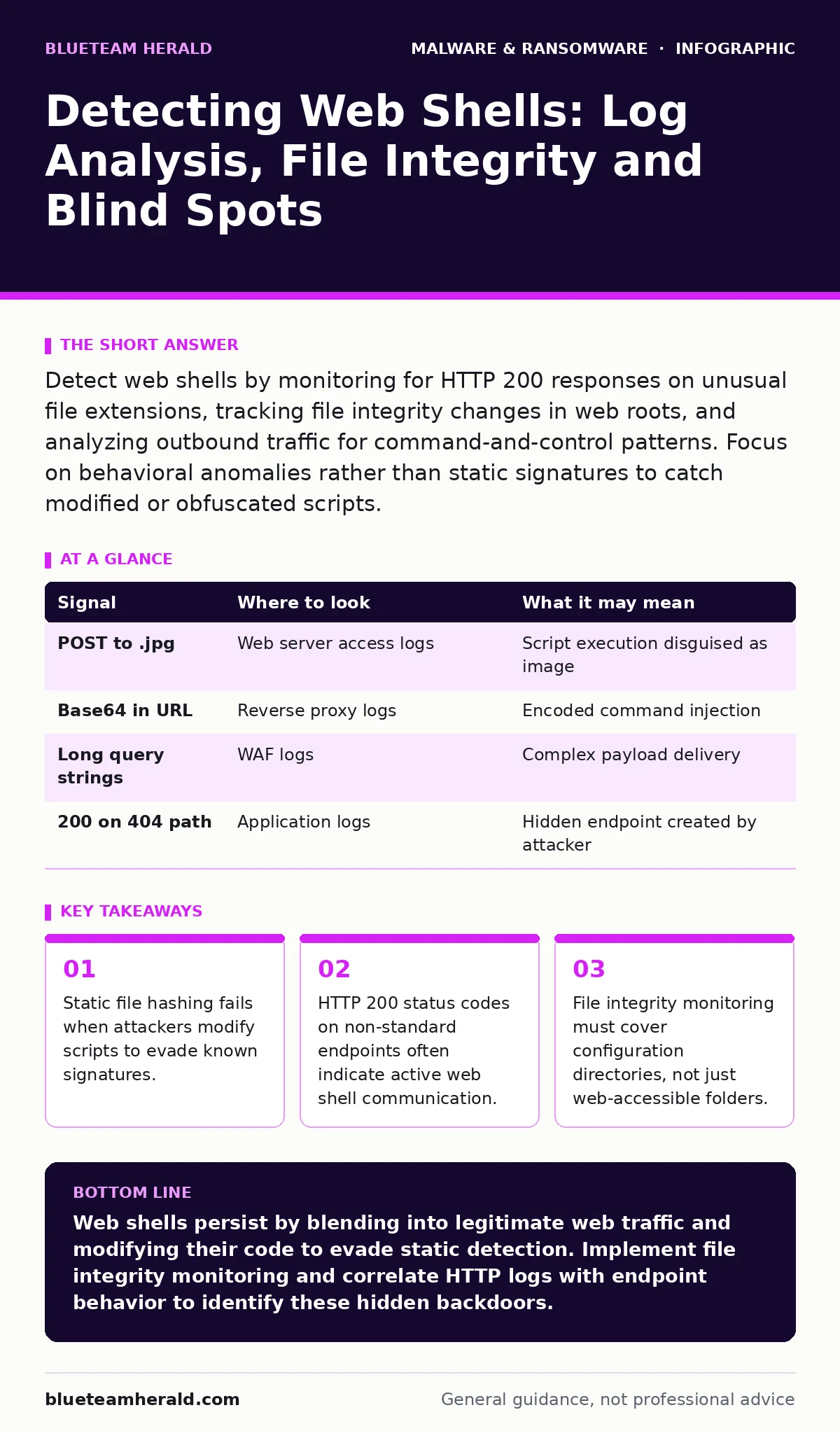
Detect web shells by monitoring for HTTP 200 responses on unusual file extensions, tracking file integrity changes in web roots, and analyzing outbound traffic for command-and-control patterns. Focus on behavioral anomalies rather than static signatures to catch modified or obfuscated scripts.
The Anatomy of a Web Shell
A web shell is a script uploaded to a web server that allows an attacker to execute commands remotely. It functions as a backdoor, giving the intruder the same privileges as the web service account. Unlike typical malware that runs in memory, a web shell persists on the disk as a file. It waits for an HTTP request from the attacker to trigger execution.
The danger lies in its simplicity. An attacker does not need to exploit a new vulnerability every time they want to access the system. They only need to find the file and send a specific request. This makes detection difficult because the file may look like a harmless image or a standard configuration file.
HTTP Traffic Anomalies
Network logs provide the first layer of visibility. You are looking for requests that return a 200 OK status code but target unusual paths. Attackers often name their shells with extensions that blend in with legitimate assets, such as .jpg, .png, or .css. However, these files are not serving content; they are executing code.
Suppose you see repeated POST requests to a file named "maintenance.php" in a directory that should only contain static images. The request body might contain encoded parameters that the shell decodes and executes. Standard web application firewalls may allow this traffic if it does not match known attack patterns. You must correlate the file extension with the HTTP method. A GET request to an image file is normal. A POST request to an image file is suspicious.
| Signal | Where to look | What it may mean |
|---|---|---|
| POST to .jpg | Web server access logs | Script execution disguised as image |
| Base64 in URL | Reverse proxy logs | Encoded command injection |
| Long query strings | WAF logs | Complex payload delivery |
| 200 on 404 path | Application logs | Hidden endpoint created by attacker |
File Integrity and Modification Times
Relying solely on known bad hashes is insufficient. Attackers frequently modify their shells to change their digital fingerprint. They might add whitespace, change variable names, or obfuscate the code. These changes break static detection rules but preserve functionality.
You need to monitor for unauthorized changes to files in the web root. File integrity monitoring tools can alert you when a file is created, modified, or deleted. Pay close attention to the modification timestamp. If a file in a static asset directory has a recent modification time, it warrants investigation. Even legitimate automated updates should follow a predictable pattern.
Obfuscation and Encoding Techniques
Attackers use encoding to hide the true nature of their commands. Base64 encoding is common, but so are hex encoding and custom cipher schemes. The goal is to make the payload unreadable to simple string searches. When you inspect the request body or the file content, look for large blocks of alphanumeric characters that do not resemble standard text.
Some shells use dynamic evaluation functions. They do not store the command directly in the file. Instead, they fetch the command from a remote server or decode it at runtime. This means the file on disk may appear clean, even while it is actively executing malicious instructions. This is where behavior-based detection becomes more effective than static analysis. You are looking for the runtime behavior, not just the file content.
Blind Spots in Detection
Many teams focus exclusively on the web server itself. They miss the fact that attackers often pivot to internal systems. A web shell can act as a proxy for lateral movement. It can initiate connections to other servers within your network. If you only monitor inbound traffic to the web server, you will miss these internal connections.
Another blind spot is configuration files. Attackers may insert code into global configuration files or database connection scripts. These files are often excluded from web root scans because they are not directly accessible via HTTP. However, they are executed by the application logic. Including these directories in your integrity monitoring scope closes this gap.
See also: Detect Living-of-the-Land Attacks: Log Analysis and Behavioral Signals · Alert Triage Mistakes and Fixes for Security Analysts
Tooling and Automation
Automated tools help scale detection efforts. Extended detection and response (XDR) platforms can correlate web server logs with endpoint activity. This allows you to see if a web server request leads to file creation or process execution on the host. Without this correlation, you are only seeing half the picture.
For deeper analysis, you may need to perform dynamic malware analysis. This involves running the suspected shell in a controlled environment to observe its behavior. You can see what commands it attempts to run and what network connections it tries to establish. This helps you understand the scope of the compromise and the specific capabilities of the shell.
Log Retention and Context
Detecting web shells requires historical context. You need to compare current activity against past behavior. If your log retention period is too short, you may miss the initial compromise. Attackers often lay low for weeks or months before executing their primary objective. Long-term log storage allows you to identify the point of entry and the duration of the intrusion.
Ensure your logs capture sufficient detail. Minimal logging that only records IP addresses and timestamps is not enough. You need the full HTTP request, including headers and bodies, to analyze the payload. Without this data, you cannot determine if a request was benign or malicious.
Response and Remediation
Once you detect a web shell, immediate action is required. Isolate the affected server to prevent lateral movement. Do not simply delete the file. The attacker may have established other backdoors or modified system configurations. You must assume the entire system is compromised.
Review the logs to determine what the shell was used for. Did it exfiltrate data? Did it download additional payloads? Understanding the scope of the breach informs your recovery strategy. You may need to rebuild the server from a known good state rather than attempting to clean it. This ensures no hidden components remain.
Key takeaways
- Static file hashing fails when attackers modify scripts to evade known signatures.
- HTTP 200 status codes on non-standard endpoints often indicate active web shell communication.
- File integrity monitoring must cover configuration directories, not just web-accessible folders.
Web shells persist by blending into legitimate web traffic and modifying their code to evade static detection. Implement file integrity monitoring and correlate HTTP logs with endpoint behavior to identify these hidden backdoors.
Frequently asked questions
How do I distinguish between a legitimate admin tool and a web shell?
Legitimate tools follow documented APIs and use standard authentication. Web shells often use custom parameters, bypass authentication, and reside in unexpected directories. Check the file source and modification history.
Can a web shell exist without being a file on disk?
Yes, some advanced techniques use in-memory execution or abuse existing applications to run code. These are harder to detect and require monitoring for unusual process behavior or network connections.
Should I block all POST requests to image files?
Blocking all POST requests to image files may break legitimate functionality. Instead, monitor for these requests and alert on anomalies. Investigate any POST request to a static asset that returns a 200 status code.
How often should I update my web shell signatures?
Signatures must be updated frequently, but they are not enough. Attackers create new shells daily. Combine signature updates with behavioral analysis and integrity monitoring for effective detection.
How this guide was produced: written by the BlueTeam Herald editorial team with AI assistance, checked against the public references listed below, and reviewed when the facts change. See our editorial policy or report an error.