Dynamic Malware Analysis: How to Watch Code Execute Safely
Running suspect files in an isolated sandbox reveals hidden behaviors that static signature checks miss, exposing threats before they cause damage.

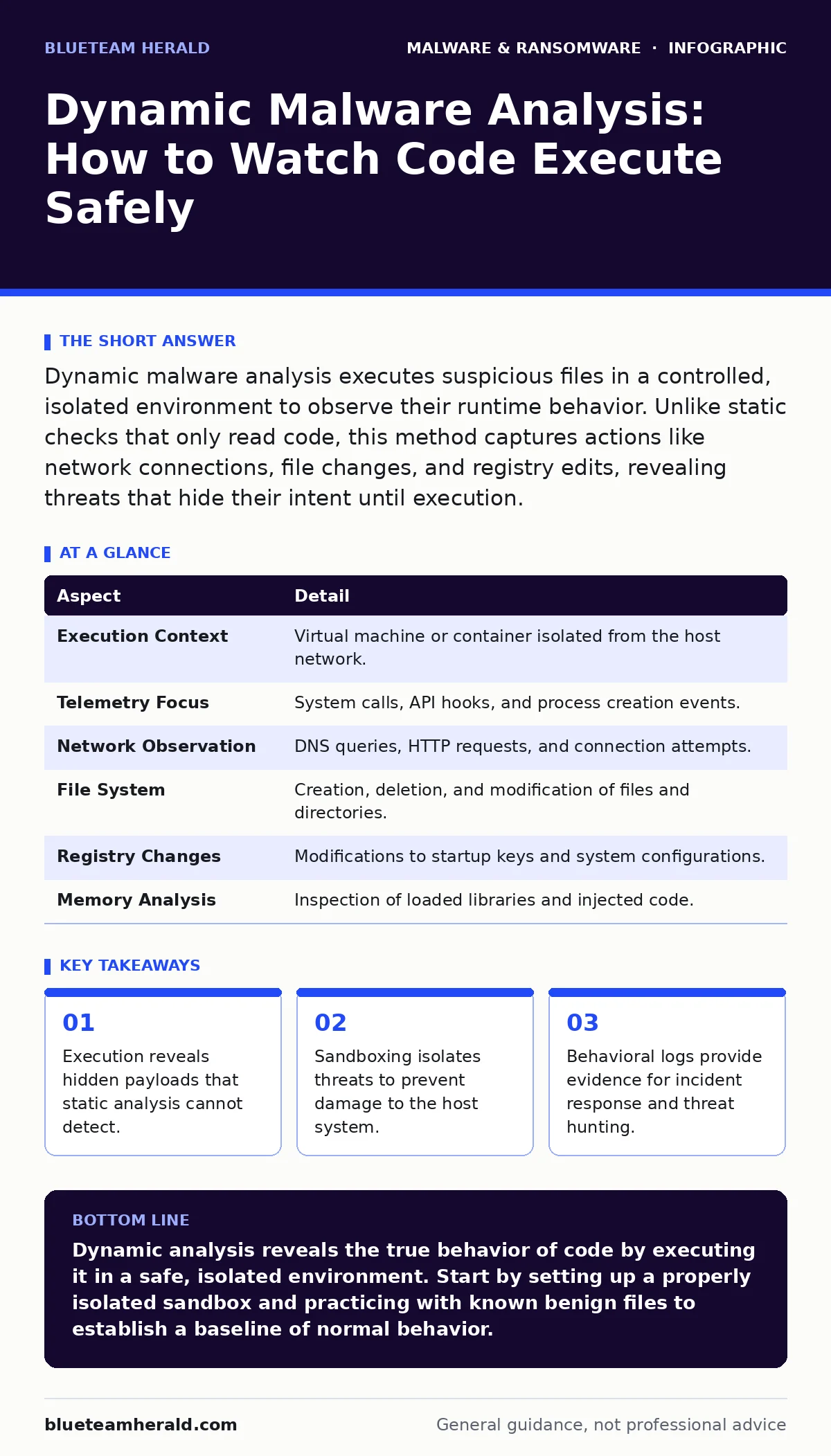
Dynamic malware analysis executes suspicious files in a controlled, isolated environment to observe their runtime behavior. Unlike static checks that only read code, this method captures actions like network connections, file changes, and registry edits, revealing threats that hide their intent until execution.
Watching the Code Run
Imagine you find a sealed envelope on your doorstep. You can look at the stamp, the handwriting, and the paper quality without opening it. That is static analysis. It tells you what the object looks like from the outside. But it does not tell you if the letter inside contains a threat.
Dynamic malware analysis is the act of opening that envelope in a room with no windows, no doors, and no connection to your house. You read the letter inside that safe room. You watch what the ink does to the paper. You note if the letter tries to call anyone outside. This process reveals the true intent of the code by observing its actions rather than just its structure.
You use this technique when you suspect a file is malicious but static checks return inconclusive results. It solves the problem of obfuscated code. Attackers often scramble their code to look like garbage to static scanners. When you run the code, however, it must unscramble itself to function. That moment of unscrambling is visible to you.
The Sandbox Environment
The core component of dynamic analysis is the sandbox. A sandbox is a simulated operating system or a virtual machine that mimics a real computer. It runs the software but keeps it separated from your actual network and hardware. If the code tries to delete system files, it only deletes copies in the sandbox.
You need a sandbox that behaves like a real user environment. If the sandbox looks too artificial, the malware may refuse to run. This is known as environment detection. The code checks for signs of virtualization, such as specific hardware drivers or mouse movements. If it detects it is in a lab, it may stay dormant to avoid detection.
To counter this, you configure the sandbox to mimic human interaction. You might script mouse movements or simulate keyboard input. You also ensure the sandbox has a realistic operating system version and installed applications. This increases the chance that the malware will trigger its payload.
Capturing Runtime Behavior
When the file executes, the sandbox records everything it does. This is called telemetry. The system logs system calls, which are requests the program makes to the operating system. It also logs network traffic, file system changes, and registry modifications.
| Aspect | Detail |
|---|---|
| Execution Context | Virtual machine or container isolated from the host network. |
| Telemetry Focus | System calls, API hooks, and process creation events. |
| Network Observation | DNS queries, HTTP requests, and connection attempts. |
| File System | Creation, deletion, and modification of files and directories. |
| Registry Changes | Modifications to startup keys and system configurations. |
| Memory Analysis | Inspection of loaded libraries and injected code. |
You look for specific patterns in these logs. A legitimate calculator app does not need to connect to a foreign server. It does not need to modify the Windows registry to start on boot. If the code performs these actions, you have evidence of malicious intent. This behavioral data is often more valuable than the code itself because it shows what the threat actually does.
The Limits of Observation
Dynamic analysis is not a magic bullet. It has blind spots. Some malware is designed to sleep for long periods. It may wait for a specific date, a specific user login, or a specific network condition. If your sandbox does not replicate these conditions, the malware will not activate. You will see nothing but a harmless file.
Time is a resource in analysis. You cannot run every file for days or weeks. You must balance depth with speed. Shorter runs catch simple threats quickly. Longer runs catch complex, slow-moving threats. You must decide how much time you are willing to spend on each sample.
Another limit is the complexity of modern applications. Some legitimate software behaves aggressively. It may scan the system for vulnerabilities or communicate with cloud services. This can create noise in your logs. You must distinguish between normal application behavior and malicious activity. This requires a baseline of what normal looks like.
Evading the Analyst
Attackers know you are watching. They use anti-analysis techniques to confuse your sandbox. One common method is sleep loops. The code inserts long pauses between actions. This makes the analysis take longer than your timeout threshold. The sandbox gives up and marks the file as clean.
Another technique is environment checking. The code queries the system for hardware details. If it finds virtual machine identifiers, it exits immediately. It never performs its malicious function. You are left with an empty log. This is why maintaining a realistic sandbox environment is critical.
You also face packed executables. Packing compresses and encrypts the code. The unpacker routine runs in memory. If your sandbox does not capture memory dumps, you miss the unpacked code. You need tools that can analyze memory state during execution. This adds complexity to your setup but is necessary for thorough analysis.
See also: Alert Triage Mistakes and Fixes for Security Analysts · 7 PowerShell Mistakes That Leave Your Network Exposed
What People Usually Get Wrong
Many assume that if a file runs without crashing, it is safe. This is a dangerous misconception. Malware often runs perfectly. It completes its task and exits. The damage is done. You must look for side effects, not just stability. A stable run that modifies system settings is more suspicious than a crash.
Another common error is relying solely on automated sandboxes. Automated tools are fast but lack context. They may miss subtle behaviors that a human analyst would notice. You should use automation for initial triage and human analysis for complex cases. This hybrid approach balances speed and depth.
People also forget that dynamic analysis can trigger the malware. If you run the code on a machine connected to your internal network, you risk infection. Always ensure the sandbox is fully isolated. Use a separate network segment with no route to your production systems. This isolation is the foundation of safe analysis.
Integrating with Defense Layers
Dynamic analysis fits into a broader security strategy. It complements static methods. You use static checks for speed and volume. You use dynamic checks for depth and verification. Together, they provide a more complete picture.
This approach aligns well with behavior-based detection. You feed the telemetry from your sandbox into your detection systems. You create rules that look for the specific behaviors you observed. For example, if you see a document downloading an executable, you create a rule to alert on that pattern.
You also integrate with extended detection and response (XDR) platforms. These platforms correlate data from multiple sources. They can use your sandbox findings to enrich alerts. If your XDR sees a similar file on an endpoint, it can use your dynamic analysis data to confirm the threat. This reduces false positives and speeds up response.
The Path Forward
Mastering dynamic analysis requires practice and patience. You must learn to read logs, understand system calls, and recognize evasion techniques. Start with simple samples. Build your sandbox environment carefully. Document your findings. Over time, you will develop an intuition for what looks suspicious.
This skill is valuable in incident response. When a breach occurs, you need to understand how the attacker moved. Dynamic analysis helps you reconstruct the attack. It shows you what the malware did, where it went, and what it stole. This information is critical for containment and remediation.
You should also stay updated on new evasion techniques. Attackers are constantly evolving. New methods of hiding code and bypassing sandboxes emerge regularly. You must adapt your analysis methods accordingly. Continuous learning is key to staying effective.
Key takeaways
- Execution reveals hidden payloads that static analysis cannot detect.
- Sandboxing isolates threats to prevent damage to the host system.
- Behavioral logs provide evidence for incident response and threat hunting.
- Adversaries use anti-analysis techniques to evade detection during testing.
Dynamic analysis reveals the true behavior of code by executing it in a safe, isolated environment. Start by setting up a properly isolated sandbox and practicing with known benign files to establish a baseline of normal behavior.
Frequently asked questions
Can dynamic analysis detect all types of malware?
No. It may miss malware that uses advanced evasion techniques, sleeps for long periods, or requires specific triggers that the sandbox does not replicate.
Is dynamic analysis safe for my computer?
Only if performed in a properly isolated sandbox. Running malware on a host machine connected to your network poses a significant risk of infection.
How long does dynamic analysis take?
It varies from seconds to hours depending on the complexity of the malware and the depth of the analysis. Automated sandboxes are faster but less thorough.
What is the difference between static and dynamic analysis?
Static analysis examines the code without running it, looking for known patterns. Dynamic analysis runs the code to observe its behavior and actions in real-time.
How this guide was produced: written by the BlueTeam Herald editorial team with AI assistance, checked against the public references listed below, and reviewed when the facts change. See our editorial policy or report an error.