Detect Living-of-the-Land Attacks: Log Analysis and Behavioral Signals
Standard system tools create subtle behavioral anomalies that persist long after the initial compromise, requiring a shift from signature matching to context-aware monitoring.

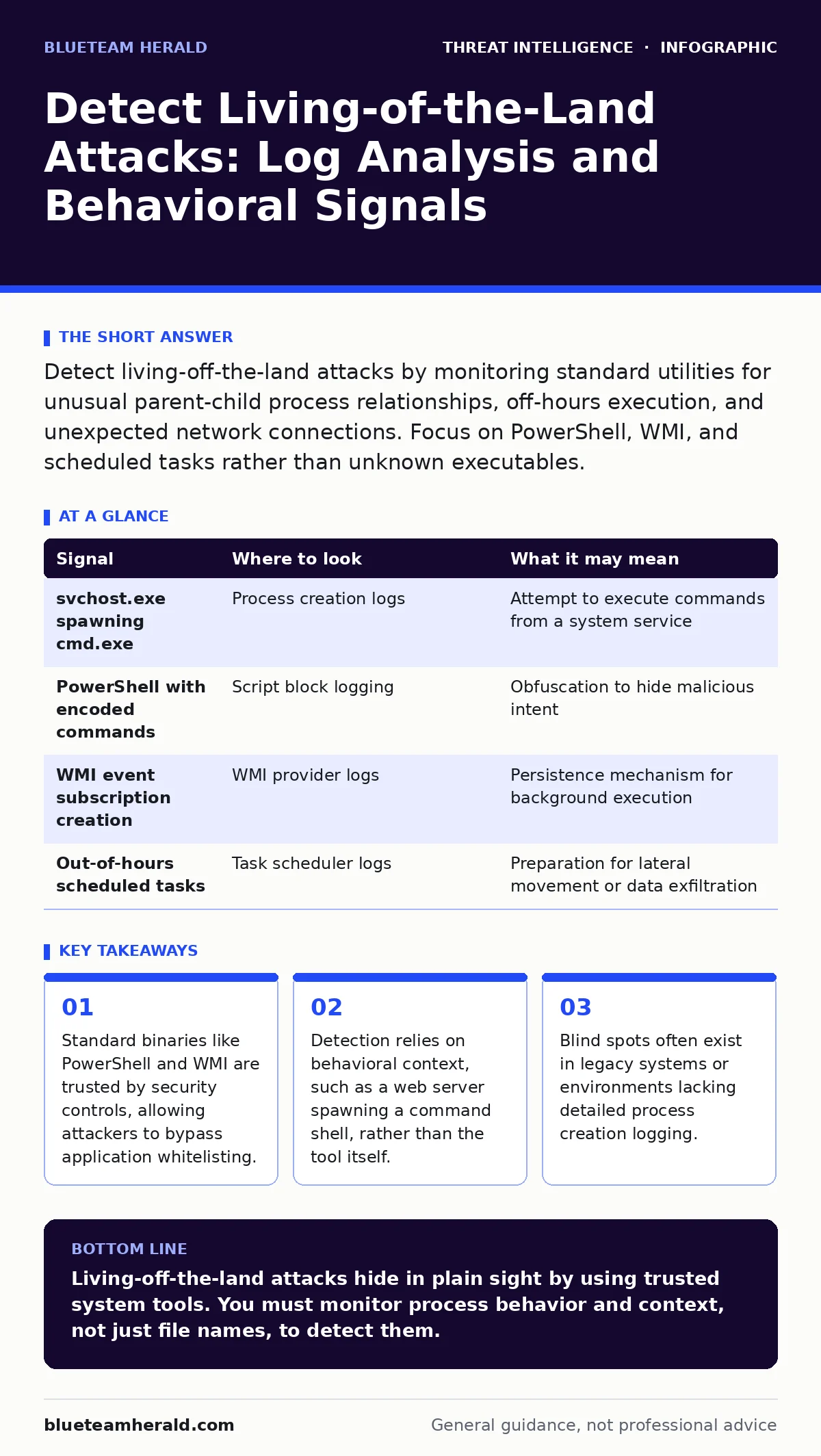
Detect living-off-the-land attacks by monitoring standard utilities for unusual parent-child process relationships, off-hours execution, and unexpected network connections. Focus on PowerShell, WMI, and scheduled tasks rather than unknown executables.
The Trust Paradox in Standard Tools
Living-off-the-land attacks exploit the fundamental security principle of least privilege by using tools already present on the system. Attackers do not need to download malicious binaries because the operating system provides powerful utilities for administration. These utilities include PowerShell, Windows Management Instrumentation, and batch files. Security teams often configure controls to block unknown executables. This creates a false sense of security because the threat uses signed, legitimate code. The system trusts the tool, so it does not raise an alarm. You must shift your focus from the binary name to the behavior it exhibits.
Process Lineage and Parent-Child Relationships
The most reliable indicator of misuse is the process tree. Every process has a parent that created it. In a healthy environment, certain parents should never spawn specific children. For example, a web server process should not create a command prompt. A browser should not launch a script host. When you see an unexpected parent-child relationship, it often indicates exploitation. Attackers use this technique to maintain stealth. The malicious process appears as a normal system tool. However, its origin reveals the compromise. You need to map these relationships to understand the attack path.
| Signal | Where to look | What it may mean |
|---|---|---|
| svchost.exe spawning cmd.exe | Process creation logs | Attempt to execute commands from a system service |
| PowerShell with encoded commands | Script block logging | Obfuscation to hide malicious intent |
| WMI event subscription creation | WMI provider logs | Persistence mechanism for background execution |
| Out-of-hours scheduled tasks | Task scheduler logs | Preparation for lateral movement or data exfiltration |
Script Obfuscation and Execution Context
PowerShell is a primary target because it can perform complex tasks with minimal code. Attackers often encode their scripts to avoid detection by simple string matching. They use base64 encoding or variable substitution to hide the payload. The command line may look like random characters. However, the system must decode it to execute it. This decoding step leaves traces in memory and logs. You should look for long, non-printable strings in command-line arguments. Also, monitor for scripts running from temporary directories. Legitimate administrators rarely run scripts from temporary folders. This behavior suggests a drive-by download or phishing payload.
Remote Management Protocol Abuse
Windows Management Instrumentation allows administrators to manage systems remotely. It is a powerful tool for automation and troubleshooting. Attackers abuse it to execute commands on remote machines without touching the disk. This technique leaves fewer artifacts than file-based malware. You must monitor for WMI event subscriptions. These subscriptions can trigger code execution based on system events. They persist across reboots and are difficult to detect. Also, watch for remote WMI queries from unexpected sources. A workstation querying a domain controller is suspicious. A server querying a random workstation is likely malicious.
File System and Registry Artifacts
Even without dropping new files, attackers modify existing ones. They may alter registry keys to change system behavior. These changes are subtle and easy to miss. You should monitor for changes to autostart locations. Attackers often add entries to run keys to ensure persistence. They may also modify trusted application configurations. For example, they might add a malicious script to a trusted application’s configuration file. When the application runs, the script executes. This bypasses application control policies. You need to baseline your registry and file system. Compare current states against the baseline to find anomalies.
See also: False Positives Rate: How to Lower Noise Without Missing Threats · What Is Network Scanning: Mechanisms, Risks, and Detection
Network Traffic Indicators
Living-off-the-land tools often generate network traffic. PowerShell can make HTTP requests to download payloads. WMI can query remote systems for data. This traffic may look like normal web browsing. However, the source of the request is unusual. You should look for standard utilities initiating outbound connections. A command prompt connecting to an external IP is rare. A scheduled task downloading files from a cloud storage service is suspicious. Combine this with network traffic analysis to identify data exfiltration. Look for large data transfers during off-hours. These transfers often contain stolen credentials or sensitive documents.
Common Blind Spots in Detection
Many security teams miss living-off-the-land attacks due to configuration gaps. One common blind spot is the lack of detailed process logging. Without process creation logs, you cannot see the parent-child relationships. Another blind spot is ignoring legacy systems. Older systems may not support modern logging standards. Attackers target these systems because they are less monitored. Also, many teams focus on perimeter defenses. They forget that the attack happens inside the network. You must monitor internal traffic and host-based events. Do not assume that because the tool is legitimate, the action is benign.
Integrating with Broader Security Operations
Detecting these attacks requires a holistic approach. You cannot rely on a single tool or log source. Combine host-based data with network visibility. Use purple teaming exercises to test your detection capabilities. Simulate living-off-the-land techniques to see if your alerts fire. Review your alert triage processes to ensure you are not ignoring false positives. False positives can lead to alert fatigue. You must tune your rules to reduce noise. Also, consider the mean time to detect for these specific techniques. If it is too high, you need to improve your logging and monitoring.
Key takeaways
- Standard binaries like PowerShell and WMI are trusted by security controls, allowing attackers to bypass application whitelisting.
- Detection relies on behavioral context, such as a web server spawning a command shell, rather than the tool itself.
- Blind spots often exist in legacy systems or environments lacking detailed process creation logging.
Living-off-the-land attacks hide in plain sight by using trusted system tools. You must monitor process behavior and context, not just file names, to detect them.
Frequently asked questions
How do I detect PowerShell attacks without blocking the tool?
Enable script block logging and monitor for encoded commands or execution from unusual directories. Focus on behavior, not the binary itself.
What is the best way to monitor WMI activity?
Monitor for the creation of permanent event subscriptions and remote queries from unexpected sources. Baseline normal WMI activity to identify anomalies.
Can network traffic analysis detect living-off-the-land attacks?
Yes, by identifying standard utilities initiating unexpected outbound connections or large data transfers during off-hours.
Why do traditional antivirus solutions miss these attacks?
Traditional antivirus relies on signatures of known malware. Living-off-the-land attacks use legitimate, signed tools that have no malicious signature.
How this guide was produced: written by the BlueTeam Herald editorial team with AI assistance, checked against the public references listed below, and reviewed when the facts change. See our editorial policy or report an error.