False Positives Rate: How to Lower Noise Without Missing Threats
High alert volume trains analysts to ignore warnings, turning your security stack into a silent monitor that hides real attacks in plain sight.
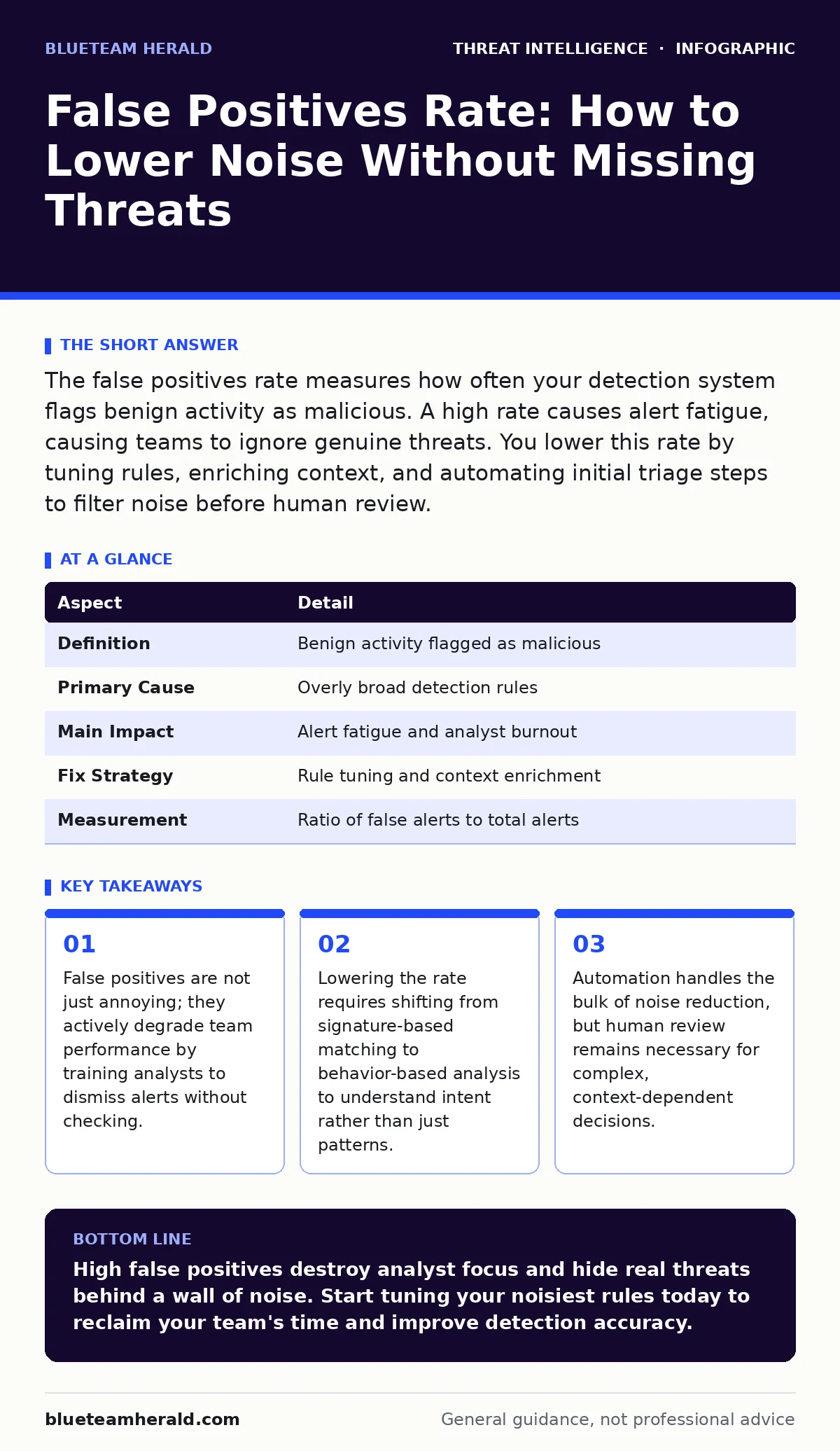
The false positives rate measures how often your detection system flags benign activity as malicious. A high rate causes alert fatigue, causing teams to ignore genuine threats. You lower this rate by tuning rules, enriching context, and automating initial triage steps to filter noise before human review.
Understanding the False Positives Rate
Imagine a metal detector at an airport that beeps for every zipper, belt buckle, and phone. Security staff eventually stop listening because the noise is constant. This is the core problem with a high false positives rate in cybersecurity. A false positive occurs when your detection system incorrectly identifies normal, safe activity as a malicious threat.
The rate is the ratio of these incorrect alerts to the total number of alerts generated. It is not merely a metric of tool accuracy. It is a measure of operational efficiency and team health. When the rate is high, your security operations center spends more time closing innocent tickets than investigating real breaches. This waste of resources reduces the time available for proactive defense.
| Aspect | Detail |
|---|---|
| Definition | Benign activity flagged as malicious |
| Primary Cause | Overly broad detection rules |
| Main Impact | Alert fatigue and analyst burnout |
| Fix Strategy | Rule tuning and context enrichment |
| Measurement | Ratio of false alerts to total alerts |
Why Detection Systems Generate Noise
Detection tools look for specific patterns or behaviors that match known threats. These patterns are often simplified to catch as many variants of an attack as possible. This simplification is the root of the noise. A rule might flag any script that modifies system files. This catches malware, but it also catches legitimate software updates and administrative tasks.
Context is missing in these initial flags. The tool sees a file change but does not see that a trusted application initiated it. It does not see that the user has administrative rights and a valid reason for the change. Without this context, the system must guess. It guesses "malicious" to be safe. This safety-first approach creates a flood of alerts that require human judgment to resolve.
The complexity of modern environments worsens this issue. Cloud services, containerized applications, and remote work tools create new types of normal traffic. Old rules built for static office networks do not understand these new patterns. They flag the unfamiliar as dangerous. This mismatch between rule design and environment reality drives the false positives rate higher.
Who Bears the Cost of Alert Fatigue
You might think only security analysts suffer from high noise. The cost extends to the entire organization. Analysts experience cognitive overload. They review dozens of alerts daily, most of which are harmless. This repetitive, low-value work leads to burnout. Burned-out analysts make mistakes. They miss subtle indicators of compromise because they are tired of seeing the same false alarms.
Management pays for wasted hours. Every minute spent dismissing a false positive is a minute not spent improving defenses or hunting for hidden threats. This inefficiency scales with team size. A large team drowning in noise produces less value than a smaller, focused team. The organization also faces delayed incident response. When a real alert arrives, it is buried under hundreds of false ones. This delay allows attackers to expand their foothold.
Developers and IT staff are affected too. When security tools block legitimate actions, users request exceptions. These exceptions create gaps in security policy. The more exceptions you grant to reduce noise, the weaker your overall posture becomes. This trade-off between usability and security is a hidden cost of poor detection tuning.
What People Usually Get Wrong
Many teams believe that buying a more expensive tool will solve the noise problem. This is rarely true. Better tools often come with more features and more default rules. This increases the baseline noise unless you spend significant time configuring them. The problem is not the tool; it is the configuration and the lack of context.
Another common mistake is ignoring the false positives rate entirely. Teams focus on catching every possible threat. They set sensitivity to maximum. This approach guarantees you will catch attacks. It also guarantees you will be overwhelmed by noise. You cannot defend what you cannot focus on. Ignoring the rate means accepting that your team will eventually stop looking at alerts.
Some assume that automation fixes everything. Automation can triage simple alerts. It cannot understand complex business context. If you automate the dismissal of alerts based on simple rules, you might miss sophisticated attacks that mimic normal behavior. Automation reduces volume, but it does not eliminate the need for human judgment in complex cases.
How to Lower the Rate Effectively
Tuning your rules is the first step. Review your most frequent alerts. Identify patterns in the false positives. Are they all from a specific application? Are they all happening at a certain time? Adjust the rules to exclude these known benign patterns. This is iterative work. You must continuously monitor and adjust.
Enrich your alerts with context. Integrate data from identity providers, asset management systems, and ticketing tools. If an alert comes from a known server performing a scheduled task, mark it as low priority or auto-close it. Context turns a vague warning into a clear signal. This reduces the cognitive load on analysts.
Use behavioral analysis instead of just signatures. Signatures match specific files or strings. Behavioral analysis looks for sequences of actions. For example, a process that encrypts files and then tries to delete volume shadows is likely ransomware. A process that just modifies a config file is not. This deeper understanding reduces false positives significantly.
See also: What Is Network Scanning: Mechanisms, Risks, and Detection · What Is Canary Tokens: How Bait Files Alert You to Data Theft
Integrating Broader Security Practices
Lowering the false positives rate works best when combined with other security practices. If you rely on Snort and Suricata rules for network monitoring, you must tune them carefully. These signature-based tools are prone to high noise. Combining them with network traffic analysis helps verify if the flagged traffic is actually suspicious.
For internal threats, Windows event log monitoring can generate massive volumes of data. Most log entries are normal. You need strict filtering and correlation rules. Look for sequences of events, not single log entries. A login failure followed by a privilege escalation is interesting. A single login failure is not.
Automating the response to common alerts helps. SOAR platforms can handle repetitive tasks. They can check if a file hash is known good, verify if a user is in a trusted group, and close the alert if conditions are met. This keeps analysts focused on complex cases. However, ensure your playbooks are robust. A flawed playbook can auto-dismiss real threats.
Consider PowerShell abuse detection. PowerShell is a powerful administrative tool that attackers love. Detecting abuse requires understanding normal administrative use. If you flag all script execution, you create noise. If you only flag execution from unusual locations or with obfuscated code, you reduce noise while keeping security.
Advanced threats often try to hide in plain sight. DNS tunneling is one such method. It uses standard DNS queries to exfiltrate data. Detecting this requires looking at query volume and entropy, not just known malicious domains. This behavioral approach reduces false positives compared to simple blocklists.
The Role of Continuous Improvement
Security is not a one-time setup. Threats evolve, and so does your environment. New applications are deployed, and new users join. Your detection rules must evolve with them. Regularly review your false positives rate. Track trends over time. If the rate is rising, investigate why. Is it a new application? A change in network topology?
Conduct purple teaming exercises. These simulations involve both attackers and defenders. Attackers try to breach your defenses, while defenders try to detect them. This reveals gaps in your detection logic. It also shows what generates noise during realistic attacks. Use these insights to tune your rules. You learn what real attacks look like in your specific environment.
Share findings across the team. When an analyst identifies a new false positive pattern, document it. Update your rules and inform the team. This collective knowledge improves everyone's efficiency. It also helps new analysts understand the environment. They learn what to ignore and what to focus on.
Final Steps for Implementation
You have understood the problem and the solutions. Now you must act. Start by measuring your current false positives rate. Identify the top sources of noise. Create a plan to tune the most impactful rules. Engage with your IT and development teams to understand their normal activities. This collaboration is key to effective tuning.
Use the insights from this guide to build a sustainable process. Regular reviews, context enrichment, and behavioral analysis will lower your noise. This frees your team to focus on real threats. You will catch attackers faster and with less effort. Your security posture becomes stronger, not because you have more tools, but because you use them better.
Key takeaways
- False positives are not just annoying; they actively degrade team performance by training analysts to dismiss alerts without checking.
- Lowering the rate requires shifting from signature-based matching to behavior-based analysis to understand intent rather than just patterns.
- Automation handles the bulk of noise reduction, but human review remains necessary for complex, context-dependent decisions.
High false positives destroy analyst focus and hide real threats behind a wall of noise. Start tuning your noisiest rules today to reclaim your team's time and improve detection accuracy.
Frequently asked questions
How do I calculate the false positives rate?
Divide the number of confirmed false alerts by the total number of alerts generated in a specific period. Track this metric weekly to monitor trends and the impact of your tuning efforts.
Can AI eliminate false positives?
AI can reduce noise by learning normal behavior patterns, but it is not perfect. It can still make errors, especially with new or unusual benign activities. Human oversight remains necessary to validate AI decisions and handle edge cases.
Should I ignore low-severity alerts?
Do not ignore them entirely. Aggregate them. Look for trends in low-severity alerts. A spike in low-severity events from a single host might indicate a compromise. Contextual analysis is better than blanket dismissal.
How this guide was produced: written by the BlueTeam Herald editorial team with AI assistance, checked against the public references listed below, and reviewed when the facts change. See our editorial policy or report an error.