Implement Snort and Suricata Rules: Step-by-Step Deployment Guide
Signature-based detection fails when rules lack context, turning high-fidelity sensors into noise generators that obscure real threats rather than revealing them.

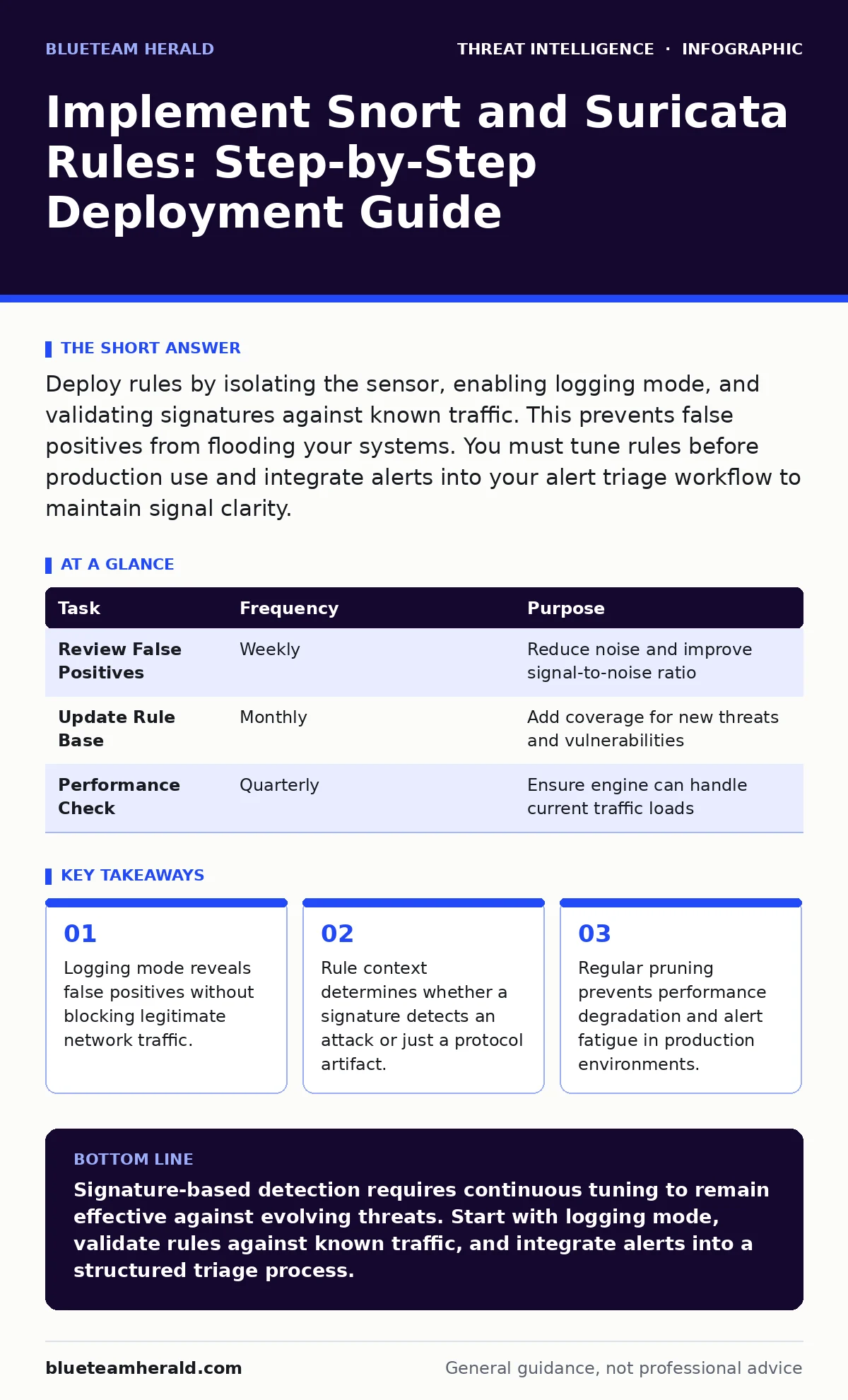
Deploy rules by isolating the sensor, enabling logging mode, and validating signatures against known traffic. This prevents false positives from flooding your systems. You must tune rules before production use and integrate alerts into your alert triage workflow to maintain signal clarity.
Understanding Rule Engines
Snort and Suricata are open-source intrusion detection systems that inspect network packets against a database of patterns. These patterns, called rules, define specific conditions that trigger an alert. A rule consists of a header, which defines action and metadata, and a content section, which matches byte sequences within packet payloads.
The engine parses each packet header and payload, comparing them against active signatures. If a match occurs, the engine generates an event. This process happens in real-time, requiring low latency to avoid dropping packets during high traffic volumes.
Preparing the Detection Environment
Before deploying rules, you must establish a baseline of normal network behavior. Deploy the sensor in inline or tap mode to capture full packet data. Ensure the host has sufficient CPU and memory resources, as deep packet inspection consumes significant computational power.
Create a dedicated directory for local rules. Separate these from community or vendor-provided rules to maintain clear ownership. This separation allows you to update external sources without risking changes to your custom logic.
Verify that the rule files use the correct syntax. A single misplaced character in a content match can disable the entire rule or cause the engine to crash.
Step 1: Enable Logging Mode
Start the sensor with logging enabled but blocking disabled. This configuration allows the engine to record every match without interfering with network flow. You are looking for alerts that correspond to known, benign activity.
Run the engine for a period that covers typical daily operations. Check the log files for entries that match standard protocols like HTTP or DNS. If you see alerts for routine administrative tasks, mark those rules for review.
Step 2: Validate Rule Specificity
Examine each rule’s content match. A rule that matches a common string like "GET" in any HTTP request will trigger millions of times. You need specific indicators, such as unique path structures or parameter values associated with exploitation.
Use the rule’s SID, or Signature ID, to track its performance. If a rule triggers too frequently, it lacks specificity. Adjust the content match to require additional conditions, such as a specific MIME type or user-agent string.
Step 3: Integrate with Alert Triage
Connect the sensor’s output to your central logging system. Ensure that alerts include metadata such as source IP, destination IP, and timestamp. This data allows analysts to correlate events across different sensors.
Define a workflow for initial review. Not every alert requires immediate investigation. Use severity levels to prioritize responses. High-severity alerts for critical assets demand faster attention than low-severity noise on peripheral networks.
See also: Cyber Range Training Platforms: How Simulated Networks Build Skills
Step 4: Tune for Performance
Review the rules for expensive operations. Regular expressions and multi-byte matches consume more CPU cycles than simple string comparisons. Disable or modify rules that cause significant latency spikes.
Monitor the packet drop rate. If the engine cannot keep up with traffic, it will drop packets, leaving gaps in your coverage. You may need to filter out known safe traffic before it reaches the inspection engine.
Step 5: Verify Detection Accuracy
Generate test traffic that matches your rules. This can include simulated requests or controlled exploitation attempts in an isolated lab. Confirm that the engine generates an alert for each test case.
Check the alert details. Ensure the engine correctly identifies the protocol and the specific payload section that triggered the match. Incorrect classification leads to wasted effort during incident response.
Step 6: Deploy to Production
Move the sensor to blocking mode if required by your security policy. Ensure that your team is ready to handle potential false positives that may interrupt legitimate services. Monitor the system closely for the first few days.
Document any changes made during the tuning phase. This documentation helps future analysts understand why certain rules are disabled or modified. It also serves as a reference when updating rules in the future.
Checking Effectiveness and Upkeep
Regular maintenance is required to keep rules effective. Attack techniques evolve, and new vulnerabilities emerge. You must review and update your rule base regularly.
| Task | Frequency | Purpose |
|---|---|---|
| Review False Positives | Weekly | Reduce noise and improve signal-to-noise ratio |
| Update Rule Base | Monthly | Add coverage for new threats and vulnerabilities |
| Performance Check | Quarterly | Ensure engine can handle current traffic loads |
Verification Checklist
- Sensor runs in logging mode for initial tuning.
- No critical services are interrupted during testing.
- Alerts include sufficient metadata for investigation.
- Rule performance metrics are within acceptable limits.
- Documentation is updated with rule changes.
Non-Obvious Consequences
One hidden cost of signature-based detection is the blind spot it creates for novel attacks. Rules only detect what they are programmed to see. If an attacker modifies the payload slightly, the signature may fail to match. This is why combining signature detection with behavioral analysis is necessary.
Another unexpected issue is rule expiration. Rules for vulnerabilities that are no longer exploitable in your environment continue to consume resources. Pruning these rules improves performance and reduces clutter.
Related Security Practices
Understanding packet capture analysis helps you debug rule matches and verify traffic flow. When investigating complex attacks, such as DNS tunneling, signature detection alone may not reveal the exfiltration channel. You must correlate network logs with application logs.
For threats that rely on legitimate system tools, like living-off-the-land attacks, network signatures may miss the initial compromise. In such cases, Windows event log monitoring provides visibility into host-based activities that network sensors cannot see.
Maintaining Detection Quality
Mean time to detect decreases when your rules are precise and your team is trained. Regular exercises help analysts understand which alerts are actionable. Participate in purple teaming to test your detection capabilities against realistic attack scenarios.
Review your rule base for overlaps. Multiple rules detecting the same behavior create redundant alerts. Consolidate these into a single, well-documented rule. This simplifies maintenance and reduces confusion during incident response.
Key takeaways
- Logging mode reveals false positives without blocking legitimate network traffic.
- Rule context determines whether a signature detects an attack or just a protocol artifact.
- Regular pruning prevents performance degradation and alert fatigue in production environments.
Signature-based detection requires continuous tuning to remain effective against evolving threats. Start with logging mode, validate rules against known traffic, and integrate alerts into a structured triage process.
Frequently asked questions
How do I know if a rule is too broad?
If the rule triggers on routine, non-malicious traffic, it is too broad. Check the alert volume and content match specificity.
Can I use the same rules for Snort and Suricata?
Most rules are compatible, but some engine-specific features may differ. Test rules in both environments to ensure compatibility.
How often should I update my rule base?
Update regularly, at least monthly, to address new vulnerabilities and remove outdated rules that no longer apply to your environment.
What causes high CPU usage in rule engines?
Complex regular expressions and high traffic volumes cause CPU spikes. Optimize rules and consider filtering traffic before inspection.
How this guide was produced: written by the BlueTeam Herald editorial team with AI assistance, checked against the public references listed below, and reviewed when the facts change. See our editorial policy or report an error.