Windows Event Log Monitoring: Definition, Purpose, and Common Pitfalls
Windows event logs record system actions, but monitoring them requires filtering noise to find specific behavioral patterns that indicate compromise.

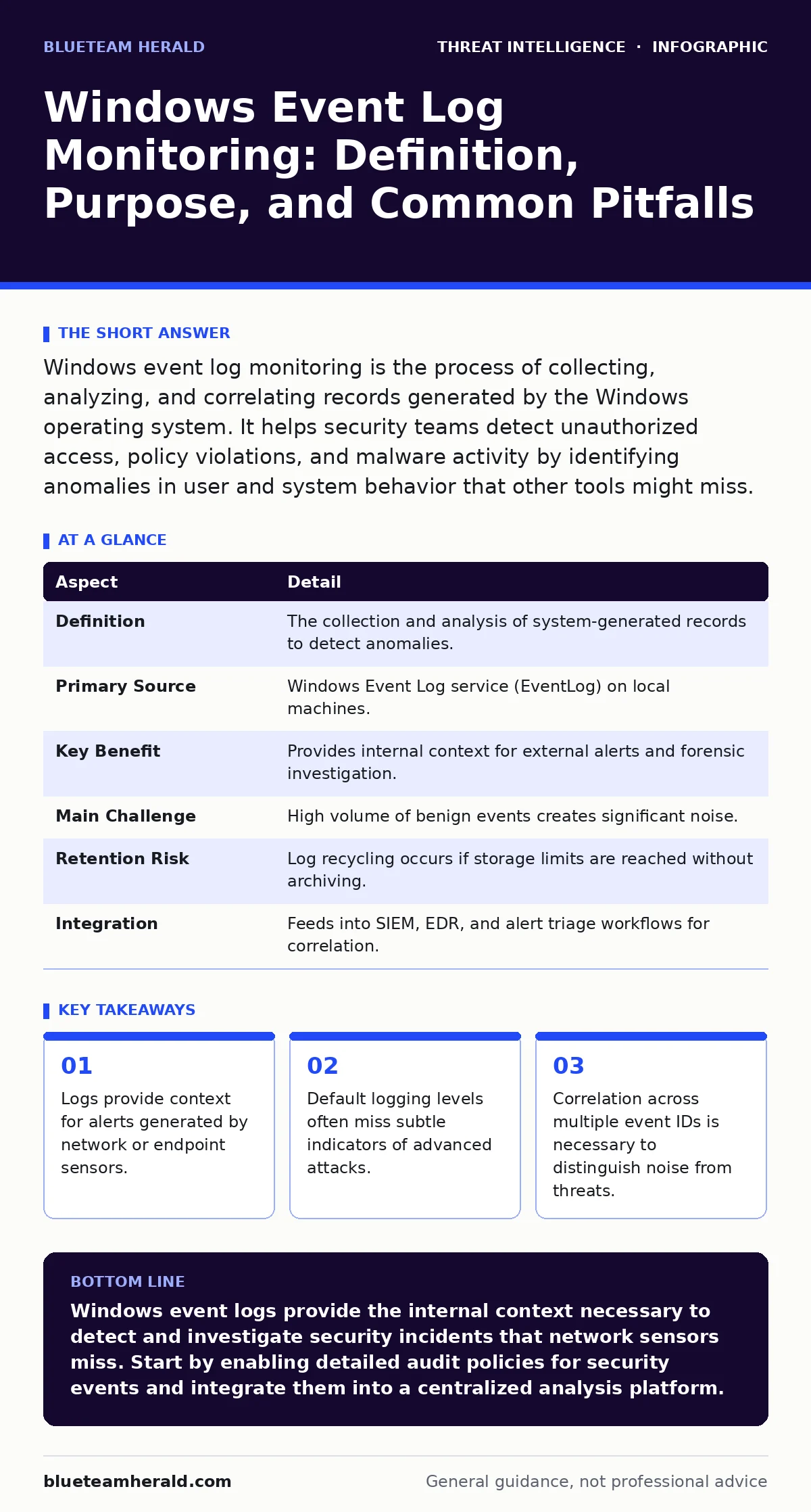
Windows event log monitoring is the process of collecting, analyzing, and correlating records generated by the Windows operating system. It helps security teams detect unauthorized access, policy violations, and malware activity by identifying anomalies in user and system behavior that other tools might miss.
The Library Analogy for System Records
Imagine a busy library. The security cameras show who enters and leaves, but they do not show what happens inside the reading rooms. The librarian’s logbook records every book checked out, every reservation made, and every time a patron requests a reference book. If someone checks out fifty technical manuals in ten minutes, the camera footage looks normal, but the logbook reveals strange behavior. Windows event logs function as that librarian’s logbook. They record the internal decisions and actions of the operating system, providing context that external sensors cannot see.
What Event Log Monitoring Actually Is
Windows event log monitoring is the continuous collection and analysis of records generated by the Windows operating system and installed applications. These records, called events, are structured data entries that timestamp specific actions such as user logons, process creations, or service failures. Monitoring goes beyond simple storage; it involves parsing these events to identify patterns that deviate from expected behavior. The goal is not to read every line but to filter out routine noise to highlight potential security incidents. This process transforms raw data into actionable intelligence for security teams.
| Aspect | Detail |
|---|---|
| Definition | The collection and analysis of system-generated records to detect anomalies. |
| Primary Source | Windows Event Log service (EventLog) on local machines. |
| Key Benefit | Provides internal context for external alerts and forensic investigation. |
| Main Challenge | High volume of benign events creates significant noise. |
| Retention Risk | Log recycling occurs if storage limits are reached without archiving. |
| Integration | Feeds into SIEM, EDR, and alert triage workflows for correlation. |
The Problem It Solves
Network sensors and firewalls see traffic moving across boundaries, but they often miss what happens once an attacker is inside. A malicious file might be transferred using legitimate protocols, appearing normal in network traffic analysis. However, the execution of that file, the creation of new processes, and the modification of system files generate specific Windows events.
Without monitoring these logs, an intruder can move laterally, steal data, or escalate privileges without triggering network-based alarms. Event logs bridge the gap between perimeter defense and internal visibility. They reveal the "how" and "why" of an incident, not just the "who" and "where."
The Main Components of the System
The Windows Event Log service manages three primary channels: Application, Security, and System. The Application channel logs events generated by programs, such as errors or warnings. The System channel records events from Windows components, such as driver failures or service starts. The Security channel is the most critical for defense, logging audit events like logon attempts, privilege use, and object access. Each event contains a unique identifier called an Event ID, which specifies the type of action. For example, Event ID 4624 records a successful logon, while 4625 records a failed attempt. Understanding these IDs is the foundation of effective monitoring.
Where Monitoring Fits in Defense
Event log monitoring does not operate in isolation. It complements other security controls by providing the internal state of the host. When a Snort and Suricata rules engine flags suspicious network traffic, event logs can confirm whether that traffic resulted in a successful process execution on the endpoint.
Similarly, if you suspect DNS tunneling, checking for unusual process creations in the logs can verify if a tool is actually running. This correlation reduces false positives and speeds up alert triage. It also supports purple teaming exercises by providing ground truth on whether defensive controls detected simulated attacks. Without this internal view, security teams are flying blind during an incident.
See also: Alert Triage Mistakes and Fixes for Security Analysts · 7 PowerShell Mistakes That Leave Your Network Exposed
What People Usually Get Wrong
Many teams enable default logging and assume they are protected. Default settings often lack the granularity needed to detect sophisticated attacks. For instance, default audit policies may not log process creation or detailed file access, hiding the signs of lateral movement. Another common error is collecting logs without defining retention policies. If the log file fills up, Windows will overwrite older entries by default, destroying evidence needed for forensic analysis. This is a hidden cost of poor planning: you have data, but it is not usable for historical investigation.
A third mistake is ignoring the mean time to detect. Collecting logs is useless if you cannot analyze them quickly. Many organizations store logs in centralized servers but lack the tools to query them efficiently. This delay allows attackers to operate undetected for weeks or months. Effective monitoring requires a balance between breadth and depth. You must log enough to catch threats but not so much that you cannot analyze the data in a reasonable timeframe.
Advanced Considerations for Depth
As you deepen your monitoring, consider the impact of domain generation algorithms. These techniques allow malware to create random domain names for command and control servers. Network logs might show connections to many new domains, but event logs can reveal the process initiating those connections.
This internal context is vital for distinguishing between benign software updates and malicious activity. Additionally, be aware of log tampering. Attackers often attempt to clear logs or disable auditing early in their campaign. Monitoring for the disabling of the Windows Event Log service itself is a critical detection strategy. If the service stops, that is an event worth investigating immediately.
Building a Sustainable Practice
Start by defining your security goals. What attacks are you trying to detect? Map those attacks to specific Event IDs. For example, if you want to detect credential dumping, monitor for process creation events involving tools like Mimikatz. Then, establish a baseline of normal activity. This helps you identify anomalies when they occur. Regularly review and tune your logging policies. Remove categories that generate excessive noise and add those that provide high-value insights. Finally, integrate your logs into a central platform for correlation. This allows you to connect events across multiple systems, providing a holistic view of your security posture.
Key takeaways
- Logs provide context for alerts generated by network or endpoint sensors.
- Default logging levels often miss subtle indicators of advanced attacks.
- Correlation across multiple event IDs is necessary to distinguish noise from threats.
- Storage and retention policies directly impact the ability to investigate historical incidents.
Windows event logs provide the internal context necessary to detect and investigate security incidents that network sensors miss. Start by enabling detailed audit policies for security events and integrate them into a centralized analysis platform.
Frequently asked questions
How long should I keep Windows event logs?
Retention depends on your compliance requirements and storage capacity. Many organizations keep logs for at least ninety days to allow for thorough incident investigation. Longer retention requires significant storage and management overhead.
Can attackers hide their actions in Windows logs?
Attackers can attempt to clear logs or use techniques to avoid generating certain events. However, the act of clearing logs generates an event itself. Monitoring for log clearing and service disabling helps detect these evasion attempts.
Is Windows event log monitoring enough on its own?
No. It provides internal visibility but lacks context about network traffic and external threats. It must be combined with network monitoring, endpoint detection, and threat intelligence to provide a complete security view.
What is the difference between auditing and logging?
Auditing is the policy that defines what events should be recorded. Logging is the actual recording of those events. You must configure auditing policies to enable the generation of specific security events before they appear in the logs.
How this guide was produced: written by the BlueTeam Herald editorial team with AI assistance, checked against the public references listed below, and reviewed when the facts change. See our editorial policy or report an error.