Packet Capture Analysis Best Practices for Accurate Forensics
Raw packet data contains hidden application logic that network signatures miss, allowing you to reconstruct attacker actions even when endpoint logs are destroyed.

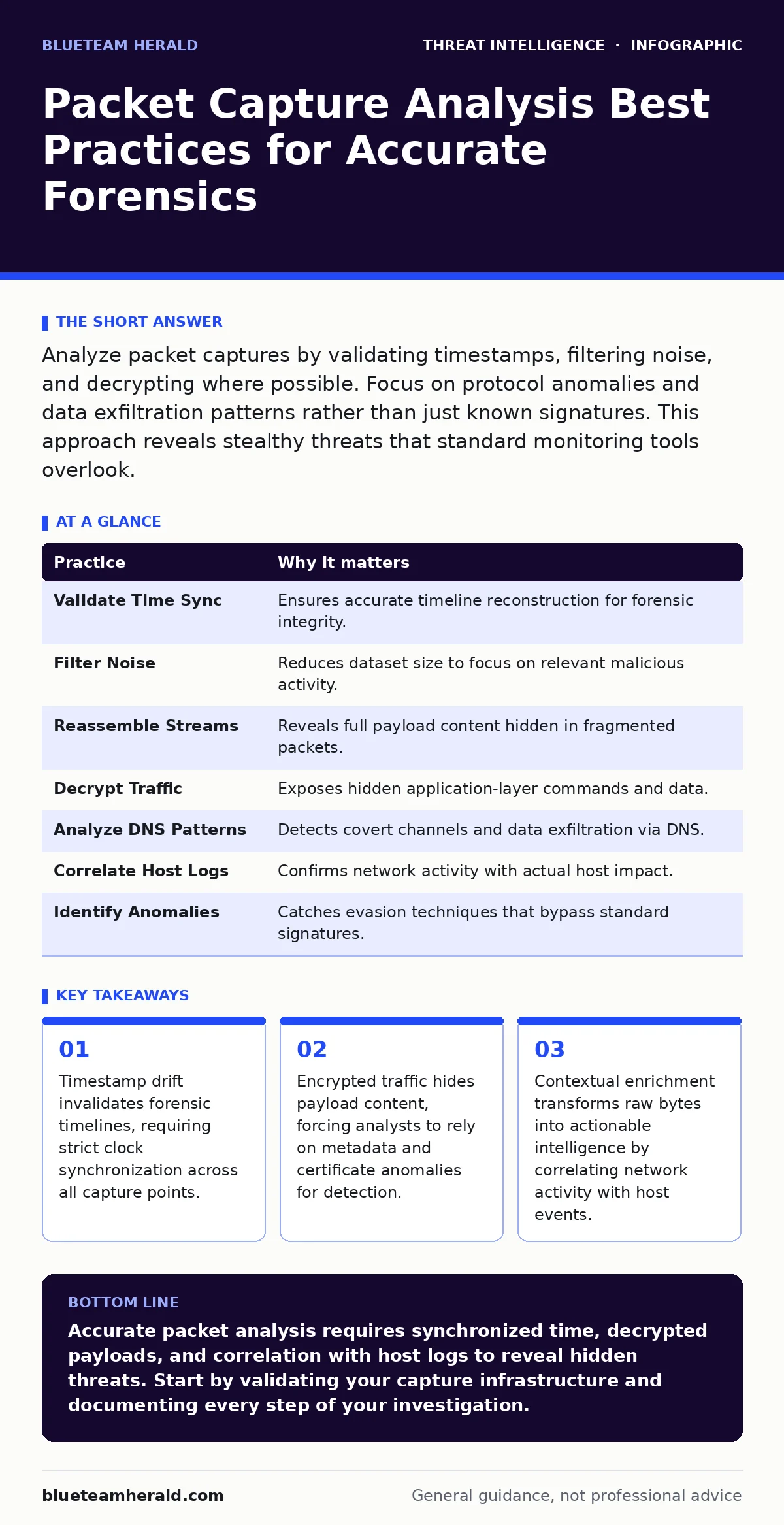
Analyze packet captures by validating timestamps, filtering noise, and decrypting where possible. Focus on protocol anomalies and data exfiltration patterns rather than just known signatures. This approach reveals stealthy threats that standard monitoring tools overlook.
1. Validate Time Synchronization Across Capture Points
Packet captures rely on precise timing to reconstruct events. If the device recording the traffic has a clock that drifts or differs from the network time protocol server, the resulting timeline becomes unreliable. Imagine an attacker performs a lateral movement attempt that spans three minutes. If your capture device is four minutes slow, you might miss the connection entirely or attribute it to the wrong user session. This error compounds when correlating network data with host logs.
You must synchronize all capture devices and endpoints to a single time source before collecting evidence. Use Network Time Protocol to ensure sub-second accuracy. Verify the offset manually before starting any investigation.
2. Filter Noise Before Deep Inspection
Network traffic contains massive amounts of routine data that obscure malicious activity. Background updates, streaming media, and routine DNS queries generate noise that consumes storage and attention. Analyzing every packet in a large capture file is inefficient and often impossible due to memory constraints. You need to isolate the signal from the noise to find relevant artifacts.
Apply display filters early in your analysis workflow to exclude known benign traffic classes. Focus on ports associated with unusual activity or protocols that do not belong in that segment. This reduces the dataset to a manageable size for detailed inspection.
3. Reassemble Streams to Reveal Payloads
Individual packets often contain fragments of larger messages. Analyzing packets in isolation prevents you from seeing the complete request or response. For example, a web request might be split across multiple TCP segments. Without reassembly, you see only partial headers or garbled data. Reassembling the stream restores the original context, allowing you to read HTTP requests, SQL queries, or command-line arguments.
Use your analysis tool’s stream reassembly feature to view the full conversation between two hosts. Check for out-of-order segments that might indicate manipulation or evasion techniques. This reveals the actual content being transferred, not just the metadata.
4. Decrypt Traffic Where Possible
Encrypted traffic hides the payload from passive observers. You cannot see the commands or data inside TLS or SSH sessions without the decryption keys. Relying solely on unencrypted protocols leaves a blind spot for attackers who use encryption to mask their actions. However, you can often decrypt traffic if you have access to the private keys or session tickets from the server or endpoint.
Capture the private keys or pre-master secrets during the collection phase to enable decryption later. This allows you to inspect the application layer data within the secure tunnel. Note that this requires prior planning and cooperation from system administrators.
5. Analyze DNS Query Patterns
Domain Name System traffic often reveals command-and-control communications or data exfiltration attempts. Attackers encode data in DNS queries to bypass traditional firewalls that allow DNS traffic by default. This technique, known as DNS tunneling, hides malicious activity inside legitimate-looking queries. Standard monitoring might see only the volume of queries, missing the encoded payload.
Look for unusually long domain names or high entropy in subdomains. These patterns suggest data encoding rather than standard resolution. Correlate these queries with other network activity to identify potential tunnels.
See also: Threat Actors: Practical Defense Strategies for Small Businesses
6. Correlate with Host-Based Logs
Network data shows what moved across the wire, but not what happened on the device. A packet capture might show a connection to a suspicious IP, but it cannot confirm if a file was executed or a process spawned. Combining network data with host logs provides a complete picture of the attack chain. This correlation helps distinguish between a scanned port and an exploited vulnerability.
Integrate your packet capture findings with Windows event log monitoring data to verify process creation and file access. This multi-source approach reduces false positives and confirms the impact of the network activity.
7. Identify Protocol Anomalies
Attackers often modify standard protocols to evade detection. They might add extra headers, use unusual flags, or alter packet sizes to bypass signature-based filters. These deviations from the norm are subtle but significant. Standard tools might ignore these packets as valid traffic, missing the malicious intent.
Examine packet structures for deviations from RFC specifications. Look for malformed headers or unexpected flag combinations. These anomalies often indicate custom malware or evasion techniques used in living-off-the-land attacks.
| Practice | Why it matters |
|---|---|
| Validate Time Sync | Ensures accurate timeline reconstruction for forensic integrity. |
| Filter Noise | Reduces dataset size to focus on relevant malicious activity. |
| Reassemble Streams | Reveals full payload content hidden in fragmented packets. |
| Decrypt Traffic | Exposes hidden application-layer commands and data. |
| Analyze DNS Patterns | Detects covert channels and data exfiltration via DNS. |
| Correlate Host Logs | Confirms network activity with actual host impact. |
| Identify Anomalies | Catches evasion techniques that bypass standard signatures. |
8. Document Your Analysis Steps
Forensic investigations require reproducibility. If you cannot explain how you reached a conclusion, your findings may be challenged or dismissed. Documentation includes the tools used, filters applied, and decisions made during analysis. This record is vital for legal proceedings or internal audits.
Record each step of your analysis in a structured format. Note the rationale for excluding certain traffic or focusing on specific hosts. This creates an audit trail that supports your findings.
9. Test Your Capture Infrastructure
A capture device that drops packets provides incomplete data. High-speed networks can overwhelm the storage or processing capacity of capture appliances. If you miss packets, you might miss the initial connection or the final exfiltration. Regular testing ensures your infrastructure can handle peak traffic loads.
Conduct regular stress tests on your capture infrastructure to identify bottlenecks. Verify that packet loss rates remain below acceptable thresholds during high-traffic periods. This preparation ensures you have reliable data when an incident occurs.
Key takeaways
- Timestamp drift invalidates forensic timelines, requiring strict clock synchronization across all capture points.
- Encrypted traffic hides payload content, forcing analysts to rely on metadata and certificate anomalies for detection.
- Contextual enrichment transforms raw bytes into actionable intelligence by correlating network activity with host events.
Accurate packet analysis requires synchronized time, decrypted payloads, and correlation with host logs to reveal hidden threats. Start by validating your capture infrastructure and documenting every step of your investigation.
Frequently asked questions
How do I handle encrypted traffic in packet captures?
You need access to the decryption keys or session tickets from the server or endpoint to decrypt TLS or SSH traffic. Without these, you can only analyze metadata like IP addresses and ports.
Can packet captures detect insider threats?
Yes, by analyzing data exfiltration patterns and unusual access times. Correlating network transfers with user activity logs helps identify unauthorized data movement by internal users.
What is the best tool for packet capture analysis?
There is no single best tool, but open standards like PCAP are widely supported. Popular tools include Wireshark for detailed inspection and tcpdump for command-line capture. Choose based on your specific needs.
How long should I retain packet captures?
Retention depends on storage capacity and legal requirements. Many organizations retain metadata longer than full packet captures due to storage costs. Ensure your policy aligns with incident response needs.
How this guide was produced: written by the BlueTeam Herald editorial team with AI assistance, checked against the public references listed below, and reviewed when the facts change. See our editorial policy or report an error.