What Is Canary Tokens: How Bait Files Alert You to Data Theft
Canary tokens transform passive files into active sensors that report unauthorized access through out-of-band channels, bypassing standard network defenses.

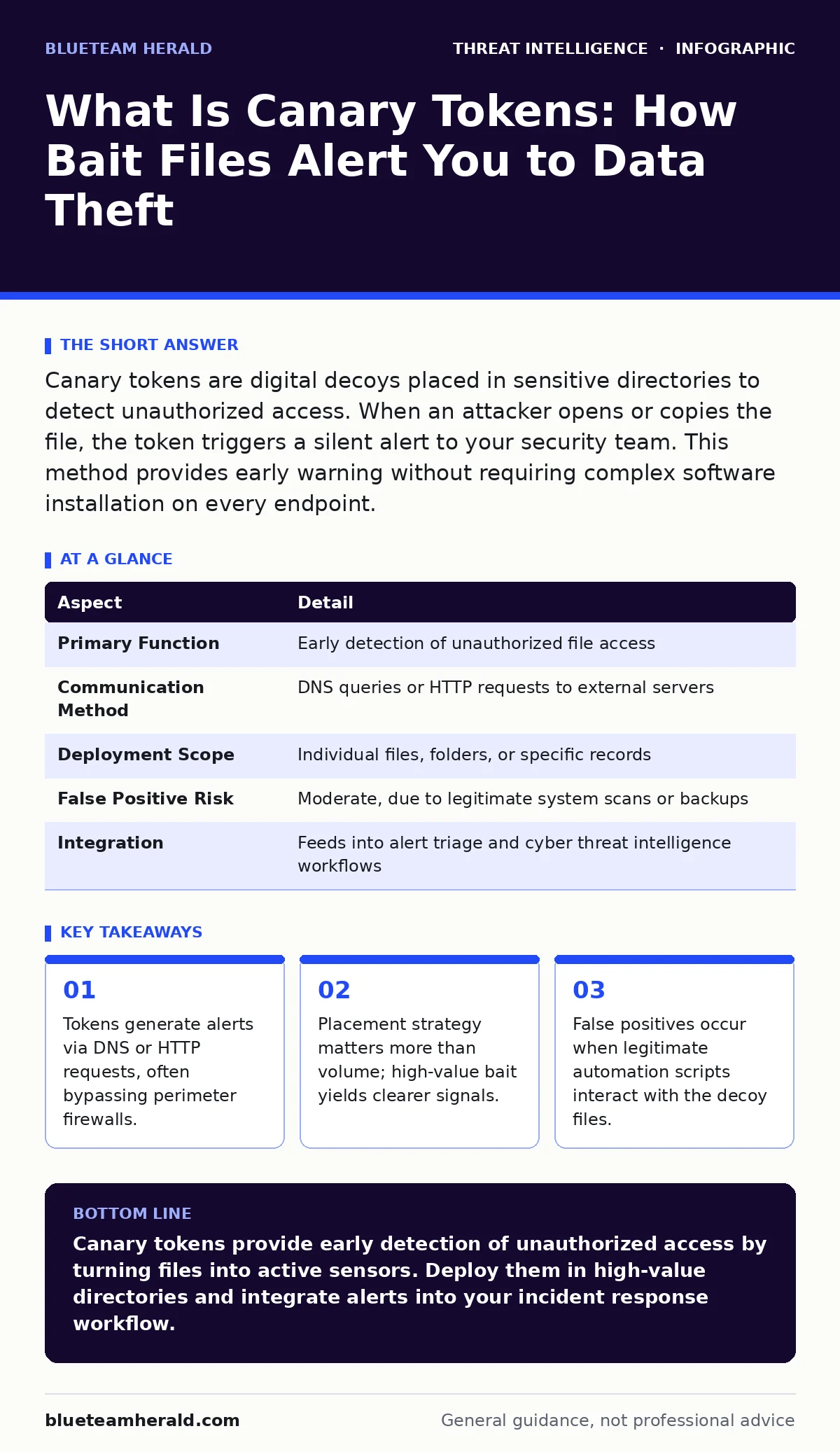
Canary tokens are digital decoys placed in sensitive directories to detect unauthorized access. When an attacker opens or copies the file, the token triggers a silent alert to your security team. This method provides early warning without requiring complex software installation on every endpoint.
What Is Canary Tokens
Canary tokens are digital traps designed to detect unauthorized access to sensitive information. They function as silent witnesses that report activity when an attacker interacts with them. The concept borrows from the historical practice of miners carrying canaries into coal mines. The bird would show signs of distress before toxic gases reached dangerous levels for the humans.
In cybersecurity, the token serves as that early warning system. You place these files in locations where an attacker would naturally look for valuable data. The token does not protect the data itself. It only tells you that someone has touched it. This distinction separates detection from prevention. You must pair these tokens with other controls to stop the theft.
The mechanism relies on external communication. The token file itself contains no executable code. Instead, it holds a unique identifier and a reference to a remote server. When a system reads the file, it attempts to resolve that reference. This action generates a network request to the token provider. The provider logs the request and sends an alert to you. This out-of-band communication is the key feature. It works even if the attacker has isolated the network. The alert travels through a different channel than the stolen data. This separation ensures visibility into the breach.
| Aspect | Detail |
|---|---|
| Primary Function | Early detection of unauthorized file access |
| Communication Method | DNS queries or HTTP requests to external servers |
| Deployment Scope | Individual files, folders, or specific records |
| False Positive Risk | Moderate, due to legitimate system scans or backups |
| Integration | Feeds into alert triage and cyber threat intelligence workflows |
How Canary Tokens Work
The creation process involves generating a unique identifier for a specific file. You embed this identifier into a document, a folder name, or a registry key. The file appears normal to any user who opens it. It might look like a spreadsheet containing financial data. It could be a text file with login credentials. The visual content is irrelevant.
The hidden trigger is what matters. When an application reads the file, the operating system processes the embedded reference. This process initiates a DNS lookup or an HTTP request. The request goes to a server you control or trust. The server records the source IP address and the timestamp. It then forwards this information to your monitoring dashboard.
This workflow creates a clear signal in the noise. Most security tools monitor for malicious behavior. Canary tokens monitor for any behavior on specific assets. You define the asset as sensitive by placing the token. Any interaction becomes suspicious by default. This shifts the burden of proof. Instead of proving an event was malicious, you prove it was authorized. If the access was not planned, it is a breach. This logic simplifies the analysis process. It reduces the time needed for mean time to detect. You know exactly when the line was crossed.
Who Affects and Who Is Affected
Canary tokens affect both defenders and attackers in distinct ways. For defenders, the tokens provide visibility into areas that are otherwise dark. You might not have agents installed on every device. You might not monitor every folder. Tokens fill these gaps with minimal overhead. They require no software installation on the target machine. This makes them ideal for environments where you cannot deploy heavy agents. They also work on shared storage systems. Cloud storage, external hard drives, and USB sticks can all carry tokens. The defender gains control over the narrative. You choose where to place the bait. You decide what triggers the alert.
Attackers face a new risk when using these environments. They assume that reading a file is a passive action. They do not expect the file to phone home. This assumption leads to mistakes. Attackers may rush their operations to avoid detection. They might skip certain files to avoid triggering alerts. This hesitation can reveal their methodology to your team. It also buys you time to respond. The attacker becomes aware of the surveillance only after the alert is sent. By then, the damage is often contained. The token does not stop the attacker. It only ensures you know they are there.
Common Mistakes with Canary Tokens
Many teams deploy tokens incorrectly and waste their potential. The first mistake is placing them in low-value areas. Putting a token on a public website logo generates noise. It does not help you find intruders. You must place tokens where an attacker would actually go. Look for credentials, intellectual property, and customer data. The second mistake is ignoring the alert. A token firing is not always a breach. Legitimate users might access the file. Automation tools might scan the directory. You must validate the alert through proper alert triage. Do not assume every trigger is malicious.
The third mistake is relying on tokens for prevention. Tokens do not block access. They only report it. If you think placing a token stops a hacker, you are wrong. You must combine tokens with access controls. Restrict who can read the file. Monitor the network traffic for the token’s communication. If you see the DNS request, you have time to act. Use this time to isolate the affected system. Do not wait for the data to leave. The token is a sensor, not a shield. Understanding this difference prevents false confidence in your security posture.
Integration with Security Operations
Canary tokens work best when integrated into your broader security stack. They generate data that needs context. Feed the alerts into your cyber threat intelligence platform. Correlate the token trigger with other indicators of compromise. Did the same IP address perform network scanning earlier? Is there evidence of DNS tunneling attempts? These connections help you understand the full attack chain. You can also use SOAR platforms to automate the response. When a token fires, the platform can automatically isolate the host. It can also create a ticket for your analysts. This automation reduces the manual workload. It ensures consistent response times.
You should also consider Windows event log monitoring alongside tokens. The token tells you the file was accessed. The logs tell you who accessed it. Combining these sources gives you a complete picture. You can see the user account, the process name, and the timeline. This depth of information helps in post-incident analysis. It also supports compliance requirements. You can prove that you monitored sensitive assets. You can demonstrate due diligence in protecting data. Tokens are a piece of the puzzle. Fit them into the larger image of your security operations.
See also: False Positives Rate: How to Lower Noise Without Missing Threats · What Is Network Scanning: Mechanisms, Risks, and Detection
Maintaining Token Effectiveness
Tokens can become stale over time. If an attacker finds a token, they will avoid it in the future. You must rotate your tokens regularly. Change the file names and the identifiers. Move the tokens to new locations. This keeps the bait fresh and effective. You should also review your placement strategy periodically. Your business data changes. New sensitive files are created. Old files are archived. Update your tokens to match your current data landscape. Do not leave tokens in obsolete directories. They will generate false positives and reduce trust in the system.
Education is also part of maintenance. Your team needs to know how to respond to token alerts. They need to understand the difference between a false positive and a real breach. Training reduces panic and improves decision-making. It also helps in refining the alert rules. Over time, you will learn which triggers are noise. You can adjust your monitoring to filter these out. This continuous improvement makes your detection more precise. It also makes your team more skilled. The token is a tool for learning as much as for detection. Use it to train your instincts.
What to Do About Canary Tokens
Start by identifying your most sensitive assets. List the files and folders that would cause significant damage if exposed. Place canary tokens in these locations. Use a variety of token types. Some tokens trigger on file open. Others trigger on file copy. Some trigger on email forwarding. This variety covers different attack techniques. Monitor the alerts closely in the beginning. Tune your filters to reduce noise. Integrate the alerts into your incident response plan. Define clear steps for when a token fires. Who gets notified? What is the first action? Have this plan ready before you deploy the tokens.
Review your network rules to ensure token communication works. Check for any restrictions on DNS or HTTP traffic. Adjust them to allow token signals. Do not block the alerts. They are your eyes in the dark. Finally, document your token placement. Keep a record of where each token is and what it monitors. This documentation helps in audits and investigations. It also helps in rotating the tokens effectively. Treat canary tokens as a living part of your security strategy. Update them, monitor them, and learn from them. They provide a unique window into attacker behavior. Use that window to strengthen your defenses.
Key takeaways
- Tokens generate alerts via DNS or HTTP requests, often bypassing perimeter firewalls.
- Placement strategy matters more than volume; high-value bait yields clearer signals.
- False positives occur when legitimate automation scripts interact with the decoy files.
Canary tokens provide early detection of unauthorized access by turning files into active sensors. Deploy them in high-value directories and integrate alerts into your incident response workflow.
Frequently asked questions
Do canary tokens work offline?
No, they require network connectivity to send alerts. If the system is air-gapped, the token cannot communicate the breach to your team.
Can attackers detect canary tokens?
Sophisticated attackers may identify tokens by analyzing file metadata or network traffic. Rotate tokens and use varied placements to reduce this risk.
Are canary tokens legal to use?
Yes, placing decoy files on systems you own or manage is generally legal. Ensure you have proper authorization to monitor access to these assets.
How do canary tokens differ from honeypots?
Honeypots are isolated systems designed to attract attackers. Canary tokens are embedded within real production data to detect access to legitimate assets.
How this guide was produced: written by the BlueTeam Herald editorial team with AI assistance, checked against the public references listed below, and reviewed when the facts change. See our editorial policy or report an error.