What is a SOAR program: Automating Security Operations
Security orchestration, automation, and response platforms reduce manual toil by connecting disjointed tools into a single workflow engine that executes predefined actions.

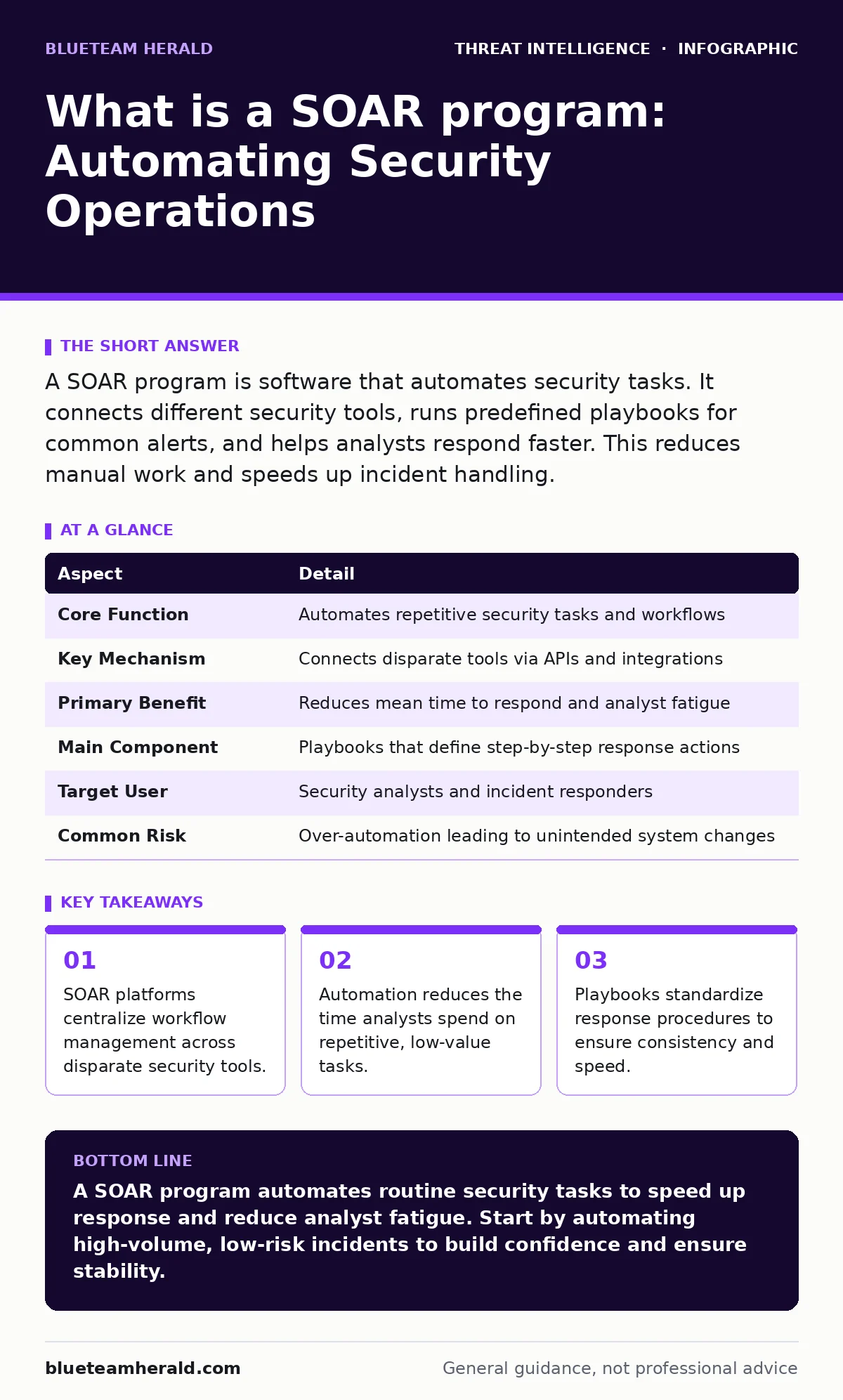
A SOAR program is software that automates security tasks. It connects different security tools, runs predefined playbooks for common alerts, and helps analysts respond faster. This reduces manual work and speeds up incident handling.
Everyday Analogy for Security Operations
Imagine a busy restaurant kitchen during the dinner rush. The head chef receives orders from multiple waiters. Without a system, the chef runs back and forth, checking each station, shouting instructions, and manually timing every dish. This chaos leads to errors and slow service. Now imagine the chef has a digital display that automatically routes orders to the correct station, times the cooking, and alerts the runner when a plate is ready. The chef still makes decisions, but the repetitive coordination is handled by a system.
Security operations centers face this same kitchen chaos. Alerts arrive from firewalls, endpoint detection systems, and email gateways. Analysts must triage, investigate, and respond to each alert manually. This process is slow and exhausting. A Security Orchestration, Automation, and Response platform acts as the digital display. It routes alerts, gathers context, and executes standard responses without human intervention for routine cases.
At a Glance: SOAR Components
| Aspect | Detail |
|---|---|
| Core Function | Automates repetitive security tasks and workflows |
| Key Mechanism | Connects disparate tools via APIs and integrations |
| Primary Benefit | Reduces mean time to respond and analyst fatigue |
| Main Component | Playbooks that define step-by-step response actions |
| Target User | Security analysts and incident responders |
| Common Risk | Over-automation leading to unintended system changes |
What is a SOAR program
A SOAR program is a software platform that integrates security tools and automates incident response workflows. The term stands for Security Orchestration, Automation, and Response. It serves as a central hub for security operations. Instead of logging into ten different consoles, an analyst uses one interface. The platform pulls data from these sources, correlates events, and triggers actions based on predefined rules.
The "Orchestration" part connects different vendors and tools. It allows a firewall to talk to a ticketing system. The "Automation" part executes tasks without human input. It can block an IP address or disable a user account instantly. The "Response" part ensures these actions align with your security policies. This structure reduces the cognitive load on analysts. It allows them to focus on complex threats rather than routine noise.
How SOAR Works in Practice
The platform relies on integrations with your existing security stack. These integrations use standard protocols to exchange data. When an alert fires, the SOAR platform ingests it. It then matches the alert against a playbook. A playbook is a set of instructions that defines how to handle a specific type of incident. For example, a playbook for a phishing email might automatically quarantine the message and extract the sender's IP address.
The platform then enriches the data. It checks the IP address against threat intelligence feeds. It queries the email server for additional headers. This context building happens in seconds. Once the data is gathered, the playbook determines the next step. If the threat is low confidence, it creates a ticket for manual review. If the threat is high confidence, it executes a containment action. This process happens without an analyst touching a keyboard.
Who SOAR Affects
Security analysts are the primary users of these platforms. They spend less time on manual data gathering and more time on strategic analysis. Junior analysts benefit from the standardized playbooks. These playbooks act as training wheels, guiding new staff through complex investigations. Senior analysts use the platform to manage high-volume incidents efficiently.
IT operations teams also interact with SOAR. Many security incidents require IT actions, such as resetting passwords or rebooting servers. The platform can automate these requests, reducing the friction between security and IT. This improves the overall speed of recovery. However, IT teams must ensure their systems are ready for automated commands. Poorly configured endpoints can fail when the SOAR platform attempts to execute a remediation script.
Network engineers must understand how automated blocking affects traffic. If a playbook blocks an IP address, it must not block legitimate business traffic. Engineers review the rules to ensure they align with network architecture. This collaboration prevents business disruption. The platform creates a shared language between security, IT, and network teams.
See also: DNS Rebinding Response: Containment, Recovery and Prevention Steps · Ivanti VPN Warning Signs: Detecting Silent Exploitation
What People Usually Get Wrong
Many organizations believe SOAR replaces human analysts. This is incorrect. The platform automates tasks, not judgment. Complex incidents still require human expertise. Over-automating can lead to errors. If a playbook blocks an IP address without sufficient context, it might disrupt a critical vendor. Humans must review automated actions, especially those that impact business operations.
Another common mistake is implementing too many playbooks at once. Organizations often try to automate every possible scenario. This creates a maintenance burden. Playbooks break when underlying tools update. It is better to start with a few high-volume, low-risk scenarios. Mastering these builds confidence and reveals edge cases. Gradual expansion leads to a more stable and effective program.
Integrating with Other Detection Methods
SOAR platforms do not operate in a vacuum. They rely on high-quality data from other sources. You must integrate them with your detection tools effectively. For instance, network traffic analysis provides context on data exfiltration attempts. The SOAR platform can automatically pull packet captures when a suspicious transfer is detected.
Endpoint data is equally critical. Windows event log monitoring feeds into the platform to track user activities. When a login failure occurs, the SOAR can correlate it with other events. This correlation reduces false positives in threat detection. If an account fails to log in from a known location, the platform can ignore it. If it fails from a new country, it triggers an investigation.
Advanced threats often use living-off-the-land attacks. These attacks use legitimate system tools to avoid detection. PowerShell abuse is a common example. The SOAR platform can analyze scripts executed by these tools. It can compare them against known malicious patterns. This integration allows for faster detection of subtle threats.
DNS-based threats also require integration. DNS tunneling hides data exfiltration in standard DNS queries. The SOAR platform can monitor query volumes and lengths. Abnormal patterns trigger automated investigation. Similarly, Snort and Suricata rules generate alerts that the platform processes. These signatures provide a baseline for known threats. The SOAR platform enriches these alerts with contextual data.
Reducing Detection and Response Times
The primary goal of automation is speed. Mean time to detect measures how long it takes to identify a threat. While SOAR does not directly detect threats, it speeds up the investigation phase. By automating data collection, analysts spend less time waiting for information. This reduces the overall time to respond.
Faster response limits the damage an attacker can cause. Containment actions happen in seconds rather than hours. This speed is critical for ransomware and data theft. The platform ensures that standard procedures are followed every time. Consistency reduces errors and improves reliability. It also provides audit trails for every action taken.
Key takeaways
- SOAR platforms centralize workflow management across disparate security tools.
- Automation reduces the time analysts spend on repetitive, low-value tasks.
- Playbooks standardize response procedures to ensure consistency and speed.
A SOAR program automates routine security tasks to speed up response and reduce analyst fatigue. Start by automating high-volume, low-risk incidents to build confidence and ensure stability.
Frequently asked questions
Does SOAR replace security analysts?
No, it augments them by handling repetitive tasks. Analysts focus on complex investigations and strategic decisions that require human judgment.
How long does it take to implement a SOAR program?
Implementation time varies based on complexity. Basic integrations take weeks, while full playbook deployment can take months. Start small to manage complexity.
Can SOAR work with open-source tools?
Yes, many platforms support open-source integrations. They connect via APIs or standard protocols, allowing flexibility in tool selection.
What is the biggest risk of using SOAR?
Over-automation and poor playbook design. Errors in logic can cause widespread disruption if automated actions are not properly tested and controlled.
How this guide was produced: written by the BlueTeam Herald editorial team with AI assistance, checked against the public references listed below, and reviewed when the facts change. See our editorial policy or report an error.