What Is Network Scanning: Mechanisms, Risks, and Detection
Network scanning reveals hidden infrastructure by exploiting protocol quirks, often bypassing perimeter defenses that only inspect established connections.

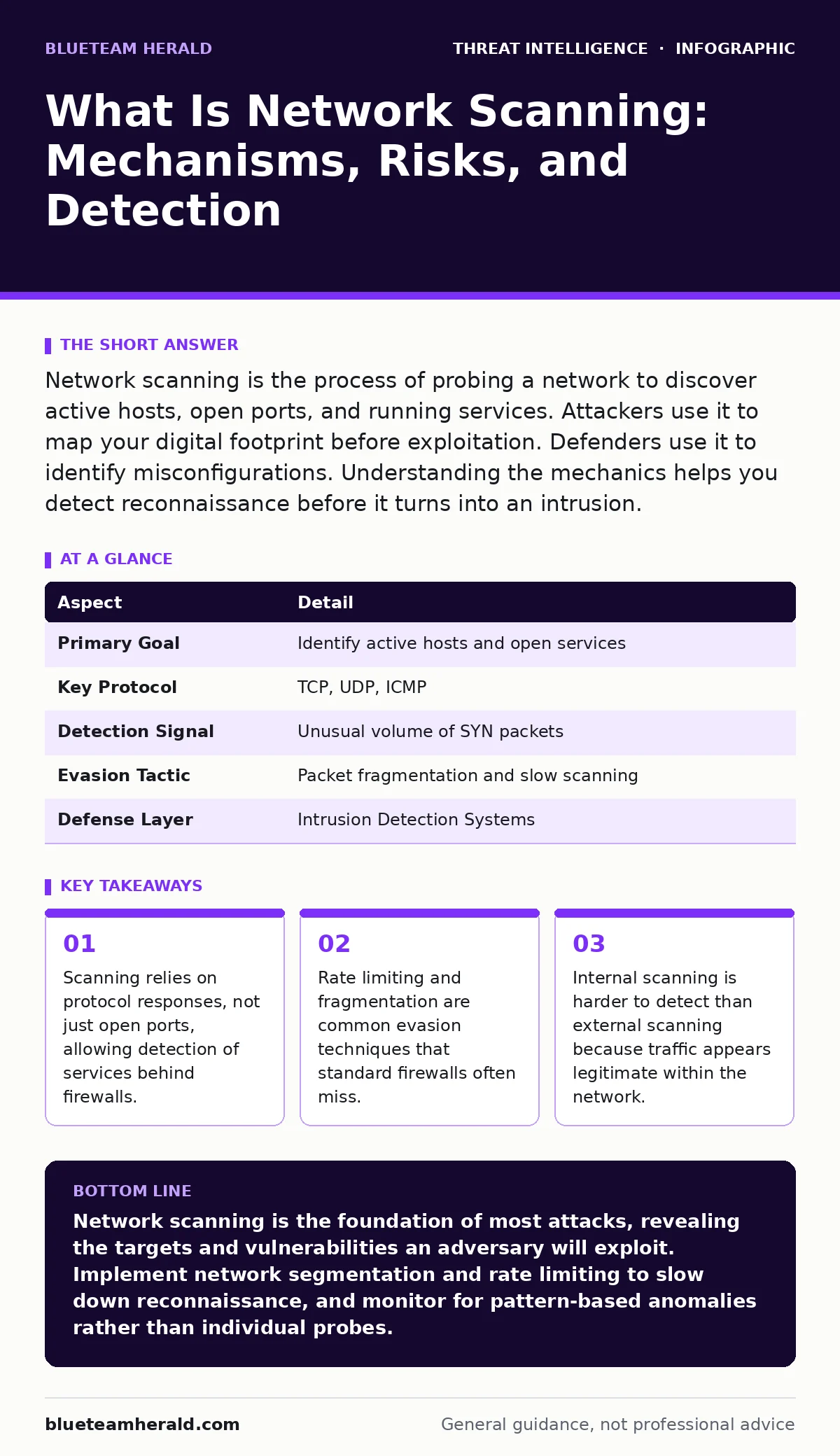
Network scanning is the process of probing a network to discover active hosts, open ports, and running services. Attackers use it to map your digital footprint before exploitation. Defenders use it to identify misconfigurations. Understanding the mechanics helps you detect reconnaissance before it turns into an intrusion.
The Mechanics of Discovery
Imagine you are at a large hotel. You do not know which rooms are occupied. You could knock on every door, but that is slow. Instead, you check the room status board in the lobby. Network scanning works similarly. It sends probes to a range of IP addresses to see which ones respond. The response tells the scanner that a host is alive.
The scanner then checks specific ports on that host. Ports are logical endpoints for network services. Port 80 usually hosts a web server. Port 22 typically runs SSH. By sending a packet to these ports, the scanner determines if a service is listening. If the port is open, the scanner may send a specific request to identify the software version. This version information reveals known vulnerabilities.
What Is Network Scanning
What is network scanning in technical terms? It is the automated enumeration of network resources. The process has 3 distinct phases. First, the scanner identifies live hosts using Address Resolution Protocol or Internet Control Message Protocol requests. Second, it probes ports to find open services. Third, it performs service detection to fingerprint the operating system and application versions.
This process is foundational to threat intelligence. Attackers use it to build a map of your infrastructure. Defenders use it to verify their security posture. The same tools serve both purposes. The intent defines whether the activity is malicious or administrative.
| Aspect | Detail |
|---|---|
| Primary Goal | Identify active hosts and open services |
| Key Protocol | TCP, UDP, ICMP |
| Detection Signal | Unusual volume of SYN packets |
| Evasion Tactic | Packet fragmentation and slow scanning |
| Defense Layer | Intrusion Detection Systems |
How Probes Bypass Defenses
Firewalls are designed to block unauthorized access. They are not always designed to block discovery. Many firewalls allow incoming ICMP echo requests. This allows an attacker to ping your network and see which hosts reply. This is called ping sweeping. It reveals the topology of your network without touching any application ports.
TCP scanning is more complex. A standard connection requires a 3-way handshake. The scanner sends a SYN packet. If the port is open, the host replies with SYN-ACK. The scanner then sends RST to close the connection. This is a half-open scan. It never completes the handshake. Many intrusion detection systems only alert on completed connections. This leaves a window where scanning goes unnoticed.
The Human Factor in Reconnaissance
Network scanning affects more than just servers. It exposes people. When a scanner identifies a service, it often reveals the software vendor. It may reveal the configuration. If a web server discloses server headers, the scanner learns the exact version. This version may have a known exploit.
The attack then shifts from network to application. The attacker uses the version information to craft a payload. This payload targets a specific bug in that software. The initial scan provided the intelligence needed to choose the weapon. Without the scan, the attacker would have to guess. Guessing is inefficient and noisy. Scanning makes the attack precise.
Common Misconceptions in Detection
Many security teams believe that blocking all ICMP traffic stops scanning. This is a mistake. Attackers do not need ICMP to find live hosts. They can use TCP probes. Sending a SYN packet to a closed port on a dead host generates no response. Sending it to an open port on a live host generates a SYN-ACK. The difference in response reveals the host status. Blocking ICMP only hides one signal. It does not hide the network.
Another misconception is that scanning only comes from the internet. Internal scanning is often more dangerous. An attacker who compromises one workstation can scan the internal network. Internal traffic is trusted by most firewalls. It flows freely. Intrusion detection systems often ignore internal traffic to reduce noise. This leaves internal reconnaissance wide open.
See also: Network Traffic Analysis for Small Teams: Detection Without Noise · Alert Triage Mistakes and Fixes for Security Analysts
Detecting the Invisible
Detecting scanning requires looking for patterns, not just connections. A single probe is noise. Thousands of probes from one source are signal. However, attackers know this. They use slow scanning. They send probes at irregular intervals. They distribute scans across multiple IP addresses. This is called distributed scanning. It makes the traffic look like normal user behavior.
To detect this, you must correlate data across time. You must look for hosts that are probing many ports on a single target. You must look for hosts that are probing the same port on many targets. These patterns indicate mapping activity. Standard firewall logs often lack the context to show these patterns. You need specialized logging or a security information and event management system.
Mitigation and Response
You cannot stop all scanning. The internet is full of background noise. Blocking every probe would block legitimate traffic. Instead, you must make scanning difficult and detectable. Use network segmentation. This limits the scope of an internal scan. If an attacker compromises a device in the guest network, they cannot scan the corporate network.
Implement rate limiting on your firewalls. This slows down the scanner. It does not stop them, but it increases the time required. This increases the chance of detection. Use honeypots. These are decoy systems that look like valuable targets. When a scanner probes a honeypot, you get an immediate alert. This confirms active reconnaissance.
The Cost of Visibility
There is a trade-off in visibility. The more you monitor, the more data you generate. This data must be stored and analyzed. Storage costs money. Analysis costs time. You must balance the need for detection with the cost of operation. Focus on high-value assets. Protect your critical servers with deeper monitoring. Accept that low-value hosts may be scanned without detection.
Also, consider the legal implications. Scanning your own network is legal. Scanning someone else's network is often illegal. Ensure your scanning activities are authorized. Document your scope. This protects your organization from liability. It also ensures that your defensive scanning does not interfere with critical services.
Key takeaways
- Scanning relies on protocol responses, not just open ports, allowing detection of services behind firewalls.
- Rate limiting and fragmentation are common evasion techniques that standard firewalls often miss.
- Internal scanning is harder to detect than external scanning because traffic appears legitimate within the network.
Network scanning is the foundation of most attacks, revealing the targets and vulnerabilities an adversary will exploit. Implement network segmentation and rate limiting to slow down reconnaissance, and monitor for pattern-based anomalies rather than individual probes.
Frequently asked questions
Can network scanning be done over HTTPS?
Yes, scanners can probe HTTPS ports to identify web servers. They analyze the SSL certificate and server headers to fingerprint the service, even if the traffic content is encrypted.
Does a VPN stop network scanning?
No, a VPN encrypts traffic but does not hide the fact that connections are being made. An attacker can still see that your IP is communicating with many ports or hosts, indicating scanning activity.
How do I distinguish between a vulnerability scan and an attack?
Vulnerability scans are usually authorized and follow predictable patterns. Attacks may use evasion techniques like fragmentation or slow timing. Context and authorization are the key differentiators.
What is the difference between port scanning and network scanning?
Port scanning focuses on finding open ports on a specific host. Network scanning is broader, including host discovery, service identification, and operating system fingerprinting across multiple hosts.
How this guide was produced: written by the BlueTeam Herald editorial team with AI assistance, checked against the public references listed below, and reviewed when the facts change. See our editorial policy or report an error.