How Cross-Site Scripting Works Step by Step
Cross-site scripting fails when the browser treats user input as data rather than executable code, breaking the attack chain before any payload runs.

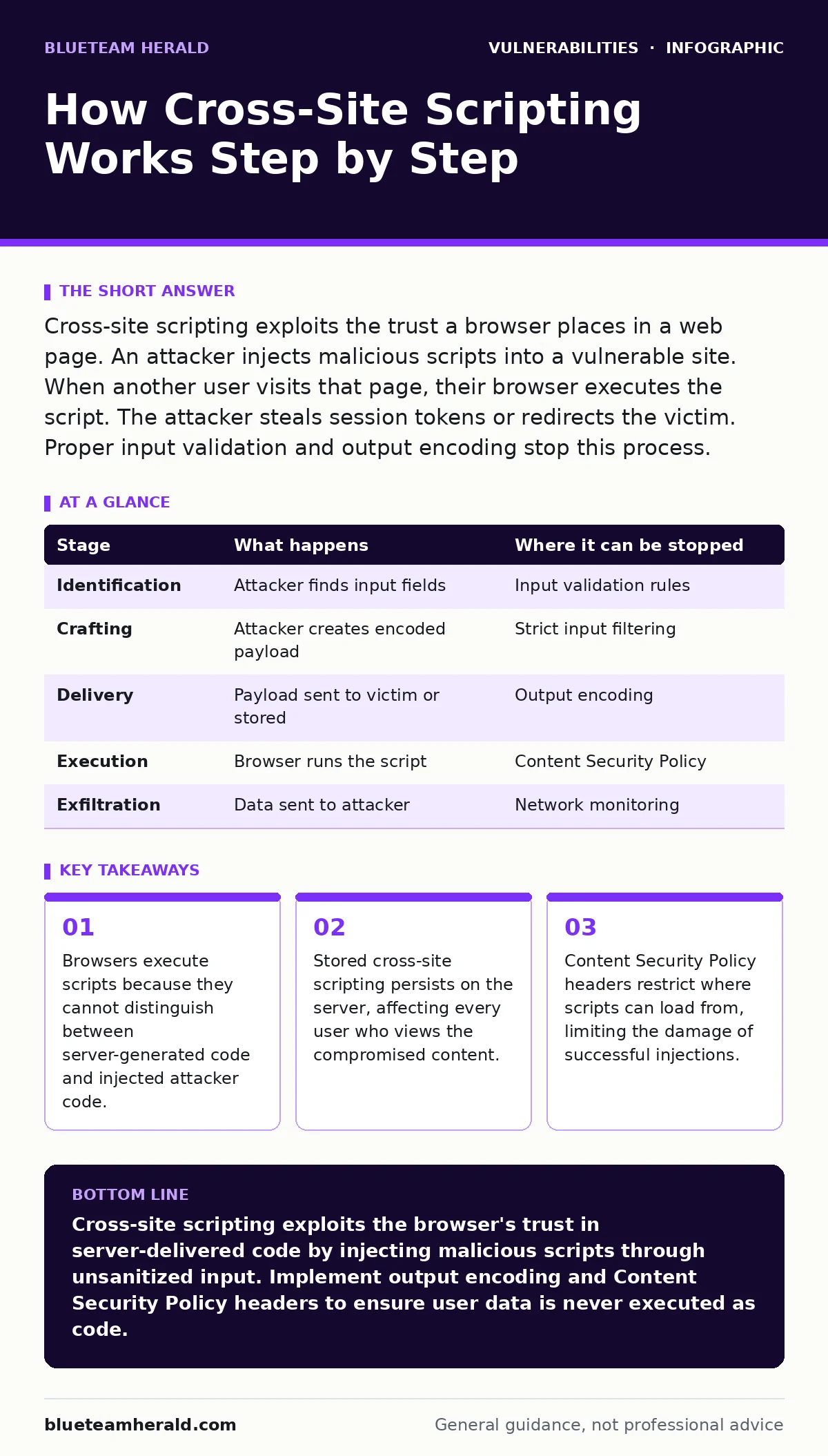
Cross-site scripting exploits the trust a browser places in a web page. An attacker injects malicious scripts into a vulnerable site. When another user visits that page, their browser executes the script. The attacker steals session tokens or redirects the victim. Proper input validation and output encoding stop this process.
The Trust Mechanism Behind XSS
Web browsers operate on a fundamental trust model. They assume that any code delivered by a legitimate web server is safe to execute. This assumption creates the foundation for cross-site scripting attacks. The browser does not inspect the origin of every script block. It simply renders what the server sends.
This trust model is necessary for the web to function. Applications need to run JavaScript to provide interactive features. The vulnerability arises when an application accepts user input and reflects it back without proper sanitization. The browser then executes that input as if it were part of the original application code.
The attacker relies on the application’s failure to distinguish between data and code. When the application treats user-supplied text as executable instructions, the boundary between safe data and dangerous code collapses. This confusion allows an attacker to insert malicious payloads into the page structure.
Stage 1: Identifying Vulnerable Input Points
The attack begins with reconnaissance. The attacker looks for places where the application accepts input. These points include search boxes, comment fields, profile pages, and URL parameters. The goal is to find an input field that reflects data back to the user or stores it for later display.
Not all input fields are vulnerable. Static elements that do not change based on user input are safe. The attacker focuses on dynamic areas. They test these fields with simple payloads, such as a string of text surrounded by angle brackets. If the text appears formatted or executes, the field is likely vulnerable.
This stage relies on the application’s lack of input validation. If the server accepts any character sequence without checking for dangerous syntax, the door is open. The attacker maps out which fields reflect data immediately and which store it for later retrieval. This distinction determines the type of cross-site scripting attack they will launch.
Stage 2: Crafting the Malicious Payload
Once a vulnerable point is identified, the attacker creates a payload. This payload is a snippet of JavaScript code designed to perform a specific action. Common actions include stealing cookies, redirecting the user to a phishing site, or logging keystrokes. The payload must be small enough to fit within the input field’s limits.
The attacker often encodes the payload to bypass basic filters. URL encoding converts special characters into a format that the browser can interpret but simple filters might miss. For example, angle brackets might be converted to their hexadecimal equivalents. This obfuscation helps the payload survive initial checks.
The payload’s success depends on its ability to execute in the victim’s browser. It must not contain syntax errors. It must also avoid characters that the application might strip out. The attacker tests the payload in a controlled environment to ensure it runs correctly when reflected or stored by the target application.
Stage 3: Delivering the Attack
Delivery methods vary based on the type of vulnerability. In reflected cross-site scripting, the attacker sends the payload to the victim via a link. The victim clicks the link, which sends the malicious input to the server. The server reflects the input back in the response. The victim’s browser then executes the script.
In stored cross-site scripting, the attacker posts the payload directly to the vulnerable site. The server saves the payload in its database. When other users view the content, such as a blog post or comment, the server retrieves and displays the payload. Their browsers execute the script automatically.
Imagine a forum where users can post messages. An attacker posts a message containing a hidden script. Every user who reads that thread executes the script. This method is more dangerous because it affects many victims without further action from the attacker. The delivery relies on the victim visiting the compromised page.
Stage 4: Execution in the Victim’s Browser
The victim’s browser receives the HTML response containing the malicious script. Because the browser trusts the source domain, it executes the JavaScript. The script runs with the same privileges as the legitimate application code. It can access cookies, local storage, and other sensitive data associated with that domain.
The script often sends stolen data to a server controlled by the attacker. This exfiltration happens silently. The victim may not notice any unusual behavior. The script might also modify the page content to display fake login forms. This technique, known as phishing, tricks the user into entering credentials.
The execution phase is where the damage occurs. The attacker gains access to the victim’s session. They can perform actions on behalf of the victim. This includes transferring funds, changing passwords, or posting messages. The browser’s trust in the domain makes this execution seamless and difficult for the user to detect.
See also: Stolen Session Tokens: Debunking Six Common Security Myths · Warning Signs of Vulnerabilities in AI Model Serving Frameworks
Stage 5: Maintaining Access and Exfiltrating Data
After initial execution, the attacker may establish persistent access. They might inject additional scripts that run periodically. These scripts can monitor the victim’s activity and send updates to the attacker’s server. This persistence ensures that the attacker can continue to steal data even after the initial page load.
Data exfiltration often uses covert channels. The stolen data might be sent via HTTP requests to a seemingly harmless domain. The attacker might also use image tags to send data as part of the URL. These methods help avoid detection by security tools that monitor for obvious malicious traffic.
The attacker relies on the victim’s continued interaction with the site. If the victim logs out or clears their cookies, the stolen session becomes useless. Therefore, attackers often target high-value accounts that remain active for long periods. The goal is to maintain access for as long as possible.
Interrupting the Attack Chain
You can stop cross-site scripting at multiple stages. Input validation checks user data before it is processed. This prevents dangerous characters from entering the system. Output encoding converts special characters into safe equivalents before displaying them. This ensures the browser treats the data as text, not code.
Content Security Policy headers add an extra layer of protection. They specify which sources are allowed to execute scripts. This restricts the ability of injected scripts to load external resources. Even if a script is injected, it may be blocked from running or communicating with the attacker’s server.
Regular vulnerability scanning helps identify potential injection points. Automated tools can test input fields for common payloads. This proactive approach finds flaws before attackers exploit them. Combining these measures creates a defense-in-depth strategy that significantly reduces the risk of cross-site scripting.
| Stage | What happens | Where it can be stopped |
|---|---|---|
| Identification | Attacker finds input fields | Input validation rules |
| Crafting | Attacker creates encoded payload | Strict input filtering |
| Delivery | Payload sent to victim or stored | Output encoding |
| Execution | Browser runs the script | Content Security Policy |
| Exfiltration | Data sent to attacker | Network monitoring |
The Hidden Costs of Prevention
Implementing strict input validation can break legitimate functionality. Applications that allow rich text formatting or complex characters may struggle with rigid filters. Developers must balance security with usability. Overly restrictive rules can frustrate users and hinder the application’s purpose.
Output encoding is generally safer but requires careful implementation. It must be applied to every point where user data is displayed. Missing even one output point can leave a vulnerability. This comprehensive approach demands rigorous testing and code reviews. The cost is increased development time and complexity.
Content Security Policy headers can also cause issues if misconfigured. A policy that is too strict may block legitimate scripts, breaking the application. Finding the right balance requires understanding the application’s dependencies. This complexity is a hidden cost of robust security measures.
Key takeaways
- Browsers execute scripts because they cannot distinguish between server-generated code and injected attacker code.
- Stored cross-site scripting persists on the server, affecting every user who views the compromised content.
- Content Security Policy headers restrict where scripts can load from, limiting the damage of successful injections.
Cross-site scripting exploits the browser's trust in server-delivered code by injecting malicious scripts through unsanitized input. Implement output encoding and Content Security Policy headers to ensure user data is never executed as code.
Frequently asked questions
How do I know if my site has an XSS vulnerability?
Use automated vulnerability scanning tools to test input fields. Manually test by injecting simple scripts and observing if they execute or reflect. Review code for missing output encoding.
Can HTTPS prevent cross-site scripting attacks?
No, HTTPS encrypts the connection but does not prevent script injection. The browser still executes scripts delivered over the secure channel. You need input validation and output encoding to stop XSS.
What is the difference between reflected and stored XSS?
Reflected XSS delivers the payload via a link, executing once per click. Stored XSS saves the payload on the server, executing for every user who views the compromised content. Stored XSS is generally more dangerous.
Do browser updates fix cross-site scripting vulnerabilities?
Browser updates fix browser-specific bugs but cannot fix application-level XSS flaws. The vulnerability lies in how the application handles input. You must patch the application code, not just update the browser.
How this guide was produced: written by the BlueTeam Herald editorial team with AI assistance, checked against the public references listed below, and reviewed when the facts change. See our editorial policy or report an error.