SPF Records for Small Teams: Lower Cost, Clear Steps
A single misconfigured SPF record can block legitimate invoices while still allowing attackers to send convincing messages from your domain.

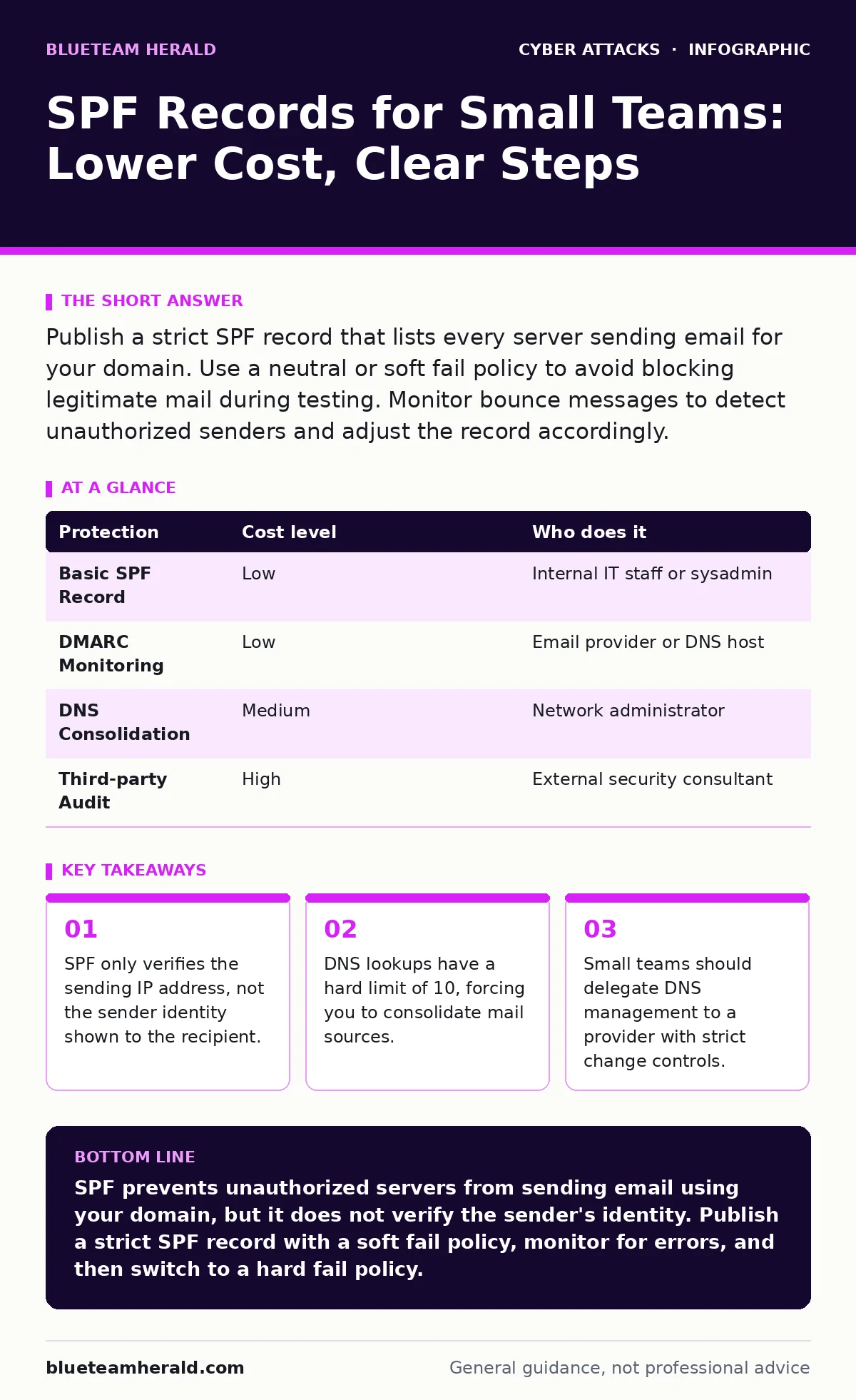
Publish a strict SPF record that lists every server sending email for your domain. Use a neutral or soft fail policy to avoid blocking legitimate mail during testing. Monitor bounce messages to detect unauthorized senders and adjust the record accordingly.
How SPF Protects Small Organizations
Sender Policy Framework, or SPF, is a DNS text record that lists which IP addresses or hostnames are authorized to send email for your domain. When a receiving server gets an email, it checks the envelope sender address. It then queries the DNS for the SPF record. If the sending IP matches the list, the message passes. If it does not match, the receiver decides whether to reject, quarantine, or accept the message based on your policy.
Small organizations often believe they are too small to be targeted. This assumption is incorrect. Attackers scan for domains with weak email authentication to build trust for broader campaigns. A small company with a clean reputation can be used as a stepping stone for larger fraud. SPF adds a layer of verification that makes it harder for attackers to use your domain name in the envelope sender field. It does not protect the user from clicking links, but it protects the domain's reputation.
The Limits of SPF Authentication
SPF has a specific blind spot that many administrators overlook. It checks the IP address in the SMTP envelope, not the "From" header that users see. An attacker can forge the "From" header to show your CEO's name while using an IP address that passes SPF for a different domain. The receiver sees the message as coming from your domain in the display, but SPF validates the underlying transport.
This limitation means SPF must be used with other standards. DMARC, which stands for Domain-based Message Authentication, Reporting, and Conformance, ties SPF results to the visible "From" domain. DKIM, or DomainKeys Identified Mail, adds a cryptographic signature to the message content. Without DMARC, a passing SPF result does not guarantee the message is from your organization. Small teams often implement SPF alone, believing it is sufficient. This creates a false sense of security against business email compromise attempts.
Managing the Lookup Limit
The SPF specification imposes a hard limit of 10 DNS lookups. Each mechanism in your record that requires a DNS query counts toward this limit. A "MX" mechanism counts as one lookup. An "A" record counts as one. A nested SPF record counts as one. If you exceed 10 lookups, the check fails with a permanent error. The receiving server treats this as a failure, often resulting in blocked legitimate mail.
Small businesses frequently add multiple marketing tools, CRM systems, and transactional email services. Each service requires an entry in the SPF record. As you add services, you approach the limit. You must consolidate sources or use include directives carefully. Some providers offer a single include that covers all their IPs. This reduces the lookup count. If you cannot consolidate, you must remove less critical senders or move them to a subdomain. Subdomains have their own SPF records and their own lookup limits.
| Protection | Cost level | Who does it |
|---|---|---|
| Basic SPF Record | Low | Internal IT staff or sysadmin |
| DMARC Monitoring | Low | Email provider or DNS host |
| DNS Consolidation | Medium | Network administrator |
| Third-party Audit | High | External security consultant |
Affordable Implementation Steps
You do not need expensive software to implement SPF. You only need access to your DNS management console. Most domain registrars and DNS providers offer free DNS hosting. The cost is usually included in the domain registration fee. The primary expense is time. You must identify every system that sends email on behalf of your domain.
Start by listing all services. Include cloud email, marketing platforms, CRM systems, and any custom applications. Contact each vendor to get their SPF include string. Create a draft record in a text editor. Do not publish it yet. Use an online SPF check tool to validate the syntax and count the lookups. If the count is under 10, you can proceed. If it is over 10, you must find ways to reduce the number of entries.
Publish the record with a soft fail policy. This tells receivers to accept the mail but mark it as suspicious. Monitor bounce messages for a week. Look for legitimate emails that are being rejected. If you see rejections, add the missing IP or hostname to the record. Once you are confident that all legitimate mail is passing, switch to a hard fail policy. This tells receivers to reject unauthorized mail immediately.
What to Delegate to Providers
Small teams often lack the bandwidth to monitor DNS changes continuously. You should delegate the technical implementation to your DNS provider or email host. Many providers offer managed DNS services that include SPF validation. They alert you if your record is malformed or if you exceed the lookup limit. This reduces the risk of accidental misconfiguration.
You should also delegate the monitoring of email reputation. Your email provider can show you if your domain is being used in spam campaigns. They can provide reports on delivery rates and bounce reasons. Use these reports to identify unauthorized senders. If you see traffic from an IP you do not recognize, investigate it. It may be a compromised server or a forgotten service.
Do not delegate the policy decision. You must decide whether to use a soft fail or hard fail policy. You must decide which services are authorized to send mail. An external provider can execute your decisions, but they cannot make them for you. This distinction is vital for maintaining control over your security posture.
See also: CEO Fraud Explained: How Impersonation Attacks Bypass Human Trust
Questions for IT Providers
When working with an IT provider or consultant, ask specific questions about their SPF implementation process. Do not accept vague assurances. You need to know the mechanics of their work.
- How do you handle DNS lookup limits when adding new services?
- What is your process for testing SPF changes before publishing?
- How do you monitor for unauthorized senders after implementation?
- Do you provide regular reports on email authentication failures?
- How do you coordinate with other providers to avoid conflicts?
Common Mistakes to Avoid
A common mistake is using the "all" mechanism incorrectly. The "all" mechanism tells receivers how to treat emails that do not match any previous entries. A soft fail is written as "~all". A hard fail is written as "-all". A neutral policy is written as "?all". A pass policy is written as "+all". Using "+all" effectively disables SPF. It tells receivers to accept all mail, regardless of the source. This provides no protection.
Another mistake is forgetting to update the record when services change. If you switch email providers, you must update the SPF record. If you discontinue a marketing platform, you should remove its include. Leaving old entries in the record increases the lookup count and creates confusion. Regular audits are necessary to keep the record accurate.
Integrating with Broader Security
SPF is one part of a larger email security strategy. It works best when combined with DMARC and DKIM. DMARC uses SPF results to determine how to handle messages. This visibility helps you detect unauthorized use.
Small teams often focus on endpoint security and ignore email authentication. This is a mistake. Email is a primary vector for social engineering and phishing. By securing the transport layer with SPF, you reduce the effectiveness of these attacks. You also protect your domain reputation. A damaged reputation can lead to legitimate mail being blocked by major providers. This can disrupt business operations.
Key takeaways
- SPF only verifies the sending IP address, not the sender identity shown to the recipient.
- DNS lookups have a hard limit of 10, forcing you to consolidate mail sources.
- Small teams should delegate DNS management to a provider with strict change controls.
SPF prevents unauthorized servers from sending email using your domain, but it does not verify the sender's identity. Publish a strict SPF record with a soft fail policy, monitor for errors, and then switch to a hard fail policy.
Frequently asked questions
Does SPF protect against password guessing attacks?
No, SPF only verifies the IP address of the sending server. It does not authenticate the user or protect credentials. You need multi-factor authentication to prevent account takeover.
Can I use SPF with a free email provider?
Yes, but only if you control the domain's DNS records. Free providers often do not allow custom DNS settings. You must use a domain you own and manage.
How often should I review my SPF record?
Review it every time you add or remove an email service. Quarterly audits are recommended to ensure no unauthorized services have been added.
What happens if I exceed the 10 lookup limit?
The SPF check fails with a permanent error. Receiving servers may reject your legitimate emails. You must consolidate entries or use subdomains to stay within the limit.
How this guide was produced: written by the BlueTeam Herald editorial team with AI assistance, checked against the public references listed below, and reviewed when the facts change. See our editorial policy or report an error.