Why Malware Payloads Matter for Security Decisions
Understanding the specific action of a malware payload determines whether your detection rules trigger too late to prevent data loss or system compromise.

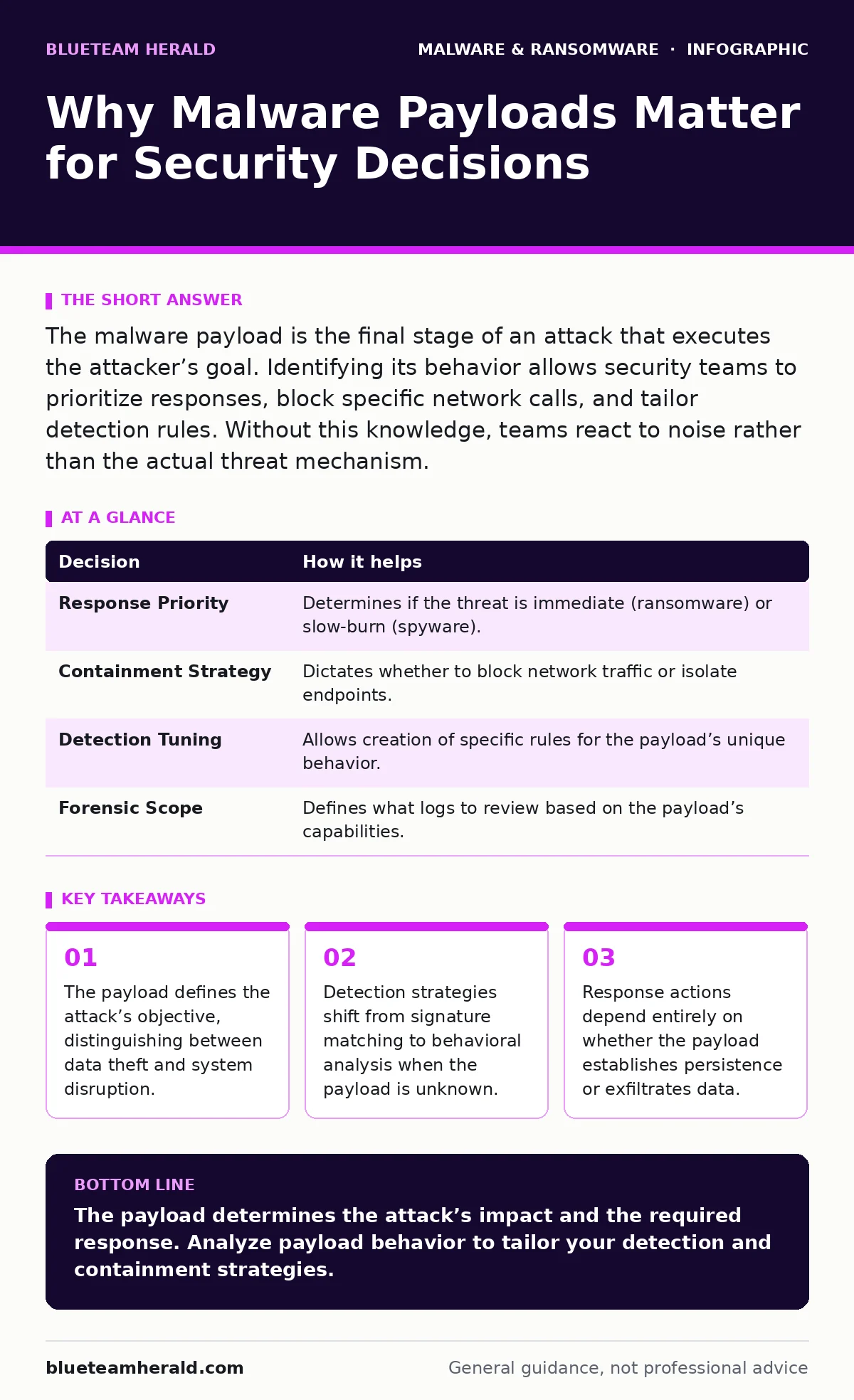
The malware payload is the final stage of an attack that executes the attacker’s goal. Identifying its behavior allows security teams to prioritize responses, block specific network calls, and tailor detection rules. Without this knowledge, teams react to noise rather than the actual threat mechanism.
The Distinction Between Delivery and Damage
Malware consists of two primary components: the delivery mechanism and the payload. The delivery mechanism includes phishing emails, exploit kits, or malicious downloads. It gets the code onto the system. The payload is the code that executes once the delivery succeeds. It performs the attacker’s intended action.
Confusing these two components leads to ineffective security postures. You might block a phishing email successfully, but if the payload bypasses your endpoint protection, the damage is already done. The payload is where the harm occurs. It is the reason the attack matters.
Decisions Informed by Payload Analysis
Security teams make critical decisions based on what the payload does. If the payload is a cryptominer, the priority is resource containment. If it is an infostealer, the priority is credential rotation and access revocation. Each type requires a different response.
| Decision | How it helps |
|---|---|
| Response Priority | Determines if the threat is immediate (ransomware) or slow-burn (spyware). |
| Containment Strategy | Dictates whether to block network traffic or isolate endpoints. |
| Detection Tuning | Allows creation of specific rules for the payload’s unique behavior. |
| Forensic Scope | Defines what logs to review based on the payload’s capabilities. |
What Goes Wrong Without Payload Focus
Without understanding the payload, security teams rely on broad signatures. Malware signatures are unique identifiers of known malicious files. They fail against new or modified code. This is known as zero-day malware. When you do not analyze the payload, you cannot detect variations.
You may see a lot of alerts but miss the real threat. This is called alert fatigue. Teams burn out investigating false positives. Meanwhile, the actual payload executes silently. It may establish web shells for remote access. It may install spyware to monitor user activity. The lack of payload context turns your security tools into noise generators.
How Teams Use Payload Intelligence
Effective teams use dynamic malware analysis to observe payload behavior. This involves running the malware in a safe, isolated environment. They watch what it does, not just what it looks like. This reveals network connections, file modifications, and registry changes.
This intelligence feeds into extended detection and response (XDR) platforms. XDR correlates data from endpoints, networks, and clouds. When the payload tries to communicate with a command-and-control server, XDR can block it. This stops the attack chain. It moves defense from static rules to active behavior monitoring.
The Role of Heuristic Detection
Heuristic detection looks for suspicious behavior rather than exact matches. It flags actions that are unusual for a given file type. For example, a document file trying to execute code is suspicious. Heuristics help catch unknown payloads.
However, heuristics have a trade-off. They generate more false positives. A legitimate program might behave strangely for valid reasons. You must tune these rules carefully. Payload analysis helps refine heuristics. It teaches you what normal looks like for your specific environment. This reduces noise and improves accuracy.
Specific Payload Types and Responses
Different payloads require different responses. Ransomware encrypts files and demands payment. The response is isolation and restoration from backups. Infostealers collect passwords and session tokens. The response is mass password resets and multi-factor authentication enforcement.
Spyware monitors keystrokes and screenshots. It requires endpoint isolation and user awareness. Web shells allow remote command execution. They require web application firewall rules and server hardening. Knowing the payload type dictates the remediation path. It prevents wasted effort on irrelevant controls.
Building a Payload-Centric Workflow
Start by integrating sandboxing into your detection pipeline. Every suspicious file should be analyzed for behavior. Use the results to update your detection rules. Share this intelligence across your team. Ensure responders know how to handle each payload type.
This approach requires discipline. You must prioritize analysis over volume. Focus on the few threats that pose real risk. Ignore the noise. Your goal is to stop the payload from achieving its goal. This shifts your security posture from reactive to proactive.
Key takeaways
- The payload defines the attack’s objective, distinguishing between data theft and system disruption.
- Detection strategies shift from signature matching to behavioral analysis when the payload is unknown.
- Response actions depend entirely on whether the payload establishes persistence or exfiltrates data.
The payload determines the attack’s impact and the required response. Analyze payload behavior to tailor your detection and containment strategies.
Frequently asked questions
How do I identify a malware payload without running it?
Use static analysis to examine code structure and strings, and compare hashes against threat intelligence databases.
What is the difference between a dropper and a payload?
A dropper delivers the payload to the system, while the payload performs the malicious action.
How this guide was produced: written by the BlueTeam Herald editorial team with AI assistance, checked against the public references listed below, and reviewed when the facts change. See our editorial policy or report an error.