Malicious Mobile Apps Prevention Checklist for Safe Usage
Malicious mobile apps often hide in legitimate storefronts by exploiting permission gaps and supply chain weaknesses that standard antivirus scans miss entirely.

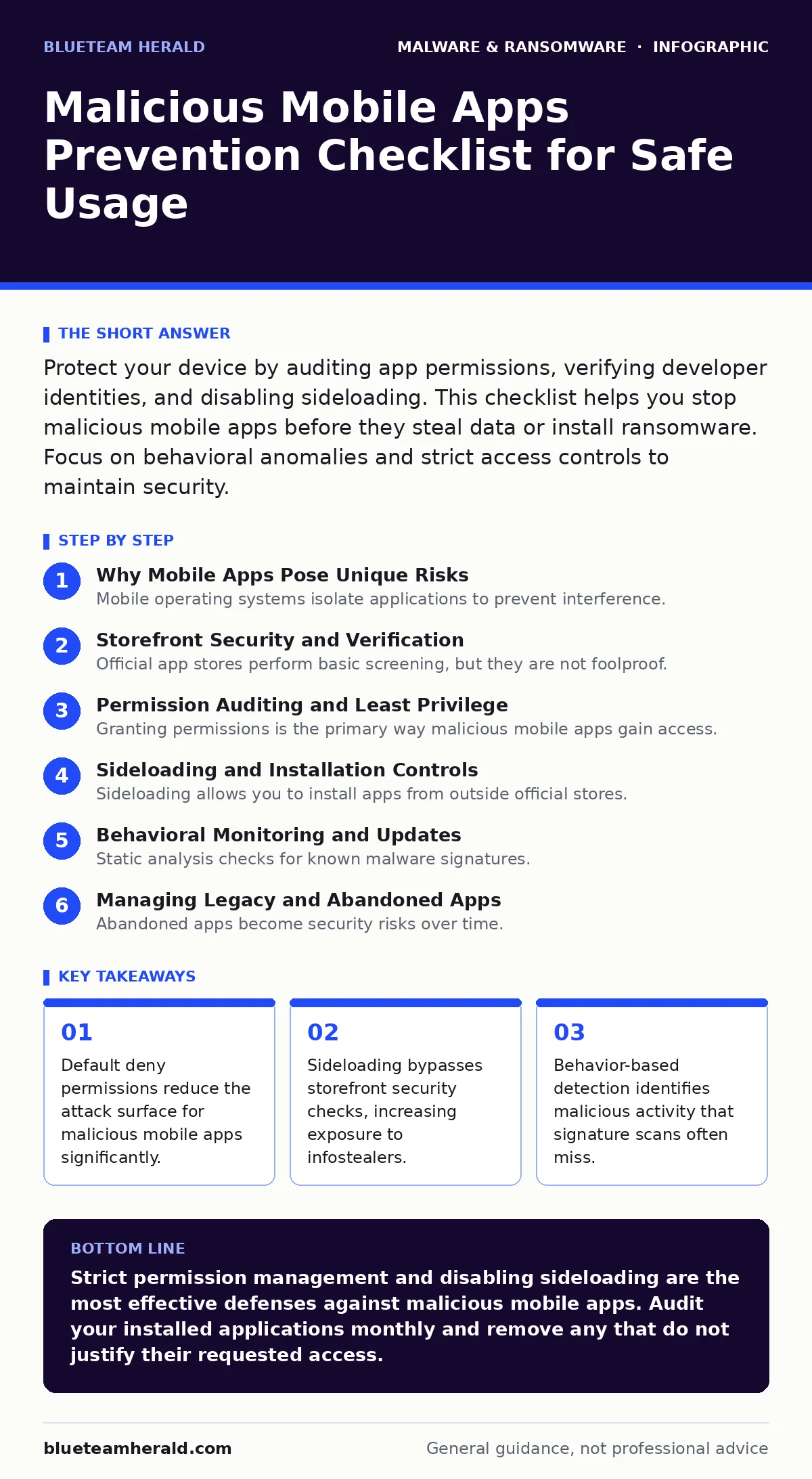
Protect your device by auditing app permissions, verifying developer identities, and disabling sideloading. This checklist helps you stop malicious mobile apps before they steal data or install ransomware. Focus on behavioral anomalies and strict access controls to maintain security.
Why Mobile Apps Pose Unique Risks
Mobile operating systems isolate applications to prevent interference. This sandboxing model assumes apps behave within their granted permissions. Malicious mobile apps exploit the gap between what an app claims to do and what it actually does. They request excessive permissions to access contacts, location, or microphone. Once installed, they can exfiltrate data silently. You must treat every installation as a potential threat vector. The convenience of mobile computing often leads to relaxed security hygiene. Understanding the mechanics of permission abuse helps you spot dangerous behavior early.
Imagine an app that requests camera access but never opens the camera. It might be recording background audio instead. This discrepancy is a red flag. You need to verify that permissions align with the app’s core function. A flashlight app needs no access to your SMS messages. Misaligned permissions indicate a malicious intent or poor design. Both outcomes risk your privacy and device integrity.
Storefront Security and Verification
Official app stores perform basic screening, but they are not foolproof. Attackers often use legitimate storefronts to distribute malware. They may update a benign app with malicious code later. This technique bypasses initial security checks. You should always verify the developer’s identity before installing. Check the developer’s name against known entities. Look for consistent branding and contact information. Fake developers often use generic names or misspelled domains.
Supply chain attacks target popular apps by compromising their build process. This makes the final product malicious even if the source code was clean. You cannot always trust the storefront alone. Review user comments for recent complaints about battery drain or strange behavior. These signs often precede a widespread malware campaign.
Permission Auditing and Least Privilege
Granting permissions is the primary way malicious mobile apps gain access. Adopt a least privilege approach. Deny any permission that does not directly support the app’s function. Review your granted permissions regularly. Remove access for apps you no longer use. Many users install apps, use them once, and forget to uninstall them. These dormant apps retain their permissions and can be reactivated by attackers.
- Audit camera permissions: Only grant to apps that require visual input.
- Restrict location access: Use approximate location instead of precise data.
- Deny microphone access: Only allow for voice recording or communication apps.
- Limit contact access: Prevent apps from reading your address book.
- Disable SMS permissions: Stop apps from reading or sending text messages.
Each denied permission reduces the potential damage. If a malicious app cannot read your SMS, it cannot intercept two-factor authentication codes. This simple step blocks many infostealers. You must actively manage these settings rather than accepting defaults. Default settings often favor functionality over security.
Sideloading and Installation Controls
Sideloading allows you to install apps from outside official stores. This feature is useful for enterprise tools but dangerous for consumers. Malicious actors distribute malware via websites or messaging apps. These apps bypass storefront security checks entirely. You should disable the option to install unknown sources. If you must sideload, verify the app’s signature. Check the digital certificate to ensure it has not been tampered with.
Imagine downloading a cracked game from a forum. The game might contain a hidden payload. This payload could install a web shell on your device. A web shell allows remote control of your phone. You lose all privacy and security. Sticking to official stores reduces this risk significantly. If you need an app not in the store, contact the developer for a verified link.
Behavioral Monitoring and Updates
Static analysis checks for known malware signatures. It fails against new or modified threats. Behavior-based detection monitors how an app acts in real time. Look for apps that consume excessive battery or data. These anomalies suggest background activity. Check for apps that send data when you are not using them. This behavior indicates data exfiltration. Keep your operating system updated. Patches fix vulnerabilities that malicious apps exploit.
- Monitor battery usage: Identify apps draining power unexpectedly.
- Check data consumption: Look for high background data usage.
- Update OS regularly: Apply security patches to close known holes.
- Review app updates: Ensure updates come from the original developer.
Extended detection and response (XDR) platforms can correlate these behaviors across devices. They provide a broader view of threats. For individual users, manual monitoring is sufficient. Stay alert for changes in app behavior. A sudden increase in notifications or ads often signals compromise.
Managing Legacy and Abandoned Apps
Abandoned apps become security risks over time. Developers stop updating them, leaving vulnerabilities unpatched. Malicious actors may exploit these known holes. You should uninstall apps that have not been updated in years. Replace them with maintained alternatives. If no alternative exists, restrict their permissions severely. Treat them as untrusted software. This approach limits the damage if they are compromised.
You must balance convenience with security. Every installed app is a potential entry point. Regular audits keep your attack surface small. This discipline protects you from both malicious mobile apps and accidental data leaks.
Key takeaways
- Default deny permissions reduce the attack surface for malicious mobile apps significantly.
- Sideloading bypasses storefront security checks, increasing exposure to infostealers.
- Behavior-based detection identifies malicious activity that signature scans often miss.
Strict permission management and disabling sideloading are the most effective defenses against malicious mobile apps. Audit your installed applications monthly and remove any that do not justify their requested access.
Frequently asked questions
How do I know if an app is malicious?
Look for excessive permission requests, high battery drain, and unusual data usage. Check developer credentials and user reviews for recent complaints.
Can official app stores guarantee safety?
No. Attackers can bypass initial checks or update benign apps with malicious code later. You must verify developers and monitor behavior.
What is the risk of sideloading?
Sideloading bypasses security checks, exposing you to malware, ransomware, and infostealers that are not screened by the platform.
How often should I audit permissions?
Review your app permissions monthly. Remove access for unused apps and deny unnecessary permissions for active ones.
How this guide was produced: written by the BlueTeam Herald editorial team with AI assistance, checked against the public references listed below, and reviewed when the facts change. See our editorial policy or report an error.