How CSAF Security Advisories Work: Format, Parsing and Application
CSAF advisories replace human-readable text with machine-readable JSON structures that allow automation engines to correlate vulnerabilities with specific software versions instantly.

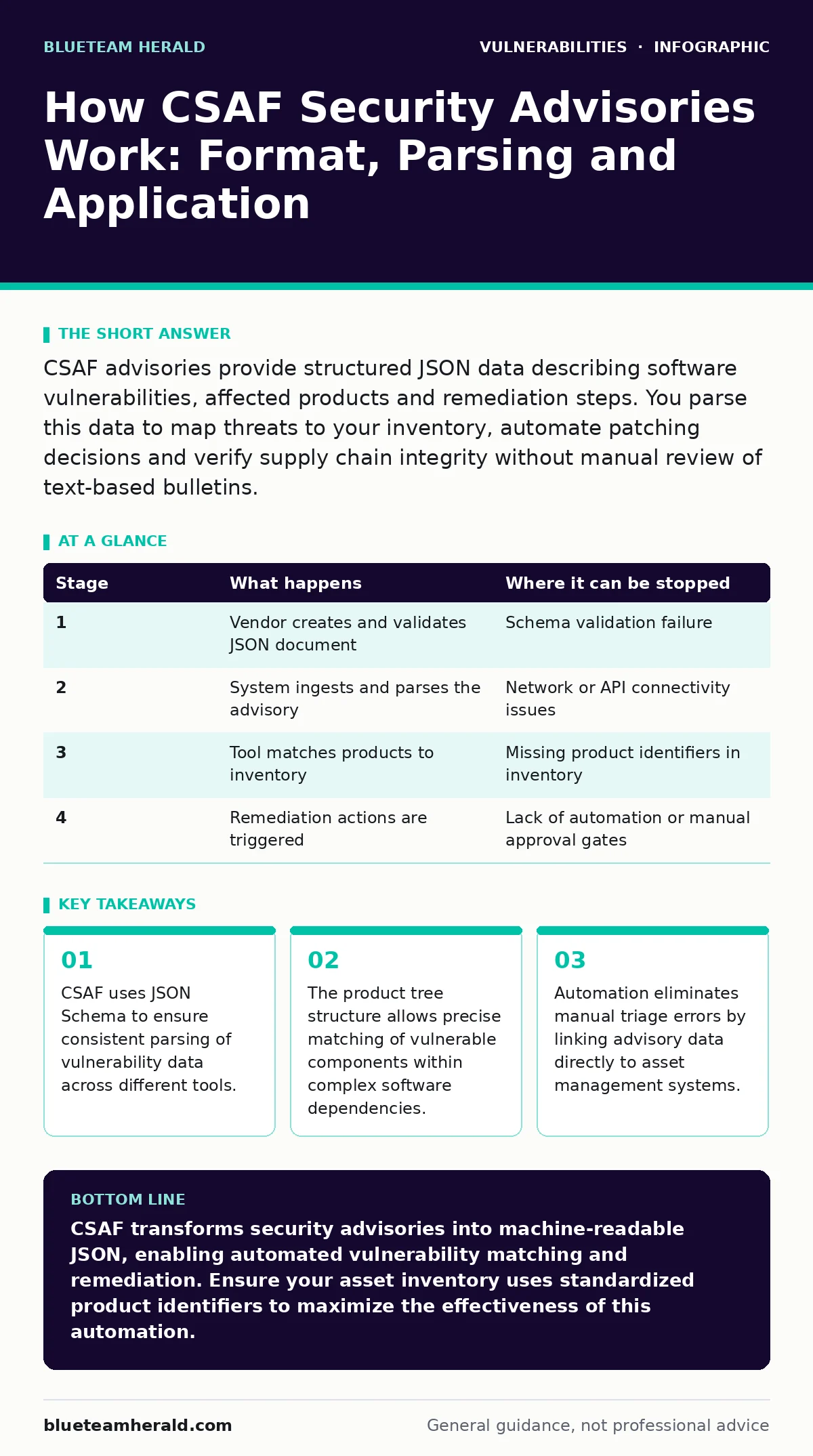
CSAF advisories provide structured JSON data describing software vulnerabilities, affected products and remediation steps. You parse this data to map threats to your inventory, automate patching decisions and verify supply chain integrity without manual review of text-based bulletins.
Understanding the CSAF Standard Structure
CSAF, or Common Security Advisory Framework, defines a standard format for security advisories using JSON. This structure replaces unstructured text documents with predictable data fields. You gain the ability to process advisories programmatically rather than reading them manually. The standard ensures that every advisory contains specific metadata, product information and vulnerability details in a consistent order. This consistency allows security tools to ingest data from any vendor without custom parsers.
The JSON structure follows a strict schema. Validators check the document against this schema before processing. If the document fails validation, your system rejects it immediately. This prevents malformed data from corrupting your vulnerability management pipeline. You rely on this strictness to trust the data entering your systems. The standard supports multiple languages and includes fields for tracking changes over time.
Stage 1: Advisory Publication and Validation
Stage 1: Advisory Publication and Validation
The vendor or responsible party creates the CSAF document. They populate fields with version numbers, affected products and remediation advice. The document must pass schema validation before publication. This step ensures the data is structurally sound. Vendors publish these documents in accessible locations, often alongside software releases. You expect this data to be available shortly after a vulnerability becomes public.
Validation tools check for required fields like document tracking and product identifiers. Missing fields cause the document to fail. This failure stops the advisory from being ingested by automation tools. You benefit from this gatekeeping because it filters out incomplete or erroneous data. The publication process also includes digital signatures to verify authenticity. This prevents attackers from injecting false advisories into your pipeline.
| Stage | What happens | Where it can be stopped |
|---|---|---|
| 1 | Vendor creates and validates JSON document | Schema validation failure |
| 2 | System ingests and parses the advisory | Network or API connectivity issues |
| 3 | Tool matches products to inventory | Missing product identifiers in inventory |
| 4 | Remediation actions are triggered | Lack of automation or manual approval gates |
Stage 2: Ingestion and Parsing by Automation
Stage 2: Ingestion and Parsing by Automation
Your security tools fetch the CSAF document from the source. They parse the JSON structure to extract key information. The parser reads the document tracking section first to identify the advisory. It then extracts the product tree to understand which components are affected. This step transforms raw data into structured objects your system can use. You configure your tools to pull these documents at regular intervals or via webhooks.
Parsing errors can occur if the tool does not support the latest CSAF version. You must update your parsers to handle new schema features. The ingestion process also verifies the digital signature. If the signature is invalid, the tool discards the document. This protection ensures you only act on verified information. You monitor ingestion logs to detect any failures in this stage.
Stage 3: Product Tree Matching and Correlation
Stage 3: Product Tree Matching and Correlation
The core of CSAF is the product tree. This structure lists all products and components covered by the advisory. Your system matches these identifiers against your own asset inventory. It uses product identifiers, such as CPE or PURL, to find exact matches. This matching process determines which of your assets are vulnerable. You maintain accurate product identifiers in your inventory to ensure correct matching.
Matching can fail if your inventory uses different naming conventions. You must normalize your product data to align with CSAF standards. The system also checks for dependencies. If a vulnerable component is part of a larger product, the system flags the entire product. This ensures you do not miss indirect vulnerabilities. You review these matches to confirm accuracy before taking action.
Stage 4: Remediation and Action Automation
Stage 4: Remediation and Action Automation
Once vulnerabilities are identified, the system triggers remediation workflows. It reads the remediation guidance from the CSAF document. This guidance includes steps to patch, mitigate or remove the vulnerable component. Your automation tools execute these steps based on predefined policies. You configure thresholds to decide which vulnerabilities require immediate action. This automation reduces the time between discovery and fix.
Remediation actions can include updating packages, changing configurations or isolating affected systems. The system logs every action taken for audit purposes. You monitor these logs to ensure compliance and effectiveness. If a remediation step fails, the system alerts you for manual intervention. This hybrid approach balances speed with control. You adjust policies based on the severity and impact of each vulnerability.
See also: Unpatched Software Response: Containment, Recovery, and Prevention Steps
Applying CSAF in Vulnerability Management Programs
CSAF integrates directly into vulnerability management programs. It provides the data needed to prioritize and track fixes. You use CSAF data to generate reports on your security posture. You share these reports with stakeholders to demonstrate progress. The structured data makes it easier to compare performance over time.
You can combine CSAF with other standards for a fuller picture. For instance, you might use attack vectors in CVSS to score the severity of vulnerabilities found via CSAF. This combination helps you prioritize fixes based on both prevalence and exploitability. You also cross-reference with vulnerability management programs to ensure no gaps in coverage. The integration streamlines your entire security workflow.
Edge Cases and Limitations of CSAF
CSAF is not a silver bullet. It relies on vendors publishing accurate and timely advisories. If a vendor delays publication, your system cannot detect the vulnerability. You must monitor for silent patches or out-of-band updates. Some vendors may not support CSAF yet. In these cases, you rely on traditional text advisories or other formats. You maintain fallback processes to handle these gaps.
The standard also assumes you have accurate asset data. If your inventory is outdated, matching will fail. You must regularly audit your asset management system. Additionally, CSAF does not cover all types of vulnerabilities. For example, it may not detail complex issues like cross-site WebSocket hijacking or host header injection unless the vendor specifically includes them. You supplement CSAF with other sources for comprehensive coverage.
Advanced Use Cases and Future Trends
Organizations are beginning to use CSAF for supply chain security. They verify that all components in their software meet security standards. This practice reduces risk from third-party dependencies. You can automate checks to reject packages that have known vulnerabilities listed in CSAF advisories. This proactive approach strengthens your security posture.
Future developments may include real-time streaming of advisories. This would allow immediate detection and response. You should prepare your systems for higher data volumes. The standard may also expand to cover more types of products, such as those related to vulnerabilities in AI model serving frameworks. Keeping your tools updated ensures you benefit from these improvements.
Key takeaways
- CSAF uses JSON Schema to ensure consistent parsing of vulnerability data across different tools.
- The product tree structure allows precise matching of vulnerable components within complex software dependencies.
- Automation eliminates manual triage errors by linking advisory data directly to asset management systems.
CSAF transforms security advisories into machine-readable JSON, enabling automated vulnerability matching and remediation. Ensure your asset inventory uses standardized product identifiers to maximize the effectiveness of this automation.
Frequently asked questions
How does CSAF differ from CVE?
CVE provides a unique identifier for a vulnerability, while CSAF provides a structured document containing details about that vulnerability, affected products and remediation steps.
Can I use CSAF for hardware vulnerabilities?
Yes, CSAF supports hardware products. Vendors can include hardware identifiers in the product tree to describe affected devices and firmware versions.
What if a vendor does not publish CSAF advisories?
You must rely on traditional text advisories or other formats. You can manually parse these or use tools that convert them into CSAF-compatible data if possible.
How do I verify the authenticity of a CSAF document?
CSAF documents include digital signatures. Your parsing tool verifies these signatures against the vendor's public key to ensure the document has not been tampered with.
How this guide was produced: written by the BlueTeam Herald editorial team with AI assistance, checked against the public references listed below, and reviewed when the facts change. See our editorial policy or report an error.