Zero-Day Vulnerabilities Explained: How Unknown Flaws Threaten Your Data
A zero-day vulnerability is a software flaw unknown to the vendor, leaving users exposed until a patch exists, often exploited before detection.

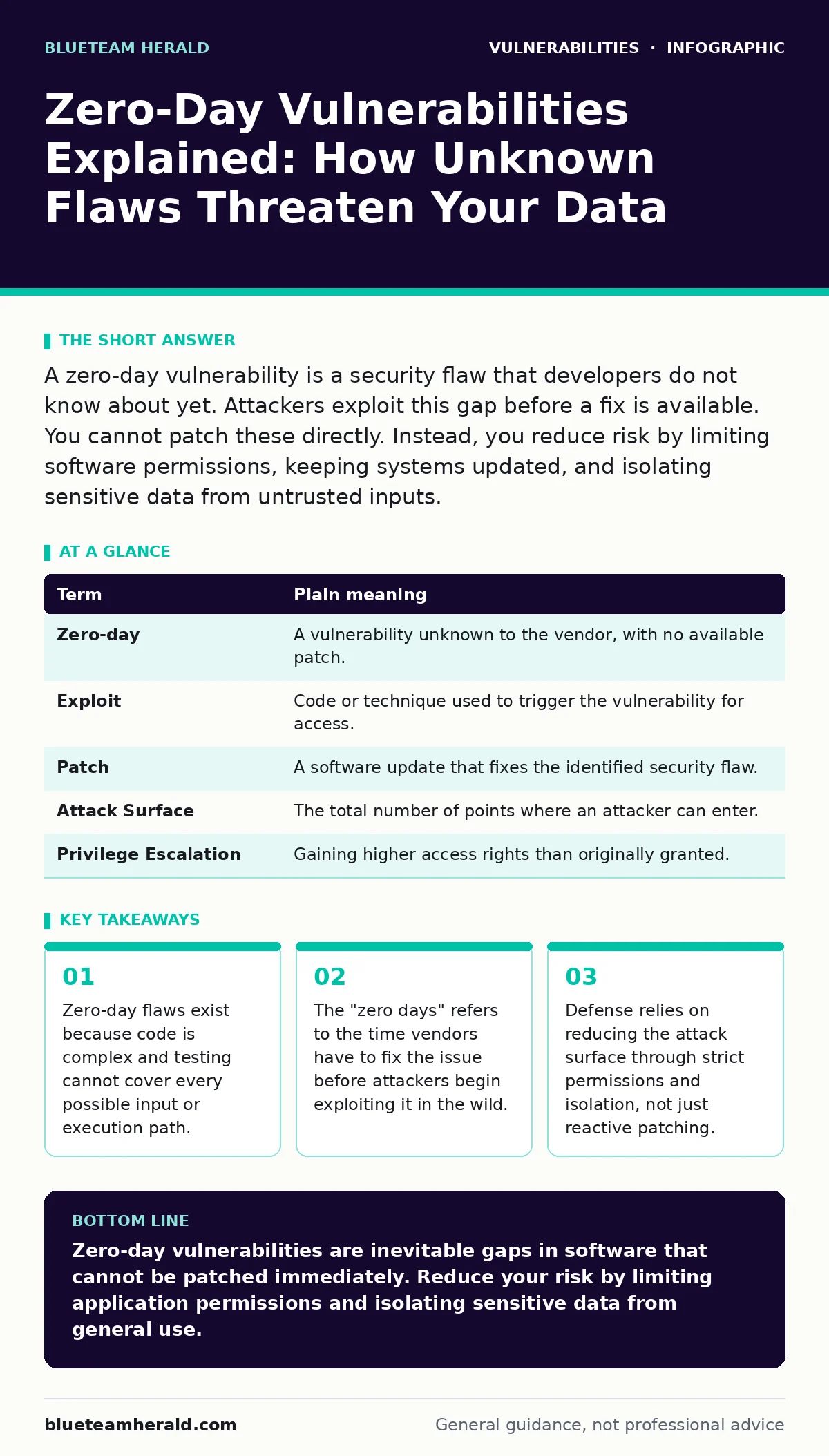
A zero-day vulnerability is a security flaw that developers do not know about yet. Attackers exploit this gap before a fix is available. You cannot patch these directly. Instead, you reduce risk by limiting software permissions, keeping systems updated, and isolating sensitive data from untrusted inputs.
The Unlocked Back Door Analogy
Imagine your home is a house with solid walls and locked doors. You check the locks every night. You trust the builder who constructed the house. One day, you find a small hole in the foundation that was never on the blueprints. No one knew it existed. A burglar finds it first. They enter without breaking anything. You do not know they are inside until they have taken what they want. This is a zero-day vulnerability. The hole is the flaw. The burglar is the attacker. The time between the burglar finding the hole and you discovering it is the zero-day window.
Defining the Core Terms
Understanding the mechanics requires precise language. Security professionals use specific terms to describe the lifecycle of these flaws. The following table clarifies the jargon you will encounter in technical discussions and incident reports.
| Term | Plain meaning |
|---|---|
| Zero-day | A vulnerability unknown to the vendor, with no available patch. |
| Exploit | Code or technique used to trigger the vulnerability for access. |
| Patch | A software update that fixes the identified security flaw. |
| Attack Surface | The total number of points where an attacker can enter. |
| Privilege Escalation | Gaining higher access rights than originally granted. |
Why Patches Cannot Prevent Initial Access
A common misconception is that keeping software updated prevents all attacks. Updates only fix known issues. By definition, a zero-day is unknown. You cannot patch what you do not know exists. This creates a permanent lag between discovery and protection. Attackers often discover these flaws through input validation errors, where software accepts unexpected data types. They craft specific inputs that crash the system or execute arbitrary commands. The vulnerability remains until someone analyzes the crash and writes a fix.
The Hidden Cost of Complexity
Software complexity drives the existence of zero-days. Modern applications have millions of lines of code. Developers cannot test every possible combination of user actions. Even rigorous testing misses edge cases. This is why vulnerability scanning tools are necessary but insufficient. Scanners look for known patterns. They cannot find logic errors that have never been seen before. The more features a program has, the larger its attack surface. This complexity means zero-days are inevitable in all non-trivial software.
Impact on Ordinary Users
You might think zero-days only target governments or corporations. This is incorrect. Attackers often use zero-days to infect ordinary users. These users then become part of a botnet or source of ransomware. The goal is often access to credentials or financial data. When a browser updates frequently, it is often responding to newly discovered flaws in rendering engines or scripting languages. Your personal device is a target because it connects to the internet and holds valuable identity information.
See also: How CSAF Security Advisories Work: Format, Parsing and Application · Vulnerability Management Programs: Definition, Purpose, and Core Mechanics
Simple Safety Habits for Mitigation
Since you cannot patch an unknown flaw, you must limit the damage if one is exploited. This is called defense in depth. You assume breach and restrict what an attacker can do once inside.
- Minimize Permissions: Run applications with the lowest privileges possible. If a program is compromised, it cannot change system settings or access other user files.
- Isolate Sensitive Tasks: Use separate accounts for daily browsing and financial transactions. This contains the blast radius of an infection.
- Disable Unused Features: Turn off plugins, extensions, or services you do not need. Each feature is potential code that could contain a flaw.
The Role of Network Segmentation
If an attacker gains access through a zero-day in your email client, segmentation prevents them from reaching your database. This is similar to having fire doors in a building. Security misconfigurations often leave these doors open. Ensure your devices are on separate networks if possible. Guest networks should not have access to local file shares. This limits lateral movement. Even if one device falls, the rest of your infrastructure remains secure.
Conclusion of the Analogy
Returning to the house analogy, you cannot seal a hole you do not know exists. However, you can install motion sensors, lock the interior rooms, and keep valuable items in a safe. When the burglar enters through the foundation hole, they cannot reach the safe. They cannot open the interior doors. They are stuck in the hallway. You eventually find the hole and seal it. Until then, your controls limited the loss. This is the reality of zero-day defense. You manage risk, you do not eliminate it.
Key takeaways
- Zero-day flaws exist because code is complex and testing cannot cover every possible input or execution path.
- The "zero days" refers to the time vendors have to fix the issue before attackers begin exploiting it in the wild.
- Defense relies on reducing the attack surface through strict permissions and isolation, not just reactive patching.
Zero-day vulnerabilities are inevitable gaps in software that cannot be patched immediately. Reduce your risk by limiting application permissions and isolating sensitive data from general use.
Frequently asked questions
How do I know if I have a zero-day vulnerability?
You usually cannot know. Zero-days are unknown until an attack occurs or a researcher discloses them. Monitor security news for alerts about specific software versions.
Are antivirus programs effective against zero-days?
Traditional signature-based antivirus cannot detect zero-days. Modern solutions use behavioral analysis to spot suspicious activity, which offers better protection against unknown threats.
What is the difference between a zero-day and a vulnerability?
All zero-days are vulnerabilities, but not all vulnerabilities are zero-days. A zero-day is specifically unknown to the vendor and lacks a fix. Known vulnerabilities have patches available.
Should I stop using software with known zero-day history?
No. All complex software has zero-day potential. Instead, prioritize software with active maintenance, strong community support, and regular security updates.
How this guide was produced: written by the BlueTeam Herald editorial team with AI assistance, checked against the public references listed below, and reviewed when the facts change. See our editorial policy or report an error.