Fake Software Updates Prevention Checklist for Secure Systems
Attackers exploit the trust you place in automated patching mechanisms to bypass perimeter defenses and install persistent backdoors on your network.

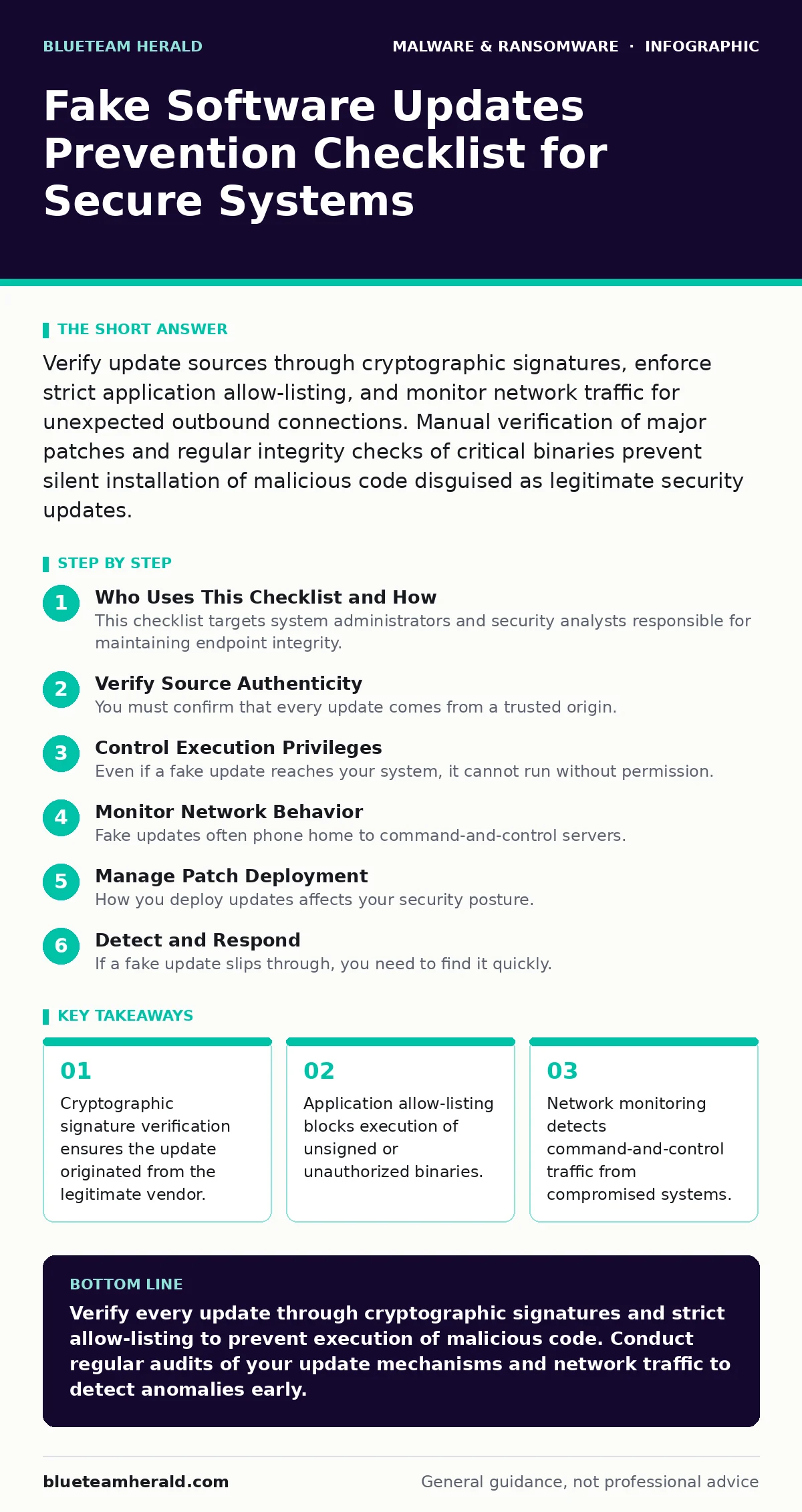
Verify update sources through cryptographic signatures, enforce strict application allow-listing, and monitor network traffic for unexpected outbound connections. Manual verification of major patches and regular integrity checks of critical binaries prevent silent installation of malicious code disguised as legitimate security updates.
Who Uses This Checklist and How
This checklist targets system administrators and security analysts responsible for maintaining endpoint integrity. You use it to harden update mechanisms against supply chain attacks. Treat this as a living document. Review it before deploying major patches. Audit your environment against these controls quarterly. The goal is to reduce the attack surface where fake updates succeed.
Verify Source Authenticity
You must confirm that every update comes from a trusted origin. Attackers often mimic legitimate update servers. They use similar domain names or intercept traffic. You need technical controls to validate the source.
- Verify digital signatures: Ensure every update file has a valid cryptographic signature from the vendor. This proves the file has not been tampered with.
- Check certificate chains: Validate that the signing certificate is issued by a trusted authority. This prevents use of self-signed or expired certificates.
- Use official channels: Download updates only from verified vendor portals or official repositories. This avoids third-party mirrors that may host malware.
- Validate hash values: Compare the SHA-256 hash of the downloaded file with the vendor-published hash. This detects any modification to the binary.
- Monitor DNS resolution: Ensure update requests resolve to known IP addresses. This prevents DNS spoofing attacks that redirect traffic.
Control Execution Privileges
Even if a fake update reaches your system, it cannot run without permission. You limit what code can execute on your endpoints. This reduces the impact of a successful delivery.
- Enforce application allow-listing: Permit only approved applications to run. This blocks unauthorized executables from starting.
- Restrict admin rights: Limit local administrator accounts to break-glass scenarios. This prevents malware from installing system-wide components.
- Disable auto-run features: Turn off automatic execution of media and scripts. This stops malicious files from launching on access.
- Use virtualization-based security: Isolate critical processes from the main operating system. This adds a layer of protection against kernel attacks.
- Audit scheduled tasks: Review tasks that run with elevated privileges. This identifies persistence mechanisms left by attackers.
Monitor Network Behavior
Fake updates often phone home to command-and-control servers. You can detect this behavior by watching network traffic. Look for anomalies in communication patterns.
- Inspect outbound connections: Monitor traffic to unknown or suspicious domains. This detects data exfiltration or command retrieval.
- Analyze DNS queries: Look for high entropy domain names. This identifies dynamically generated domains used by malware.
- Check for unusual ports: Alert on traffic on non-standard ports. This reveals covert channels used by attackers.
- Review SSL/TLS certificates: Verify certificates for update servers. This detects man-in-the-middle attacks.
- Log failed connections: Record attempts to reach blocked or non-existent hosts. This indicates active malware trying to communicate.
Manage Patch Deployment
How you deploy updates affects your security posture. Rushed deployments can introduce vulnerabilities. Careful planning reduces risk.
- Stage deployments: Roll out updates in phases. This allows detection of issues before widespread adoption.
- Test in isolation: Verify updates in a sandbox environment. This ensures they do not introduce instability or vulnerabilities.
- Maintain rollback plans: Keep previous versions ready for reinstallation. This allows quick recovery if an update fails.
- Document changes: Record every update and configuration change. This aids in forensic analysis after an incident.
- Verify post-install integrity: Check file integrity after installation. This ensures the update completed correctly.
See also: Vulnerability Scanning: How Automated Checks Find Security Gaps · How to Implement Browser Updates: A Step-by-Step Guide
Detect and Respond
If a fake update slips through, you need to find it quickly. Detection relies on behavior analysis and logging.
- Implement heuristic detection: Use behavioral analysis to identify suspicious activities. This catches unknown malware variants.
- Enable extended detection and response (XDR): Correlate data from endpoints and network. This provides a holistic view of threats.
- Review file creation events: Monitor for new executables in system directories. This identifies dropped malware payloads.
- Check for DLL sideloading: Inspect for legitimate apps loading malicious libraries. This reveals a common persistence technique.
- Analyze process trees: Look for unusual parent-child process relationships. This helps trace the origin of malicious activity.
Recover and Harden
If you detect a compromise, you must act decisively. Cleaning an infected system is difficult. Reimaging is often the safest option.
- Isolate affected systems: Disconnect compromised machines from the network. This prevents lateral movement of malware.
- Reimage infected computers: Restore systems from known good backups. This ensures all malicious artifacts are removed.
- Rotate credentials: Change passwords and keys for all affected accounts. This prevents attackers from using stolen credentials.
- Update detection rules: Add indicators of compromise to your security tools. This improves future detection capabilities.
- Conduct post-incident review: Analyze how the attack succeeded. This identifies gaps in your defenses.
Final Considerations
Fake software updates exploit trust. You must verify every step of the update process. Combine technical controls with careful monitoring. Regular audits keep your defenses effective. Stay proactive in your security efforts.
Key takeaways
- Cryptographic signature verification ensures the update originated from the legitimate vendor.
- Application allow-listing blocks execution of unsigned or unauthorized binaries.
- Network monitoring detects command-and-control traffic from compromised systems.
Verify every update through cryptographic signatures and strict allow-listing to prevent execution of malicious code. Conduct regular audits of your update mechanisms and network traffic to detect anomalies early.
Frequently asked questions
How do I verify a digital signature?
Use operating system tools or certificate utilities to check the signature against the vendor's public key. Ensure the certificate chain is valid and not expired.
What is the difference between heuristic detection and signature-based detection?
Signature-based detection matches known malware patterns. Heuristic detection analyzes behavior to identify suspicious activities, catching unknown threats.
Should I disable automatic updates?
No, but you should control them. Use managed deployment tools to test and roll out updates. This balances security and stability.
How do I detect DLL sideloading?
Monitor for legitimate applications loading libraries from unexpected directories. Use process monitoring tools to track dynamic link library loading events.
How this guide was produced: written by the BlueTeam Herald editorial team with AI assistance, checked against the public references listed below, and reviewed when the facts change. See our editorial policy or report an error.