Fake Ticket Websites: Risks and Protection for Small Businesses
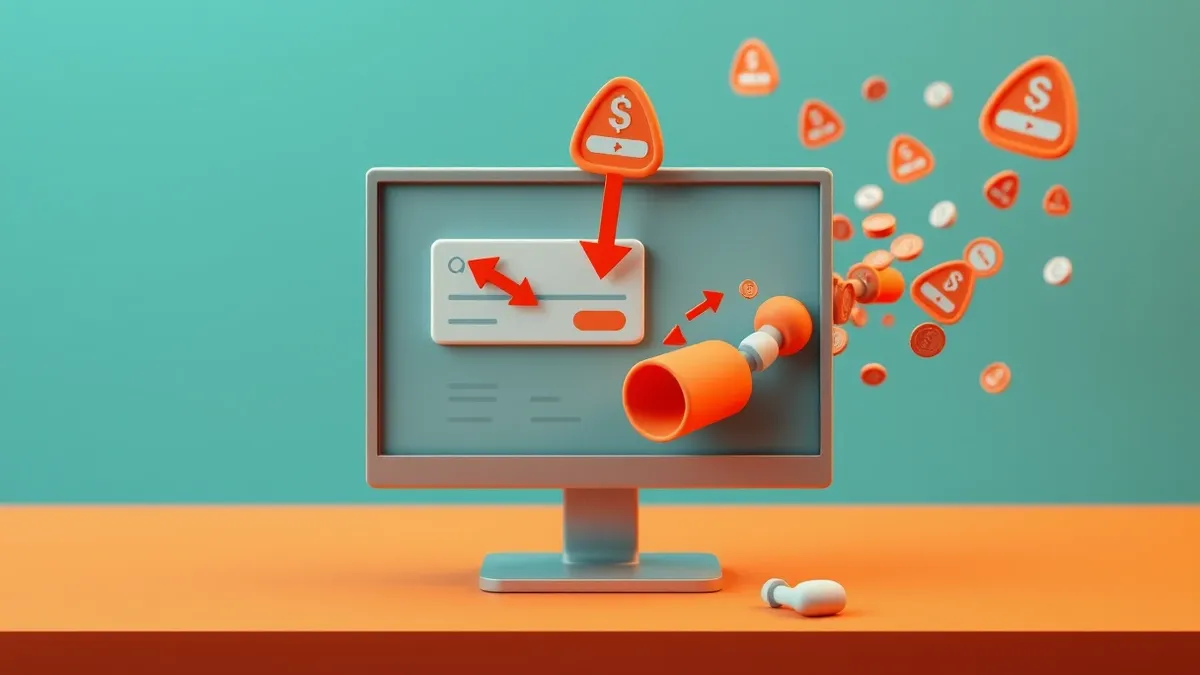
Fake ticket sites exploit your payment gateway to harvest credentials and trigger chargebacks that drain your accounts and trigger fraud alerts.
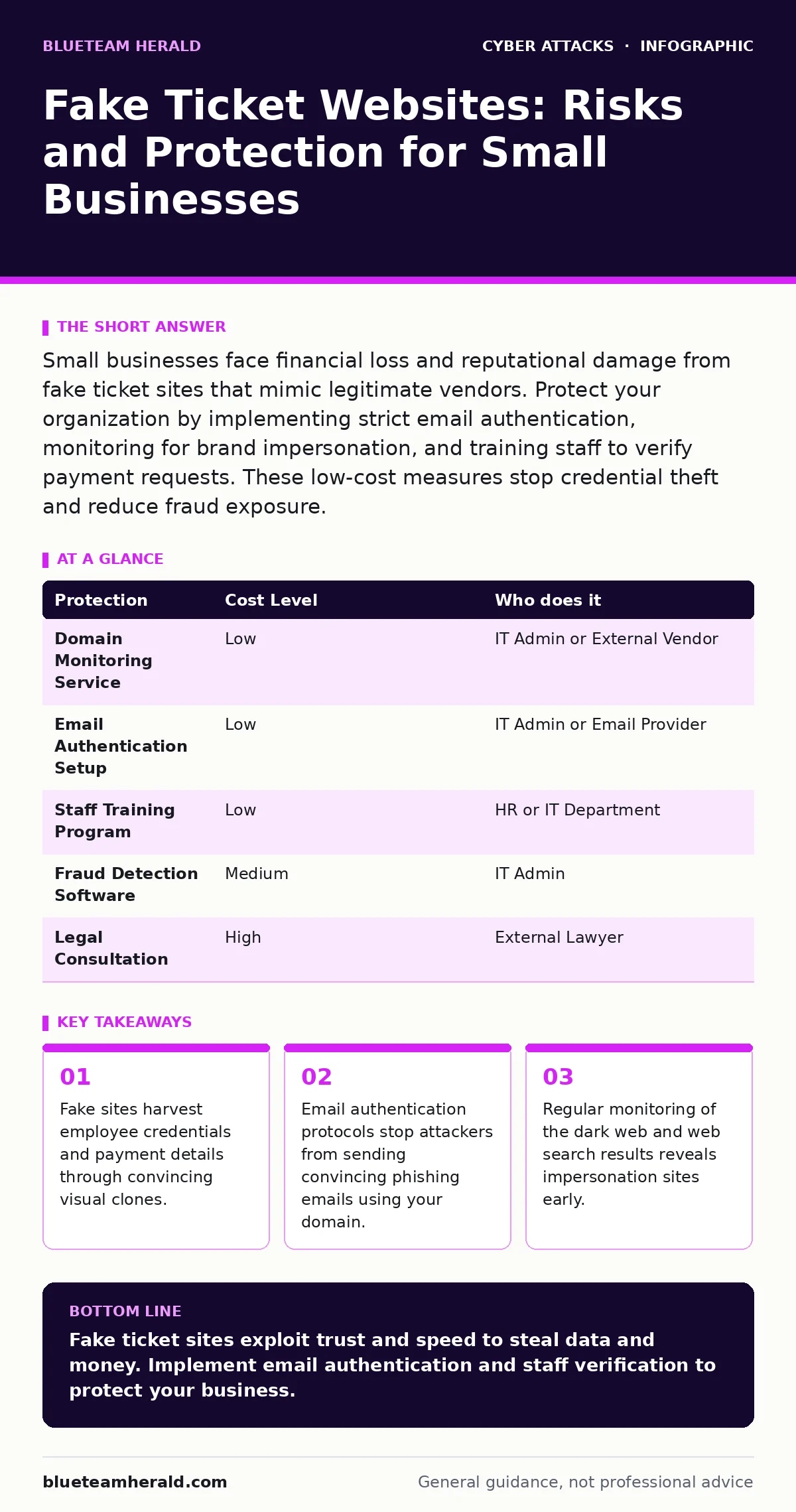
Small businesses face financial loss and reputational damage from fake ticket sites that mimic legitimate vendors. Protect your organization by implementing strict email authentication, monitoring for brand impersonation, and training staff to verify payment requests. These low-cost measures stop credential theft and reduce fraud exposure.
How Impersonation Attacks Target Small Organizations
Small organizations lack the dedicated security teams of large corporations. Attackers exploit this gap by targeting the human element. You rely on trust and speed in daily operations. Fake ticket websites capitalize on this urgency. They create visual clones of legitimate ticketing platforms. The design matches the original site pixel for pixel. The only difference is the domain name.
The domain often uses a subtle typo or a different top-level extension. You might see .co instead of .com. The site functions like a real store. It allows you to select seats and enter payment information. Once you submit the form, the data goes to the attacker. The attacker does not sell tickets. They steal your credit card numbers and login credentials.
This theft enables further attacks. The attacker uses your stolen credentials to access your corporate accounts. They may initiate unauthorized transactions or request password resets for other services. The initial fake ticket site is just the entry point. The real goal is your organization's financial data.
Why Small Businesses Are Exposed to Brand Abuse
You might assume your small business is too insignificant to target. This assumption is a dangerous miscalculation. Attackers automate their processes. They scan the internet for business names and email formats. They do not care about your size. They care about your connectivity. You have connections to banks, suppliers, and customers. These connections provide value.
Small businesses often lack brand monitoring tools. Large companies use automated systems to detect and takedown fake sites. You likely rely on manual checks. By the time you notice a fake site, it has already stolen data. Your staff may not recognize the subtle differences in the URL. The site loads quickly and looks professional. Trust is the vulnerability.
The exposure extends beyond direct financial loss. Your reputation suffers when customers interact with these fake sites. They associate the bad experience with your brand. You may also face liability if customer data is stolen through your impersonated site. The cleanup process consumes time and resources. It distracts you from core business activities.
The Hidden Cost of Chargebacks and Fraud Alerts
A single successful transaction on a fake site can trigger a cascade of issues. When the victim realizes the fraud, they file a chargeback. Your bank reverses the transaction. You lose the money and pay a fee. Multiple chargebacks signal high risk to your payment processor. They may freeze your merchant account.
This freeze halts all legitimate sales. You cannot process payments for real customers. The damage extends to your credit score. Fraud alerts may appear on your business credit report. Lenders view these alerts as a sign of instability. Getting your account unfrozen requires documentation and time. You must prove the transactions were unauthorized.
The operational cost is significant. Staff spend hours dealing with bank representatives. They compile evidence and fill out forms. This time is taken away from serving customers. The stress impacts team morale. You may need to hire legal counsel to resolve disputes. The total cost far exceeds the initial stolen amount.
| Protection | Cost Level | Who does it |
|---|---|---|
| Domain Monitoring Service | Low | IT Admin or External Vendor |
| Email Authentication Setup | Low | IT Admin or Email Provider |
| Staff Training Program | Low | HR or IT Department |
| Fraud Detection Software | Medium | IT Admin |
| Legal Consultation | High | External Lawyer |
Low-Cost Protections for Your Digital Assets
You can implement effective defenses without a large budget. Start with email authentication. Configure SPF, DKIM, and DMARC records. These protocols verify that emails claiming to come from your domain are authorized. This stops attackers from sending phishing emails using your logo. See the guide on SPF for details on implementation.
Monitor your brand online. Use free search engines to look for your company name. Check for sites that look similar to yours. Set up alerts for new domains containing your brand name. This helps you identify fake sites early. You can then report them to the registrar. Reporting does not always remove the site immediately, but it starts the process.
Train your staff to verify requests. Establish a policy for all payment requests. Require verbal confirmation for any new vendor. Do not rely solely on email. Use a secondary channel to confirm details. This adds a layer of friction. Attackers prefer easy targets. Friction makes you a harder target.
Verifying Vendors and Payment Requests
Imagine you receive an invoice for event tickets. The email looks professional. The logo is correct. The sender's name is familiar. Do not click the payment link immediately. Check the sender's email address carefully. Look for subtle misspellings in the domain part. Hover over the link to see the actual URL. Does it match the official vendor site?
Contact the vendor directly. Use a phone number from their official website, not the one in the email. Confirm the order details. Ask for an invoice via their official portal. Never provide payment details via email reply. Legitimate vendors have secure checkout processes. They do not ask for credit card numbers in plain text emails.
Implement a verification checklist. Post it near workstations. Include steps like "Check URL," "Verify Contact," and "Confirm Amount." Make verification a habit. Speed is not worth the risk. A few minutes of verification can save thousands of dollars. It also builds a culture of security awareness.
See also: Cloud Privilege Escalation: Risks and Protections for Small Teams · DNS Tunneling: Risks and Protection for Small Businesses
What to Ask an IT Provider About Security
You should involve your IT provider in your defense strategy. Ask specific questions to ensure they understand your risks. Do not accept vague answers. You need concrete actions and timelines.
- What email authentication protocols are currently configured for our domains?
- Do you monitor for domain impersonation and brand abuse?
- How do you handle incident response for credential theft?
- What tools do you use to detect phishing attempts?
- Can you provide training for staff on recognizing fake sites?
Review their answers carefully. If they cannot answer confidently, find a new provider. Your IT provider is your first line of defense. They should proactively identify threats. They should not wait for an attack to act. Regular reviews of security posture are necessary. Schedule quarterly meetings to discuss updates.
Responding to a Fake Site Discovery
If you find a fake site using your brand, act quickly. Document everything. Take screenshots of the site and the URL. Record the date and time. Report the site to the domain registrar. Most registrars have an abuse contact form. Provide the evidence you collected.
Notify your email provider. If the fake site is linked to phishing emails, report those too. Your provider can block the sender. Update your staff. Alert them to the fake site. Provide the correct URL. Remind them to verify all requests.
Monitor the situation. Check if the site is taken down. If it remains, escalate the report. Contact your legal counsel if necessary. They can send a cease and desist letter. This shows the attacker that you are serious. It may deter future attempts. Learn more in the guide on incident response plans.
Building Long-Term Resilience Against Fraud
Protection is not a one-time task. It requires ongoing effort. Update your security policies regularly. Review them after any incident. Incorporate lessons learned. Train new staff immediately. Make security part of the onboarding process.
Stay informed about new tactics. Attackers constantly change their methods. Subscribe to security newsletters. Join industry groups. Share information with other small business owners. Collective knowledge is powerful. You are not alone in this fight.
Consider additional protections as you grow. Multi-factor authentication adds another layer. It prevents unauthorized access even if credentials are stolen. See the guide on angler phishing for more on this technique. Regular security audits identify weaknesses. Fix them before attackers do.
Key takeaways
- Fake sites harvest employee credentials and payment details through convincing visual clones.
- Email authentication protocols stop attackers from sending convincing phishing emails using your domain.
- Regular monitoring of the dark web and web search results reveals impersonation sites early.
Fake ticket sites exploit trust and speed to steal data and money. Implement email authentication and staff verification to protect your business.
Frequently asked questions
How do I know if a ticket website is fake?
Check the URL for subtle misspellings or different extensions. Look for poor grammar or missing contact information. Hover over links to verify the destination.
Can I sue the creator of a fake ticket site?
Legal action is possible but often difficult. Jurisdiction and identity verification pose challenges. Report the site to authorities first.
What should I do if I already paid a fake site?
Contact your bank immediately to dispute the charge. Change your passwords. Monitor your accounts for suspicious activity. Report the fraud to local authorities.
Do email filters stop all fake ticket emails?
No. Filters miss many sophisticated phishing attempts. Human verification remains necessary. Train staff to recognize red flags.
How this guide was produced: written by the BlueTeam Herald editorial team with AI assistance, checked against the public references listed below, and reviewed when the facts change. See our editorial policy or report an error.