The 3-2-1 Backup Rule: Small Business Data Resilience
Most small businesses fail the 3-2-1 rule because they store copies on the same network, creating a single point of failure for ransomware.

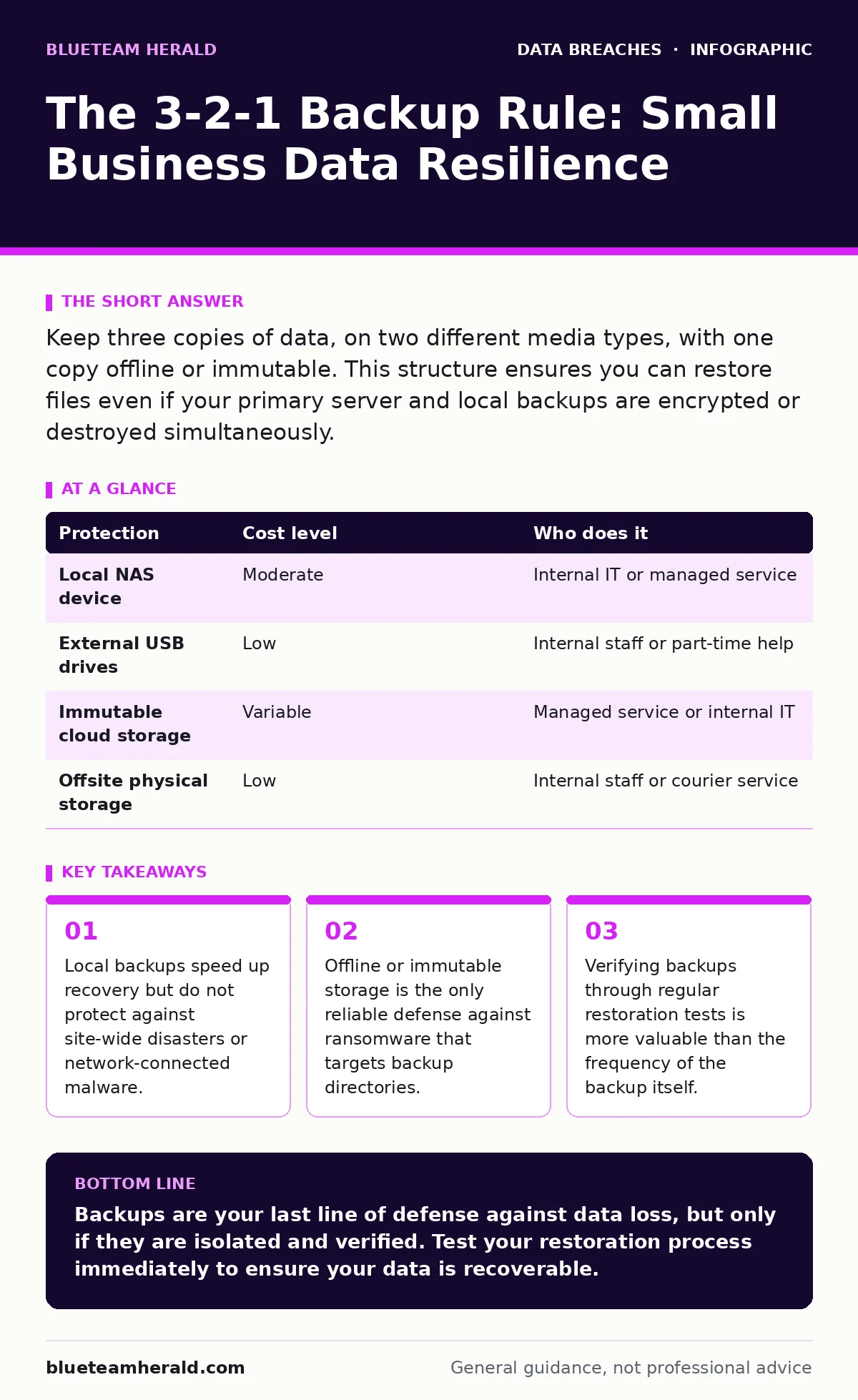
Keep three copies of data, on two different media types, with one copy offline or immutable. This structure ensures you can restore files even if your primary server and local backups are encrypted or destroyed simultaneously.
The Myth of the Cloud Backup
Many organizations assume that syncing files to a cloud service constitutes a backup. This assumption is dangerous. Most cloud storage services use real-time synchronization. When a file changes or is deleted on your primary device, the cloud copy updates immediately to match. If malware encrypts your files, the cloud service encrypts the backup too.
You need a distinct copy that is not tied to the live file system. This distinction separates a synchronization tool from a true backup strategy. The 3-2-1 rule provides the framework for this separation. It requires three copies of your data, stored on two different types of media, with one copy kept offsite or offline.
The first "3" is straightforward. You must have the original data plus two additional copies. The second "2" prevents a single hardware failure from destroying all copies. If both copies reside on the same type of drive, a firmware bug or manufacturing defect could wipe them both. Using different media, such as a local network attached storage device and an external hard drive, mitigates this risk.
The final "1" is the most critical component for ransomware defense. One copy must be isolated from your primary network. If this copy is online, ransomware can find and encrypt it. An offline copy, such as a disk that is plugged in only during the backup process, remains invisible to network-based attacks. Alternatively, immutable cloud storage prevents deletion or modification for a set period, even by the administrator.
Cost-Effective Implementation Strategies
Small teams often view backups as an expensive overhead. In reality, the most resilient setups use low-cost hardware and disciplined processes. You do not need enterprise-grade appliances to achieve safety. The goal is redundancy, not speed or convenience.
| Protection | Cost level | Who does it |
|---|---|---|
| Local NAS device | Moderate | Internal IT or managed service |
| External USB drives | Low | Internal staff or part-time help |
| Immutable cloud storage | Variable | Managed service or internal IT |
| Offsite physical storage | Low | Internal staff or courier service |
Start by identifying your critical data. Not every file needs the same level of protection. Focus on customer records, financial data, and intellectual property. Ignore temporary files, caches, and installed application binaries, which can be reinstalled from source. This focus reduces the storage volume and lowers costs.
For the local copy, a network-attached storage device is efficient. It allows multiple computers to back up simultaneously without manual intervention. For the offline copy, rotating external hard drives are affordable. Label them clearly and store them in a fireproof safe or a different physical location. This physical separation protects against theft and natural disasters.
The Hidden Cost of Automation
Automation reduces the human error that causes backup failures. Scheduled tasks run at night, copying data to secondary locations. However, automation introduces a blind spot. If the backup process fails, it often fails silently. You may assume your data is safe because the last run timestamp is recent, while the backup file is actually empty or corrupted.
This is where the principle of verification applies. You must periodically attempt to restore a file from the backup. This test confirms that the data is not just present, but readable. Without restoration tests, you are trusting a process you have never validated. This validation step is the difference between a backup strategy and a false sense of security.
Consider the trade-off between frequency and resource usage. Backing up every hour captures more changes but consumes more bandwidth and storage. For most small businesses, a daily backup is sufficient. Critical documents that change frequently should be saved manually to a secondary location before closing. This hybrid approach balances safety with performance.
Delegating to IT Providers
Many small businesses outsource IT support. This is a smart move for day-to-day maintenance, but it requires clear contracts regarding data protection. You must define who owns the backup strategy and who is responsible for its execution. Vague agreements lead to gaps when a crisis occurs.
When evaluating an IT provider, ask specific questions about their backup methodology. Do they use immutable storage? How often do they test restorations? What is the recovery time objective for your specific data? These questions reveal whether they treat backups as a commodity or a critical security control.
You should also consider the provider’s own security posture. If their systems are compromised, your data may be exposed. This intersects with vendor risk management, which involves assessing the security practices of third parties you rely on. Ensure your provider has a clear incident response plan that includes protecting client data.
Integrating with Broader Security
Backups are not an isolated control. They work in tandem with other security measures. For instance, if an employee leaves and retains access to backup systems, they could delete or exfiltrate data. This is why employee offboarding security must include revoking access to backup repositories immediately.
Similarly, backups can be targeted through email account compromise. If an attacker gains access to your email, they may search for backup credentials or reset links. Protecting email accounts with multi-factor authentication reduces this risk. It also limits the damage from stolen session tokens, which allow attackers to bypass login screens entirely.
Dynamic malware analysis can help detect threats that evade signature-based antivirus. By running suspicious files in a sandbox, you can identify behavior before it reaches your backup systems. This proactive measure reduces the likelihood of ransomware encrypting your primary data in the first place.
See also: Cloud Privilege Escalation: Risks and Protections for Small Teams · DNS Tunneling: Risks and Protection for Small Businesses
Testing and Maintenance
A backup strategy is only as good as its last test. Schedule quarterly restoration drills. Pick a random file from the backup and attempt to restore it to a test environment. Document the time it takes and any errors encountered. This process highlights issues before a real disaster strikes.
Review your backup retention policies regularly. Data needs change over time. Old projects may no longer be critical, while new client data requires protection. Adjust your scope to reflect current business needs. This keeps storage costs manageable and ensures you are protecting what matters most.
Finally, ensure your backup documentation is up to date. Include contact information for your IT provider, restoration procedures, and storage locations. This documentation should be accessible even if your primary systems are down. Consider storing a printed copy in a secure, offsite location. This simple step can save hours of confusion during an emergency.
Key takeaways
- Local backups speed up recovery but do not protect against site-wide disasters or network-connected malware.
- Offline or immutable storage is the only reliable defense against ransomware that targets backup directories.
- Verifying backups through regular restoration tests is more valuable than the frequency of the backup itself.
Backups are your last line of defense against data loss, but only if they are isolated and verified. Test your restoration process immediately to ensure your data is recoverable.
Frequently asked questions
Can I use a cloud service like Dropbox as my backup?
No, because most cloud services sync changes in real-time. If ransomware encrypts your files, the cloud copy will also be encrypted. You need a separate, immutable copy.
How often should I back up my data?
Daily backups are sufficient for most small businesses. Critical files that change frequently should be saved manually to a secondary location before closing.
What is immutable storage?
Immutable storage prevents data from being deleted or modified for a set period. This protects against ransomware that tries to encrypt or delete backup files.
Do I need to back up my email?
Yes, email often contains critical business communications. Ensure your email provider offers retention and recovery options, or back up emails to a separate archive.
How this guide was produced: written by the BlueTeam Herald editorial team with AI assistance, checked against the public references listed below, and reviewed when the facts change. See our editorial policy or report an error.